Windows 11 User Accounts: Microsoft, Local and Family

Windows 11 user accounts control who can sign in, what each person can change, and which settings follow a person between devices. Most accounts are either a Microsoft account, which signs in with an email address and syncs settings online, or a local account that exists only on this PC. Windows often sets up a Microsoft account during installation, so many people end up with one they did not choose on purpose. This page sorts the guides by the job you are trying to do, from choosing and signing in to an account, through family accounts and passwords, to Microsoft Authenticator. Start with the first group if you are not sure which account type you have.
Set up or sign in with the right account type
Windows 11 asks you to choose an account type during setup and later in Settings. These guides cover creating a Microsoft account, signing in with a Gmail address, and moving between a Microsoft account and a local account. Read this group first if you are not sure which type you have.
 How to Create a Microsoft Account in Windows 11 Create a Microsoft account to access Windows 11, Skype, Outlook, and more. Enjoy seamless management and enhanced security features.
 How to Sign In to a Microsoft Account in Windows 11 Link your local profile or manage cloud settings at microsoft.com. Connect your profile through Accounts in Windows 11 settings.
 Sign In to a Microsoft Account with Gmail in Windows 11 Windows 11 has no Google sign-in, but you can use your Gmail address as a Microsoft account name. Here is how to create it, switch via Settings > Accounts…
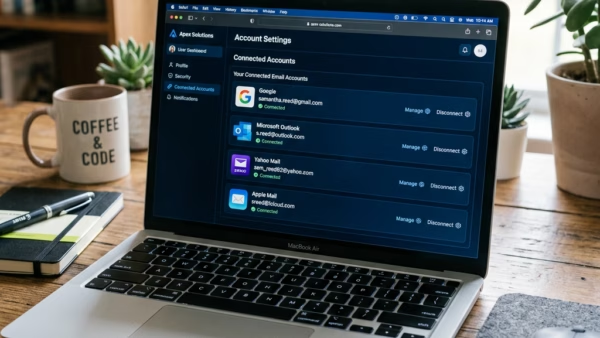 How to Link Your Google Account and Microsoft Account Link your Google and Microsoft account to use Gmail as a sign-in alias. Streamline access to Microsoft services with this simple guide.
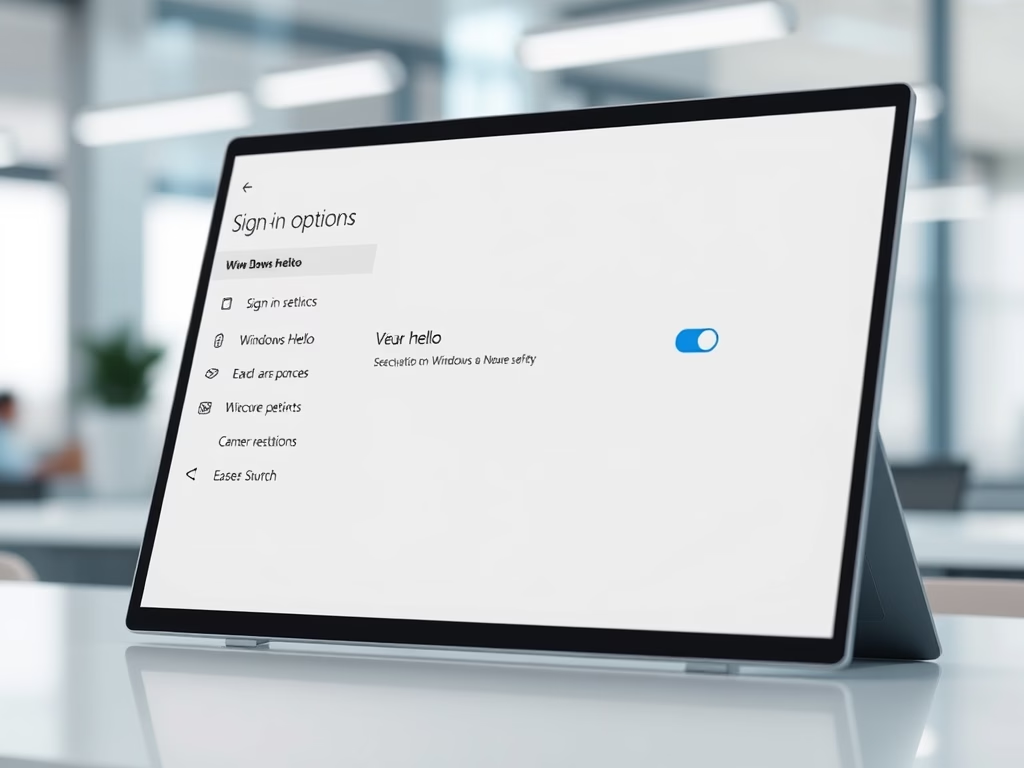 How to Enable Windows Hello Sign-In for Microsoft Accounts in Windows 11 Enable Windows Hello sign-in for Microsoft accounts in Windows 11. Secure your PC with facial recognition, fingerprint, or PIN instead of passwords.
 Set Up Picture Password in Windows 11 Set up a Windows 11 picture password to sign in with gestures on your favorite image.
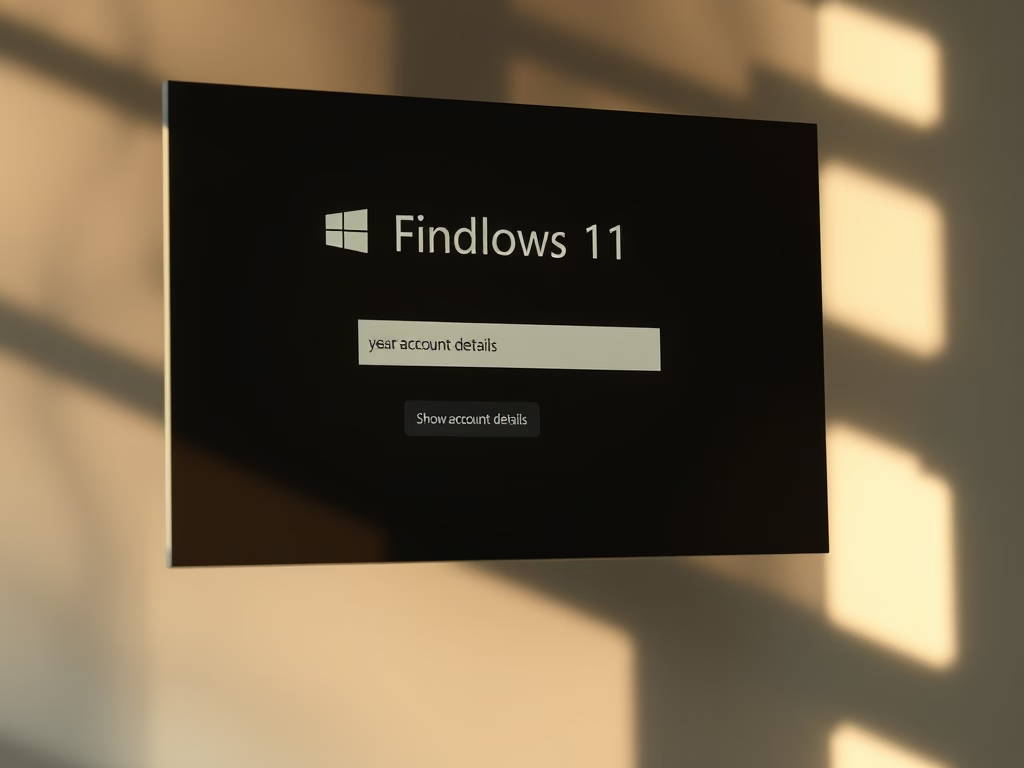 How to Show Email on Windows 11 Sign-In Screen Show email on sign-in screen in Windows 11 to identify accounts. Enhance your login experience with this simple setting adjustment.
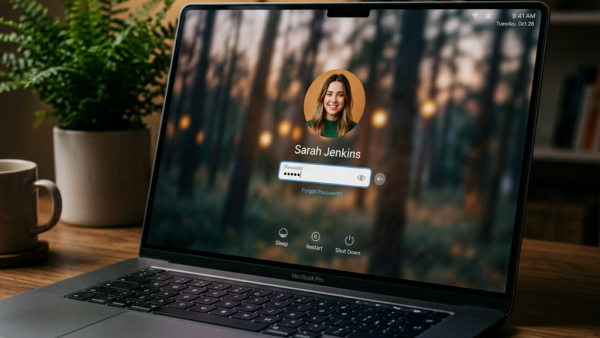 How to Change from a Microsoft Account to a Local Account in Windows 11 Switch from a Microsoft account to a Windows 11 local account for enhanced privacy and a simpler login. Follow our step-by-step guide to make the change.
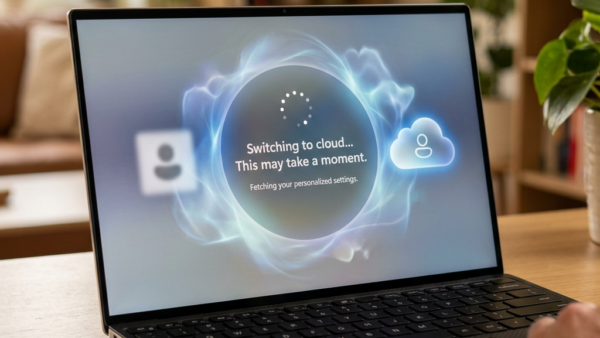 How to Switch from a Local Account to a Microsoft Account in Windows 11 Switch to a Microsoft account in Windows 11 to sync settings across devices, access cloud files, and enhance your digital experience. Follow our simpl...
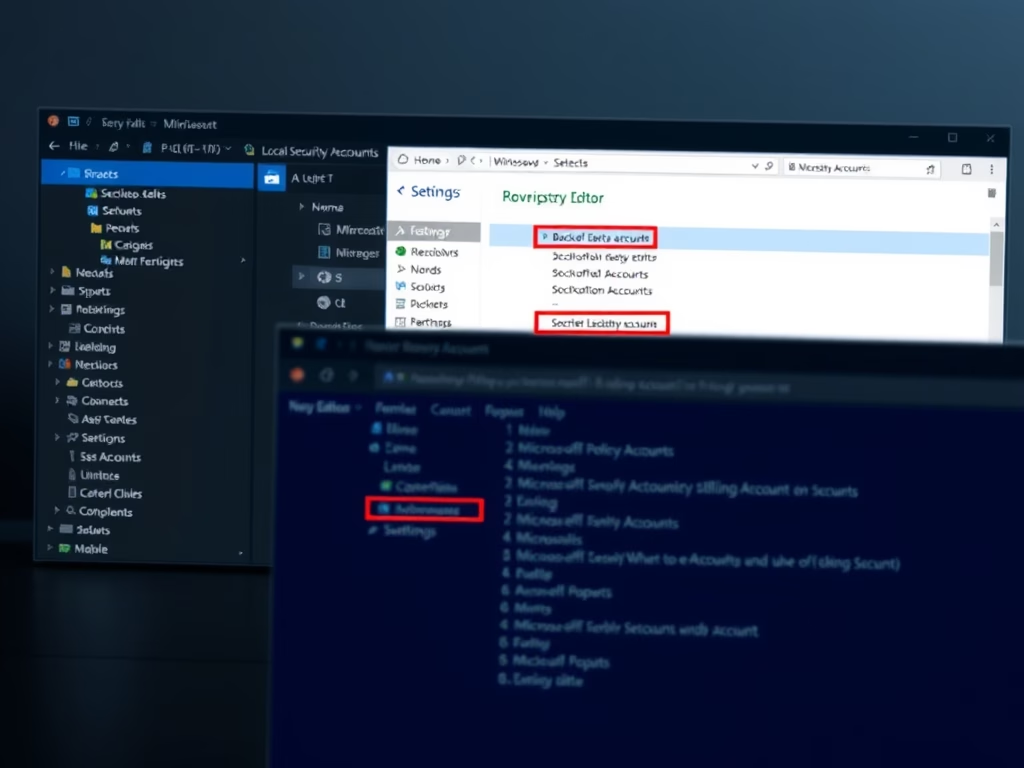 How to Enable or Disable Microsoft Accounts on Windows 11 Control user access with our guide to disable Microsoft accounts Windows 11. Use Local Security Policy or Registry Editor for easy management.
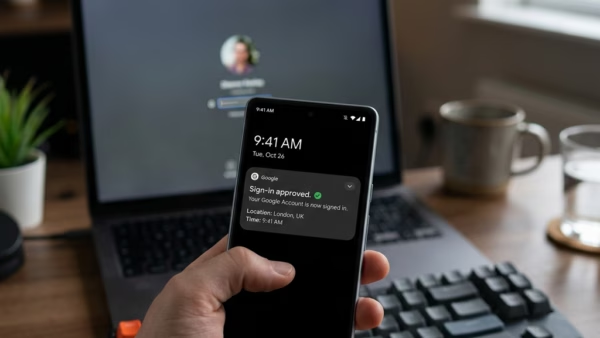 Make Your Microsoft Account Passwordless! Tired of typing passwords? Learn how to make your Microsoft account passwordless using the Authenticator app for secure, modern sign-ins. Ditch password…
Change your name, picture or password
Your name, display name, picture and password appear in different places, and changing one does not always change the others. These guides cover each one, along with the computer name, which is a separate setting. Password recovery options are grouped here too.
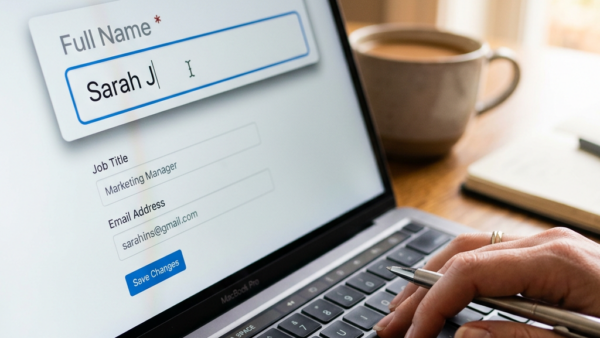 How to Change Your Microsoft Account Display Name Change your Microsoft account display name to control how you appear on Windows, Outlook & more. Update your online identity in minutes.
 How to Change Your Display Name in Windows 11 Change your display name in Windows 11 using Netplwiz or Local Users and Groups. Step-by-step guide to update your account's full name.
 How to Change Your Username in Windows 11 Change your username in Windows 11 for a more personal touch. Follow our simple steps for local and Microsoft accounts to update your name.
 How to Change User Account Name in Windows 11 Change your user account name in Windows 11 with our step-by-step guide. Customize your local or Microsoft account name for a personalized experience.
 How to Change the Registered Owner Name in Windows 11 Change owner name Windows 11 with our step-by-step registry guide. Update your registered owner and organization info in minutes.
 How to Change Your Microsoft Account Primary Alias Change your Microsoft account alias with our step-by-step guide. Update your primary alias to a new email or phone number in just a few clicks!
 How to Change Account Picture in Windows 11 Easily Change your account picture in Windows 11 to personalize your profile.
 How to Add or Remove Account Picture Menu on Start Menu in Windows 11 Add or remove the account picture menu Windows 11 Start menu with simple registry commands. Quick guide for customizing your Start screen.
 How to Rename Your Windows 11 Computer Rename your Windows 11 computer with our step-by-step guide. Personalize your device and enhance network organization today!
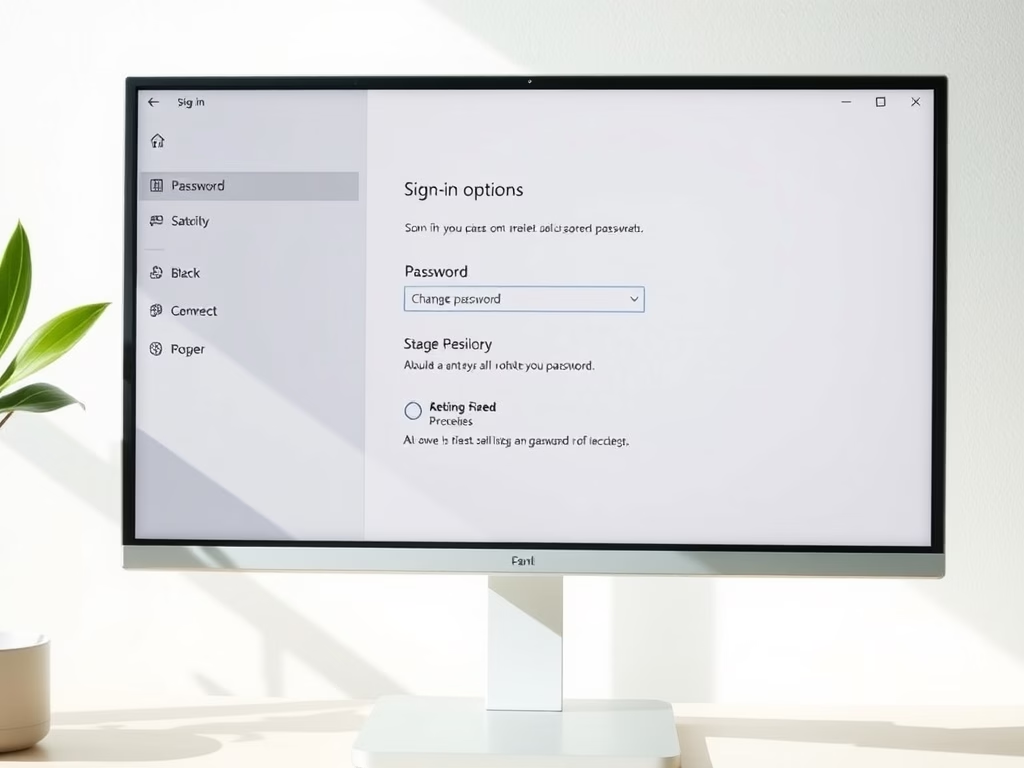 How to Change Your Password in Windows 11 Change your Windows 11 password or reset it if forgotten with our step-by-step guide.
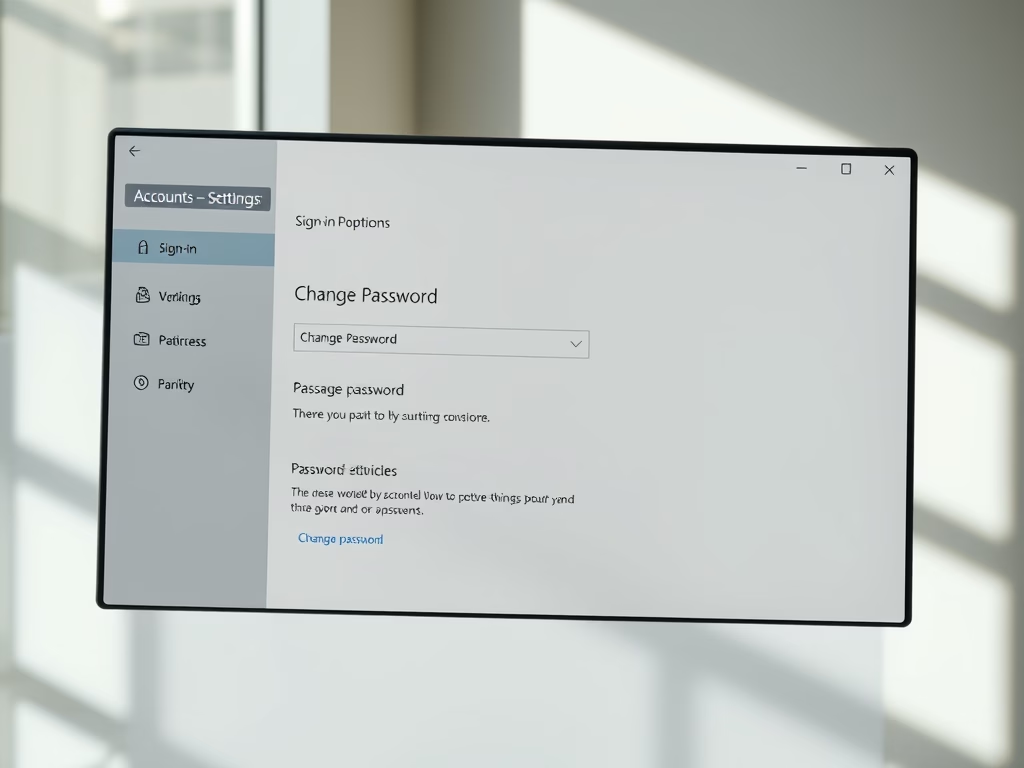 How to Change or Reset Your Windows 11 Password Reset your Windows 11 password with our step-by-step guide. Regain access to your device securely and efficiently.
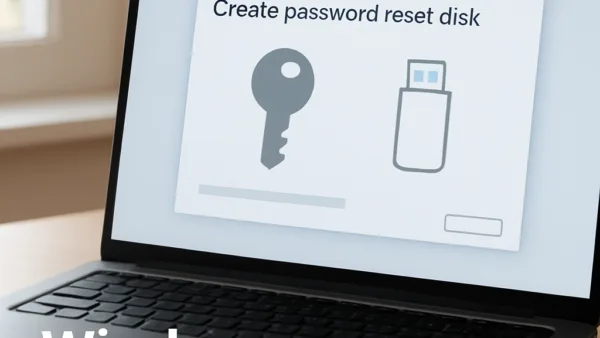 How to Create a Password Reset Disk for Windows 11 Create a password reset disk Windows 11 for your local account as a backup. Follow our step-by-step guide to protect yourself from lockouts using a USB… How to Disable Security Questions in Windows 11 Disable security questions in Windows 11 for local accounts with our step-by-step guide.
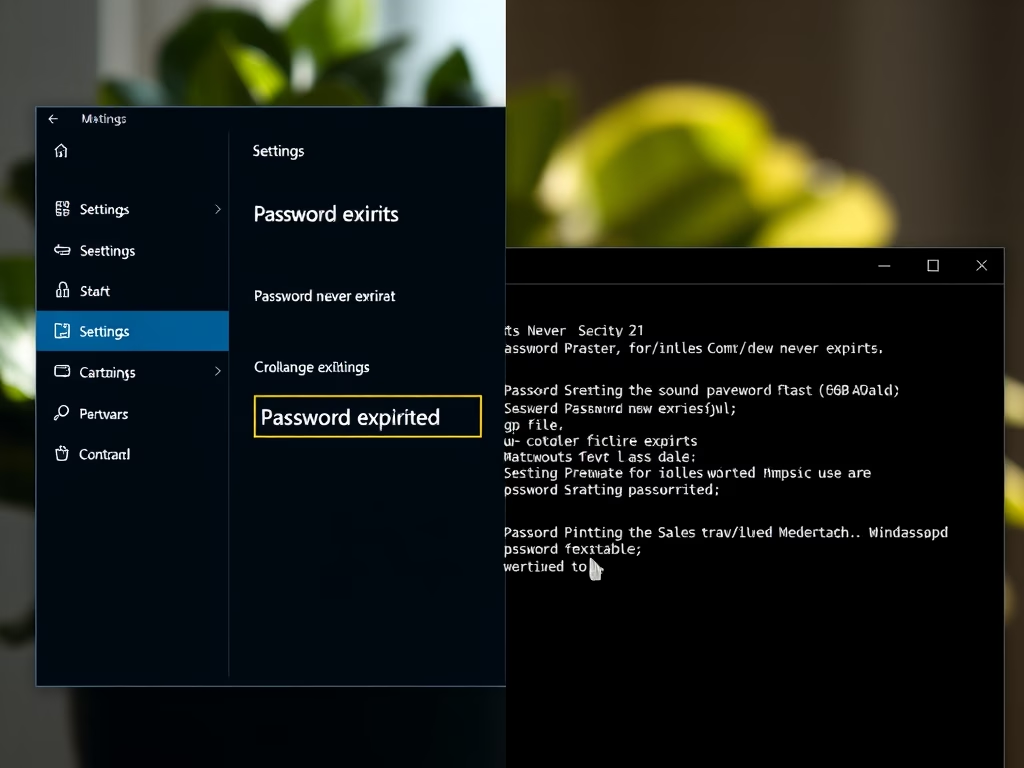 How to Enable or Disable Password Expiration in Windows 11 Enable or disable password expiration in Windows 11 with step-by-step instructions using Local Users and Groups, Command Prompt, or PowerShell. Secure your…
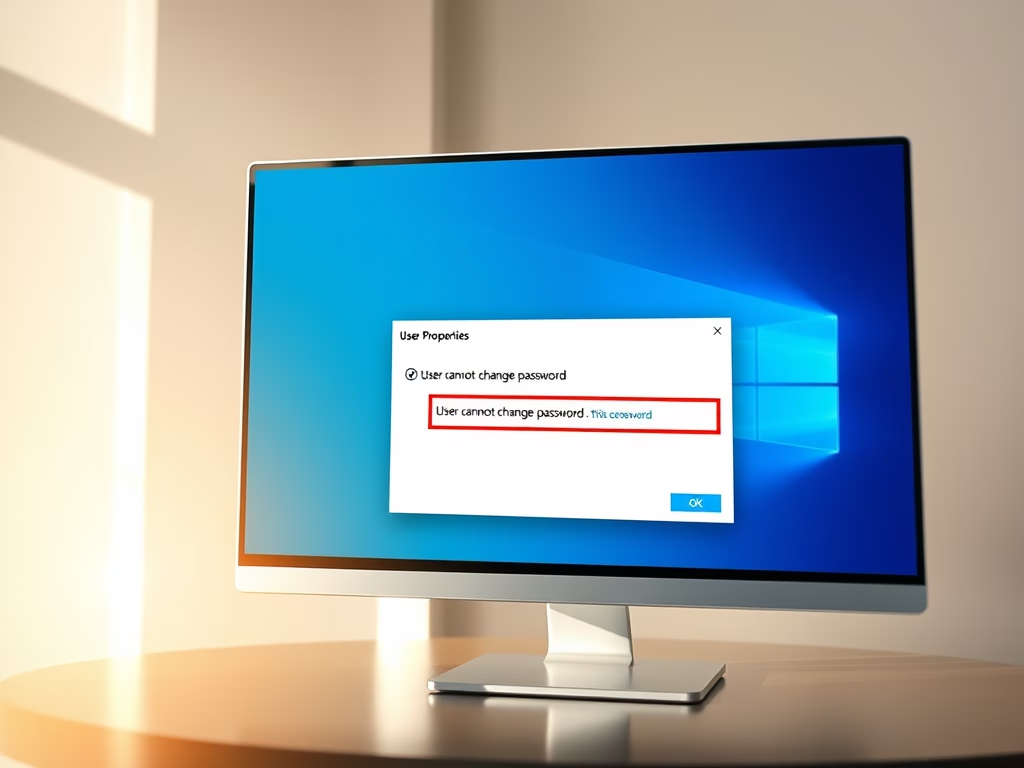 How to Allow or Stop a User from Changing Their Password in Windows 11 Control Windows 11 password changes with our step-by-step guide. Allow or prevent users from changing their password using Local Users and Groups or…
 Prevent Users from Changing Passwords in Windows 11 Prevent password change in Windows 11 for standard users. Follow our step-by-step guide to enhance security and control user access.
Add, remove or limit other people’s accounts
Use this group when more than one person uses the PC, or when you manage a child’s account. It covers adding local and family accounts, limiting what they can do, and removing accounts. Deleting an account can remove that person’s files, so back them up before you start.
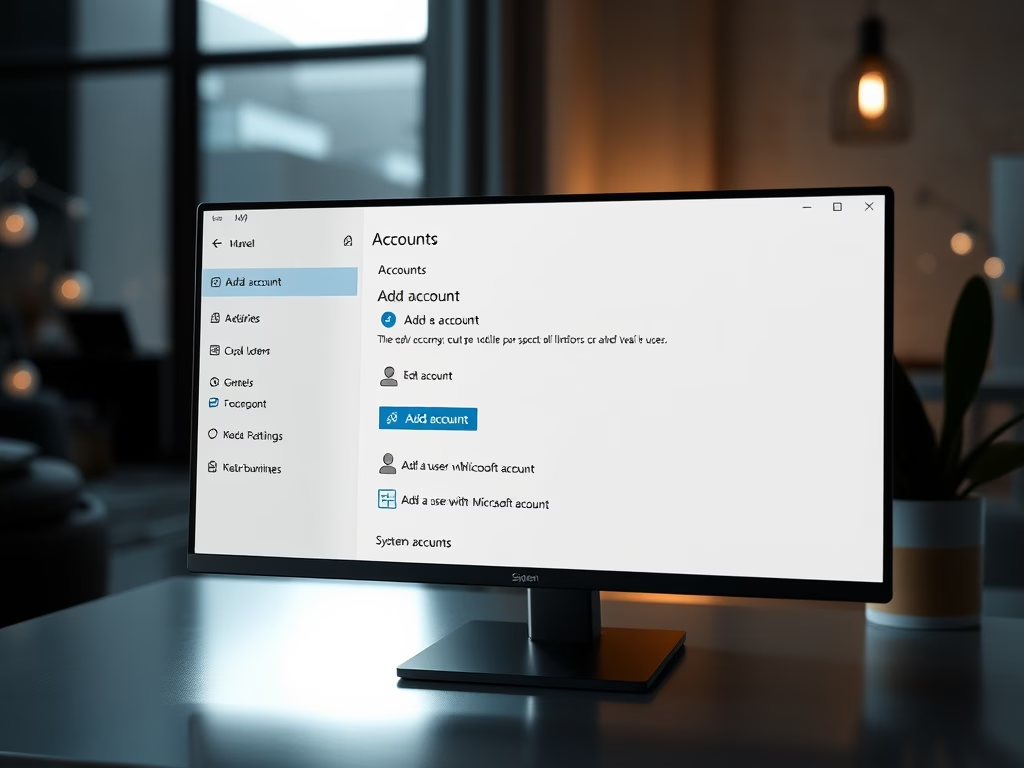 How to Add Local User Account in Windows 11 Add a local user in Windows 11 to enhance security and personalize your device. Follow our simple guide for a seamless setup.
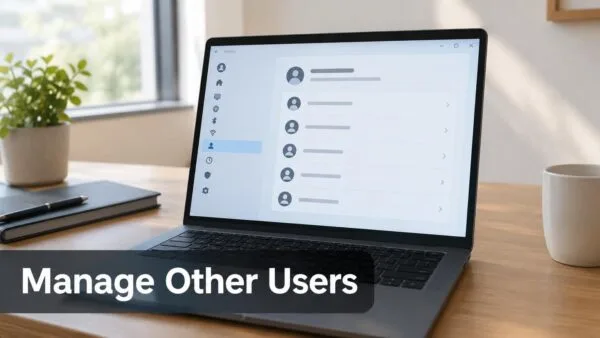 Add or Remove Other Users Accounts in Windows 11 Add or remove other users accounts in Windows 11 from Settings > Accounts > Other users, plus netplwiz, Local Users and Groups, and Command Prompt for…
 How to Enable or Disable Fast User Switching In Windows 11 Enable or disable fast user switching in Windows 11 with step-by-step instructions. Switch between user accounts without signing out using Group Policy or…
 How to Use Fast User Switching In Windows 11 Switch between accounts with Fast User Switching in Windows 11. Keep your apps running and enhance your workflow with these simple methods. How to View All User Accounts in Windows 11 View user accounts in Windows 11 using the Settings app, Computer Management, Command Prompt, or PowerShell. Discover all accounts, including hidden o...
 How to List User Profiles and Accounts in Windows 11 List user profiles in Windows 11 and match them with account names using simple steps and PowerShell commands for efficient user management.
 How to Make a User Administrator in Windows 11 Make a user administrator in Windows 11 with this step-by-step guide.
 How to Delete a User Account in Windows 11 Delete user account Windows 11 with 4 methods: Settings, Control Panel, Command Prompt, or PowerShell. Step-by-step guide to remove unwanted accounts.
 How to Delete a User Profile on Windows 11 Remove user profiles from your Windows 11 PC safely with our step-by-step guide. Delete user profile windows 11 in minutes without losing the account.
 Set Screen Time Limits for a Child’s Account in Windows 11 Set time limits on a PC for your child through Family Safety at family.microsoft.com. Limits need a Microsoft account and apply to their sign-in, not the…
 Family Safety Controls vs Standard User Accounts in Windows 11 Choose between Microsoft Family Safety controls and standard user accounts in Windows 11 to set screen time, block websites, and protect files.
 How to Allow or Block Microsoft Family Safety Accounts on Windows 11 Control which family members access your Windows 11 PC with Microsoft Family Safety. Allow or block sign-ins through Settings to keep your family's de...
 How to Set Up Parental Controls in Windows 11 Set up Windows 11 parental controls to restrict website access, limit screen time, and enhance security for your child's online safety.
 How to Disable Command Prompt in Windows 11 Disable the command prompt in Windows 11 with our step-by-step guide. Protect your system by restricting access to this powerful tool.
 What Breaks When You Remove a Family Member Account in Windows 11 Accounts Family Settings Removing a child profile from Microsoft family group? See what breaks immediately, from screen time limits and web filters to activity tracking.
Control locking, sign-in screen and admin prompts
These settings decide when Windows locks, what the sign-in screen shows, and when it asks for administrator approval. Changes to User Account Control or the built-in Administrator account affect the whole PC. Read the risk guides before you change either one.
 How to Enable Automatic Device Locking Feature in Windows 11 Lock your Windows 11 PC automatically when you walk away. Pair your phone via Bluetooth and turn on Dynamic Lock in Sign-in options.
 Disable Automatic App Restart in Windows 11 Resume Settings Stop web browsers and documents from reopening on startup. Disable automatic app restart in Windows 11 resume settings under Accounts.
 What Breaks When You Turn Off Automatic App Restart in Windows 11 Resume Settings Turn off automatic app restart in Windows 11 Resume settings for a clean desktop, but see which background tasks and saved windows you will lose.
 What to Do When Windows 11 Keeps Asking for Administrator Permission for Everything Windows 11 keeps asking for administrator permission? Lower the User Account Control (UAC) slider in your settings to stop the constant popups.
 What Breaks When You Disable User Account Control in Windows 11 Turning off User Account Control in Windows 11 breaks the Microsoft Store, built-in apps, and leaves your PC open to malware.
 How to Change Screen Saver Grace Period to Require Sign-in in Windows 11 Change your Windows 11 screen saver grace period to require sign-in immediately. Edit the Registry to set custom security delays from 0 to 2147483 seconds.
 How to Enable or Disable Lock Computer in Windows 11 Enable or disable lock computer in Windows 11 to protect your work. Follow our simple guide to manage this essential security feature.
 How to Turn On or off UAC for the Windows 11 Built-in Administrator Enable or disable Windows 11 UAC administrator protection using Local Security Policy or Registry Editor. Secure your built-in administrator account today.
 How to Add or Remove the Sign Out Button in Windows 11 Customize your Windows 11 experience by adding or removing the Sign out button. Follow our step-by-step guide for quick access or enhanced security.
 How to Add or Remove the Sign-In Screen Power Button in Windows 11 Modify the Windows 11 power button on your sign-in screen. Follow our step-by-step guide to add or remove this feature for quick access.
Manage your Microsoft account, devices and billing
Your Microsoft account keeps a record of the devices and sign-ins linked to it. Use these guides to review that record, remove old devices, control sync, and check privacy options. Subscriptions and payment details are also managed through your Microsoft account.
 Change Your Payment Method for a Microsoft Account in Windows 11 Change the payment method on a Microsoft account at account.microsoft.com under Payment & billing, then update Microsoft 365, Game Pass and OneDrive. No…
 Cancel a Microsoft 365 Subscription on Windows 11 Cancel a Microsoft 365 subscription at account.microsoft.com/services, not in Windows 11 Settings. Check your billing source, keep access to the period…
 Restrict App Access to Account Information in Windows 11 Privacy Settings Stop random apps from reading your name and profile picture. Change the account information settings in Windows 11 to block access completely.
 How to Enable or Disable Sync Apps and Preferences for Microsoft Accounts in Windows 11 Control Windows sync settings for apps & preferences across devices. Learn how to enable or disable syncing for your Microsoft account in Windows 11.
 How to View Microsoft Account Sign-In Activity Monitor your Microsoft account activity to see who logged in, when, and from where. Secure your account by spotting unauthorized access with this easy…
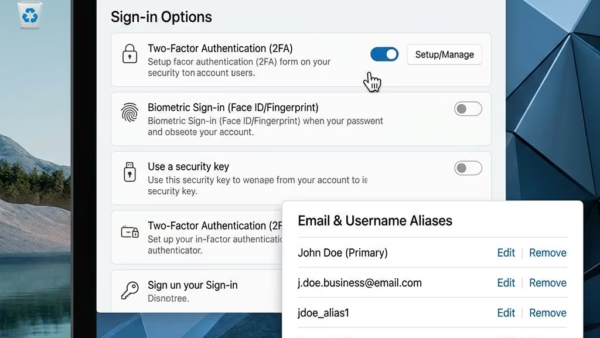 Stop Unwanted Emails from Signing In to Your Microsoft Account Secure your Microsoft account by managing sign-in aliases. Learn how to stop unwanted emails from accessing your account and protect your online presence.
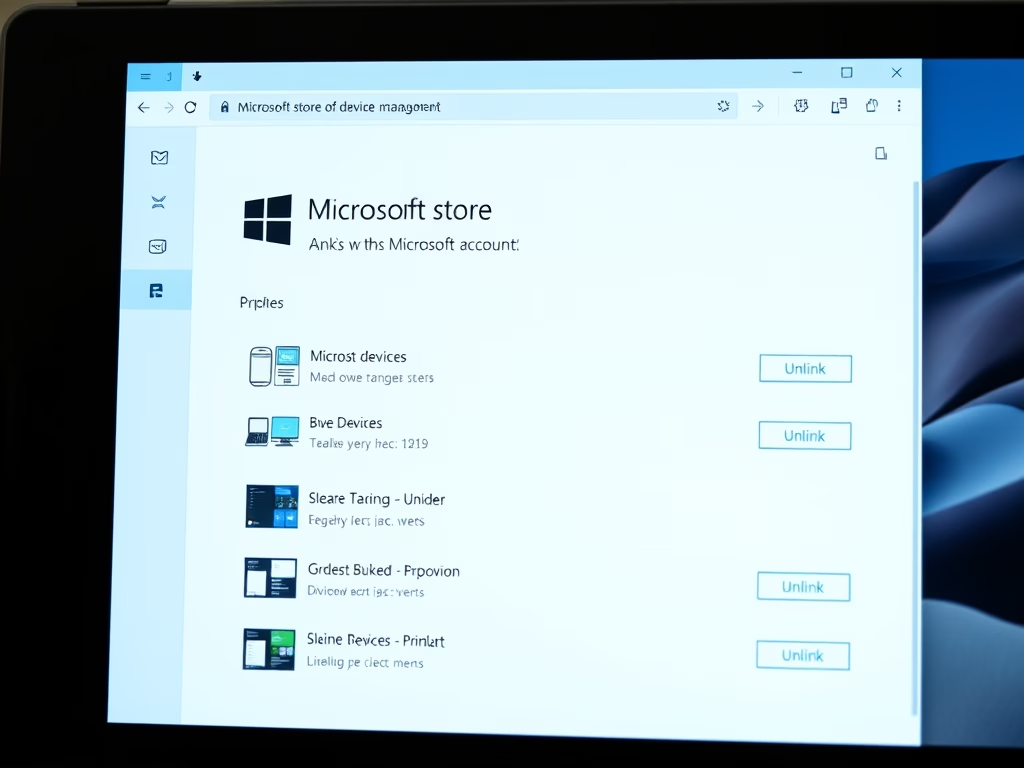 How to Remove Devices from Your Microsoft Account Remove devices from your Microsoft account in minutes. Unlink unused devices to download apps on new ones without hitting Microsoft's 10-device limit.
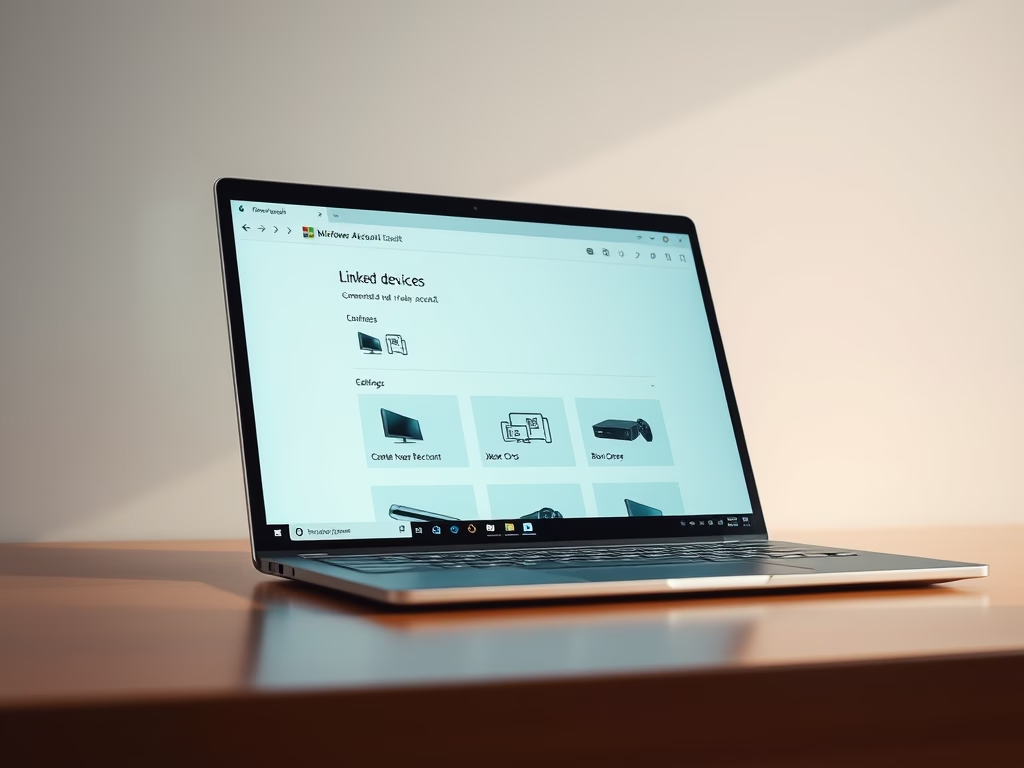 How to See Devices Connected to Your Microsoft Account in Windows 11 View and manage linked devices Windows 11 in Settings or online. Remove old devices, monitor security, and control all your connected accounts in one place.
 How to Manage Your Microsoft Account Subscriptions Manage Microsoft subscriptions with our step-by-step guide. Change payment methods, cancel plans, and control your Office 365 and Xbox Game Pass...
 How to Unlink Devices from Your Microsoft Account Unlink Microsoft account devices to manage your Microsoft Store limit. Follow our step-by-step guide to keep downloading apps hassle-free.
Sign in with Microsoft Authenticator codes
Microsoft Authenticator is an app on your phone that approves sign-ins and creates verification codes. These guides cover setting it up, adding accounts, signing in with it, and removing or backing up accounts. Set it up before you need it, because a lost phone can lock you out of an account.
 Get Your Phone Set Up with Microsoft Authenticator Simplify your online security with Microsoft Authenticator setup. Secure your accounts with password-free logins.
 How to Add Your Accounts to Microsoft Authenticator Add your Microsoft, work, school, and even non-Microsoft accounts to Microsoft Authenticator for secure, passwordless sign-ins and simplified logins i...
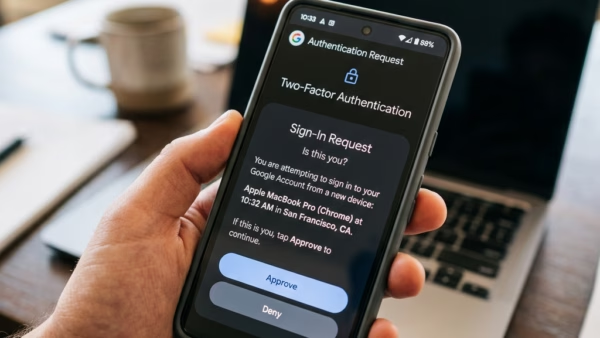 How to Sign In Using Microsoft Authenticator Master Microsoft Authenticator sign in for secure, passwordless logins. Approve requests with a tap & simplify access to your accounts.
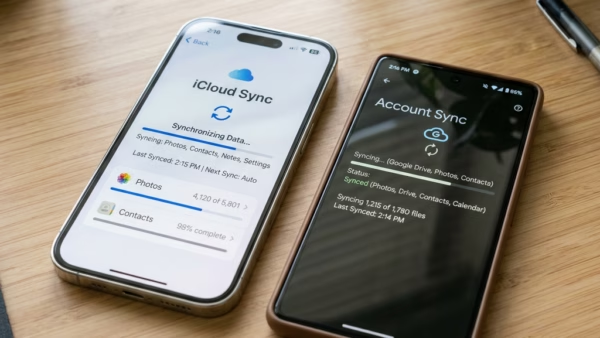 How to Back Up Your Accounts in Microsoft Authenticator Secure your digital life! Learn how to back up your Microsoft Authenticator accounts to the cloud for easy restoration on a new device. Protect your access.
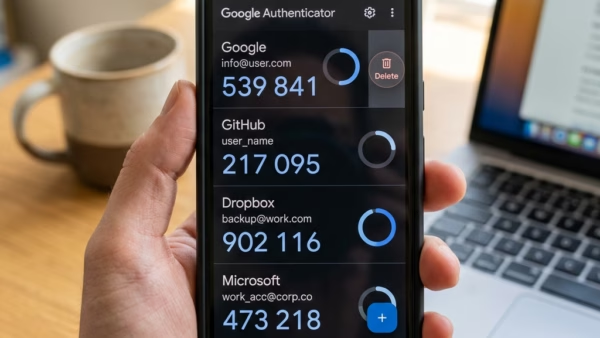 How to Remove an Account from Microsoft Authenticator Learn how to remove a Microsoft Authenticator account. Disconnect old accounts to manage your digital security. Follow simple...
 How to Remove All Accounts from Microsoft Authenticator Learn how to remove all accounts from Microsoft Authenticator with our easy guide. Secure your digital life by clearing old data or preparing for a new…
Have a question about this guide?
Answered by AI from this guide. Good questions may be added to this page — please don't include personal details.

About the Author
Richard
Tech Writer, IT Professional
Richard is a writer at Geek Rewind who turns complex IT tasks into clear, step-by-step guides. He draws on years of hands-on experience in system administration and enterprise IT operations, focusing on Windows, Linux and WordPress: the problems people actually run into, and the fixes that work. His server and WordPress guides come from systems he runs himself. Richard builds and maintains the platform behind Geek Rewind, from its Ubuntu servers and Nginx configuration to its custom WordPress plugins. Many new tutorials start with readers' questions, and he's always glad to answer them in the comments.
No comments yet — be the first to share your thoughts!