USB audio device not working and no sound in Windows 11 can come from a settings problem, a driver fault, or a known Microsoft issue that affects USB Audio Class…
Every guide we’ve published, newest first. Filter by topic, or use search if you already know what broke.
3,400 tutorials
USB audio device not working and no sound in Windows 11 can come from a settings problem, a driver fault, or a known Microsoft issue that affects USB Audio Class…
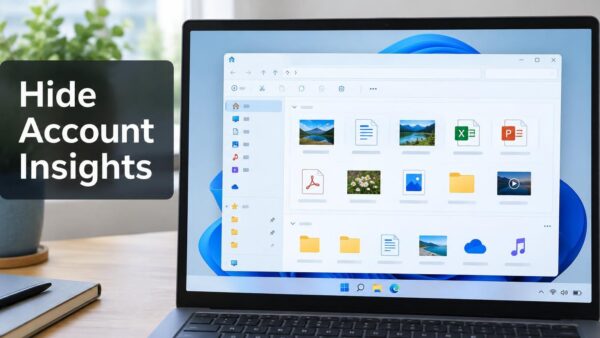
To turn off account-based insights, clear one checkbox in File Explorer Options. First, here is what those insights are: file suggestions tied to your sign-in, such as recent and recommended…
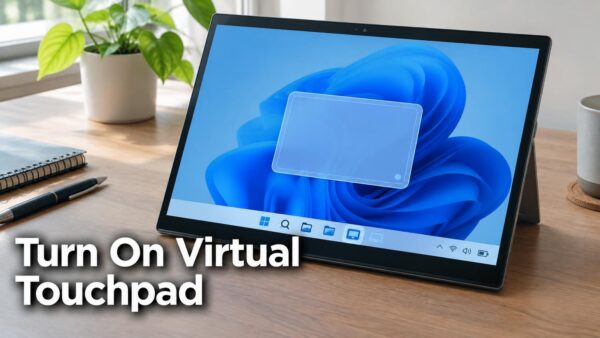
Windows calls the on-screen touchpad the Virtual touchpad. To turn it on, go to Settings › Personalization › Taskbar and switch on Virtual touchpad under Taskbar corner icons. Switching on…
Windows 11 lets you revert to a previous Windows version with the Go back option in Settings › System › Recovery. It restores the earlier version that Windows keeps on…
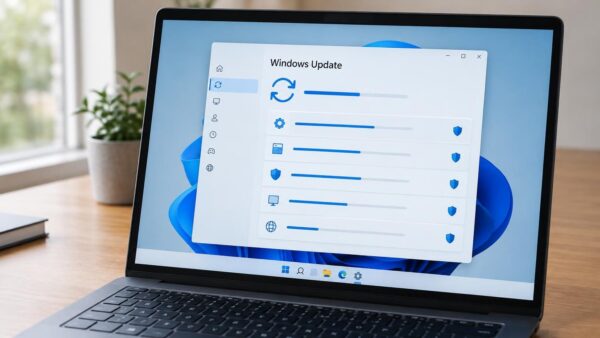
Pending updates in Windows 11 are updates that Windows has found or downloaded but has not finished installing. The fastest way to install them is Settings › Windows Update, where…
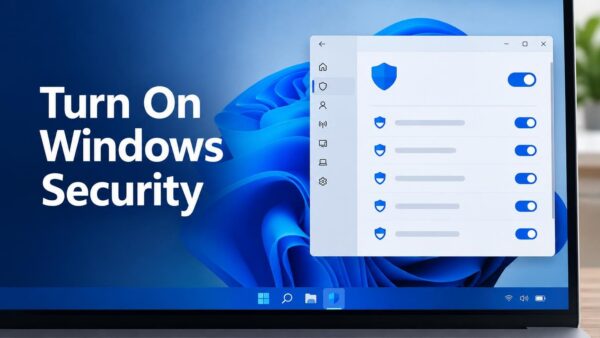
Windows Security is the built-in app in Windows 11 that manages Microsoft Defender Antivirus (the scanner that checks files for malware) and Microsoft Defender Firewall. To turn it on, open…
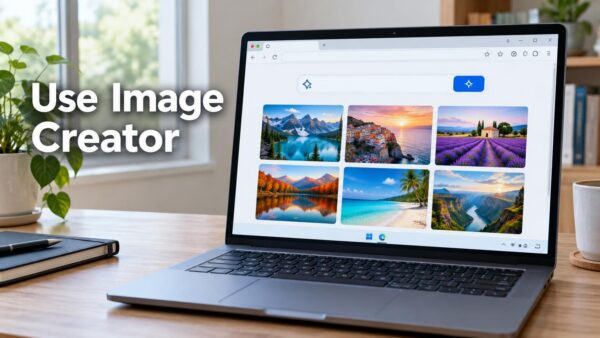
Image Creator is Microsoft’s free AI tool that turns a written description into pictures. The quickest way to use it on Windows 11 is to open bing.com/images/create in Microsoft Edge…
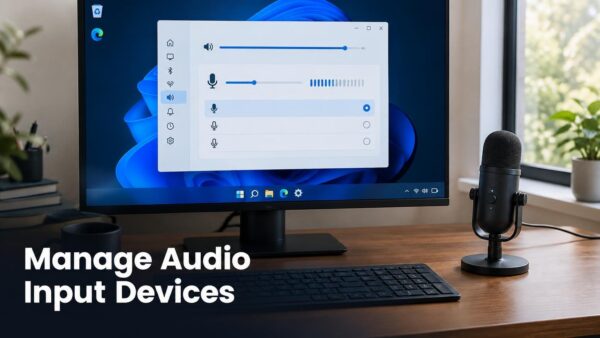
Is Windows listening to the wrong microphone, or to none at all? This guide shows you how to choose the right one, set its volume, and control which apps can…
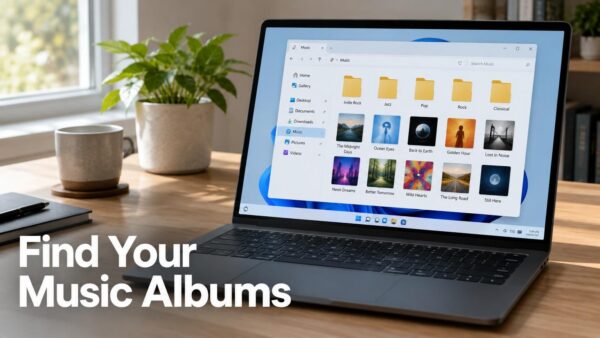
Music albums in Windows 11 are stored in the Music folder of your user profile, at C:\Users\USERNAME\Music, unless you or an app saved them somewhere else. The quickest way to…
Xbox Game Bar in Windows 11 records game clips with one keyboard shortcut, Win+Alt+R. It can also run in the background so you save a moment after it happens. Game…
Windows 11 has two built-in screen recorders, Snipping Tool and Xbox Game Bar. Clipchamp, Microsoft’s video editor, can also record your screen. Snipping Tool records the full screen or any…
A theme is a saved bundle of appearance settings. Windows 11 themes change the desktop background, accent color, sounds, and mouse cursor in one step, and the quickest way to…
One email when we publish a guide worth your time — new Windows features, the fixes that actually work, and a heads-up when Microsoft breaks something. Unsubscribe in one click.