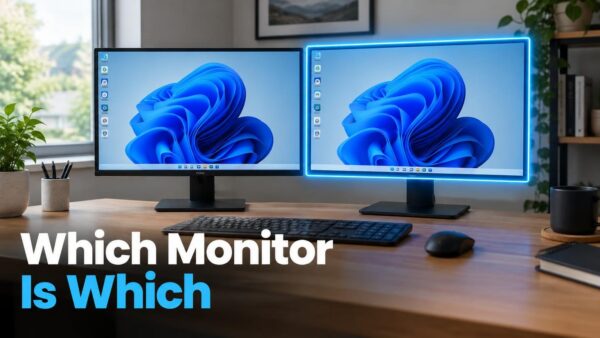
Windows 11 lets you arrange multiple displays by dragging numbered boxes in Display settings to match how your monitors sit on your desk. The layout you create controls where your…
Every guide we’ve published, newest first. Filter by topic, or use search if you already know what broke.
3,347 tutorials · page 2 of 279
Windows 11 lets you arrange multiple displays by dragging numbered boxes in Display settings to match how your monitors sit on your desk. The layout you create controls where your…
The print queue is a window that shows every document waiting to print. From here, you can pause, restart, or cancel individual jobs—making it the fastest way to fix a…
App permissions for Documents, Pictures and Videos control which programs can open your files on Windows 11. You manage these permissions in Settings under Privacy & security, where you’ll find…
Rolling back a Windows 11 update means undoing an installation that caused problems on your PC. Windows stores recent updates for a limited time, so you can remove them through…
Windows Security Dashboard shows you the health of your antivirus, firewall, sign-in protection, and hardware security in one place. A green checkmark means everything is working; a yellow warning or…
The Recovery page in Windows 11 groups the tools that fix problems with Windows, undo recent changes, or reinstall it from scratch. Open Settings › System › Recovery to find…
Windows 11 lets you show the taskbar on all your monitors or keep it on just one, and you can control where app buttons appear on each screen. Open Settings…
Windows 11 saves every file you download to the Downloads folder, which File Explorer can open with a quick keystroke. The fastest way to find your most recent downloads is…
Windows 11 lets you pick a default app for PDFs, email, and web links, but it does not work with a single switch like older Windows versions. Instead, it saves…
Folder sharing in Windows 11 lets you make files and folders available to other people on your network or in your organization. Sharing a folder only makes it reachable over…
Pinning an app to your Windows 11 Start menu adds a shortcut there so you can find it faster—it does not install or uninstall anything. Right-click any app in the…
Speech recognition language packs in Windows 11 download automatically from Settings when you add a new language and turn on speech recognition for it. You don’t need to find or…
One email when we publish a guide worth your time — new Windows features, the fixes that actually work, and a heads-up when Microsoft breaks something. Unsubscribe in one click.