Windows 11 Install and Upgrade: Step-by-Step Guides

Installing or upgrading Windows 11 covers several different jobs, and each one affects your files, apps and licence in a different way. An in-place upgrade from Windows 10 keeps most of your files and apps, while a clean install from USB or ISO erases the drive you install to. Many people run into trouble by picking the wrong method, such as a clean install when a repair would have fixed the problem. This page groups the guides by what you are trying to do, starting with checking whether your PC can run Windows 11 at all.
Check your PC and Windows version first
Start here if you are not sure whether your PC supports Windows 11 or which version is running now. These checks take a few minutes and tell you which of the other guides apply to your PC.
 Windows 11 System Requirements: What Your PC Needs Discover the minimum system requirements for Windows 11 to ensure your PC, tablet, or laptop is ready for the upgrade. Check if your device meets the…
 How to Check Your Windows 11 Version and Build Windows 11 version and build: press Windows+R, type winver, and press Enter to see both numbers, such as 24H2 and OS Build 26100.1742. Settings and Command…
 Getting Started with Windows 11: A Beginner’s Guide New to Windows 11? Find the taskbar, Start menu and Settings, sign in, and install waiting updates from Settings > Windows Update, step by step on a new or…
Upgrade an existing PC and keep Windows 11 current
Use these guides to move a Windows 10 PC to Windows 11, or to control how an installed version of Windows 11 updates. Back up your files before you start an upgrade, because it changes system files.
 How to Upgrade from Windows 10 to Windows 11 Upgrade your Windows 10 to Windows 11 for free! Follow our simple step-by-step guide to check eligibility and install the latest features today.
 How to Upgrade to Windows 11 on for Unsupported PCs Upgrade Windows 11 on unsupported PCs with our easy workaround. Bypass strict requirements and install without losing files.
 How to Remove System Requirements Not Met Watermark in Windows 11 Remove the 'System requirements not met' watermark in Windows 11. Follow our simple steps to enhance your desktop experience and enjoy a cleaner inter...
 How to Use Windows Settings Backup in Windows 11 Windows 11 26H2 turns on settings backup by default. Check it under Settings > Accounts > Windows backup before it syncs to your Microsoft account.
 How to Update to Windows 11 26H2 Windows 11 26H2 update: on a PC running 24H2 or 25H2, it installs as a small enablement package through Settings > Windows Update, with one restart.
 How to Disable Check for Updates in Windows 11 Learn how to disable the "Check for updates" button in Windows 11 using Group Policy. Gain control over manual update checks without stopping automatic…
 How to View Active Windows Update Policies in Windows 11 View Windows Update policies in Windows 11 through the Settings app. Simplify your update management and ensure your device stays secure.
 How to Stop Manufacturer Apps Installing in Windows 11 Stop manufacturer apps from installing automatically in Windows 11. Learn how to disable unwanted companion software via Settings, Group Policy, or…
Install Windows 11 from scratch or alongside Windows 10
Choose this group when you need a full install on a blank drive, a new PC, or a second system. These steps erase the target drive or change how it is partitioned, so confirm which drive you are working on before you continue.
 How to Install Windows 11 from a Bootable USB Install Windows 11 from a bootable USB! Follow our step-by-step guide to create a USB drive and perform a clean installation today.
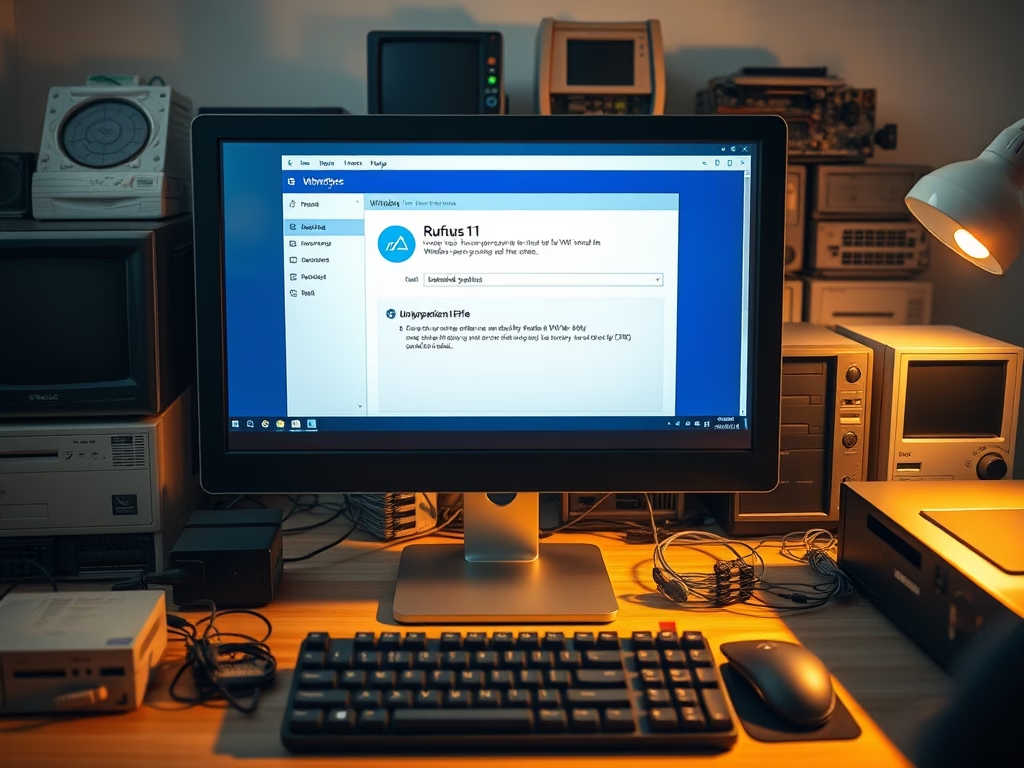 Create Windows 11 USB Drive Using Rufus for Older Systems Create a bootable Windows 11 USB drive using Rufus to install on older systems. Bypass hardware restrictions and enjoy the latest features on unsupported…
 How to Download Latest Windows 11 ISO with UUP Dump Download the latest Windows 11 ISO with UUP Dump. Get immediate access to the newest builds and install them on your PC.
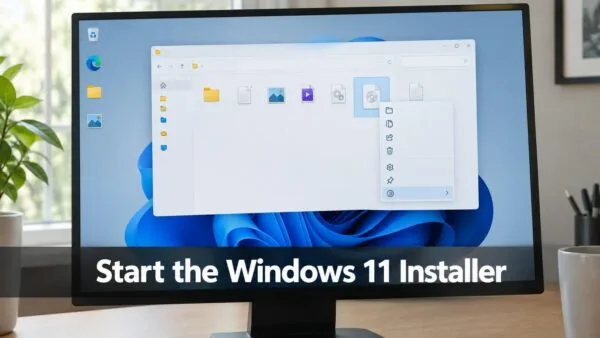 Start the Windows 11 Installer from an ISO File Run the Windows 11 installer from an ISO: mount it in File Explorer, then double-click setup.exe. Upgrades or repairs your current PC, no USB drive needed.
 How to Clean Install Windows 11 from USB Step-by-Step Complete guide to How to Clean Install Windows 11 From USB Step-by-Step — covering everything you need to know. How to Windows 11 Setup Without Internet Connection Set up Windows 11 offline with our easy workaround. Bypass the internet requirement and create a local account for a seamless Windows 11 offline setup.
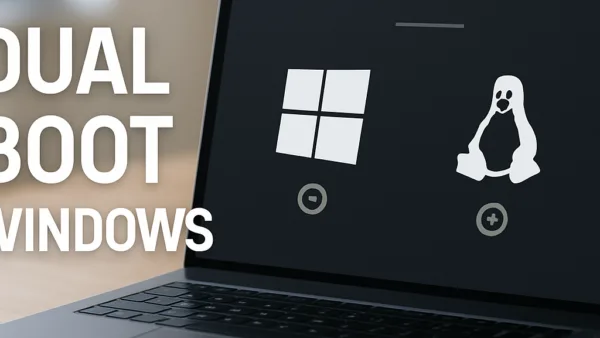 How to Dual Boot Windows 11 with Windows 10 Dual boot Windows 11 with Windows 10: shrink your C: drive to free 64GB in Disk Management, then install Windows 11 from a USB drive. Steps and the…
Reset or repair Windows 11 without losing your files
Use these when Windows 11 still starts but runs badly, and you want to keep your personal files. Reset, repair and reinstall options remove different things, so read the decision guide before you pick one.
 When to Clean Install Windows 11 Instead of Resetting Stuck with sluggish performance or hidden bugs? Know when to clean install Windows 11 instead of resetting to wipe your hard drive clean.
 Repair Windows 11: Upgrade Without Losing Your Files Repair Windows 11 in-place upgrade to fix PC problems while keeping all your files, apps, and settings safe. Step-by-step guide included.
 How to Reinstall Windows 11 Using Cloud Rebuild Cloud rebuild reinstalls Windows 11 from Microsoft's servers with no USB stick, but only Windows Insiders in the Experimental channel can use it now. Here…
Fix activation and licence problems
Activation errors and licence questions usually appear after an install, a hardware change or a reinstall. These guides cover linking your licence to a Microsoft account, fixing an activation error code, and removing a product key from a PC.
 How to Link Your Microsoft Account to a Digital License Link your Microsoft account to a Windows 11 digital license in Settings > System > Activation so you can reactivate after a hardware change. Admin rights…
 What to Do When Windows 11 Activation Fails with Error Code 0x803fa067 Windows 11 activation fails with error code 0x803fa067 after a hardware change or Home to Pro upgrade? Re-enter your key or run the activation…
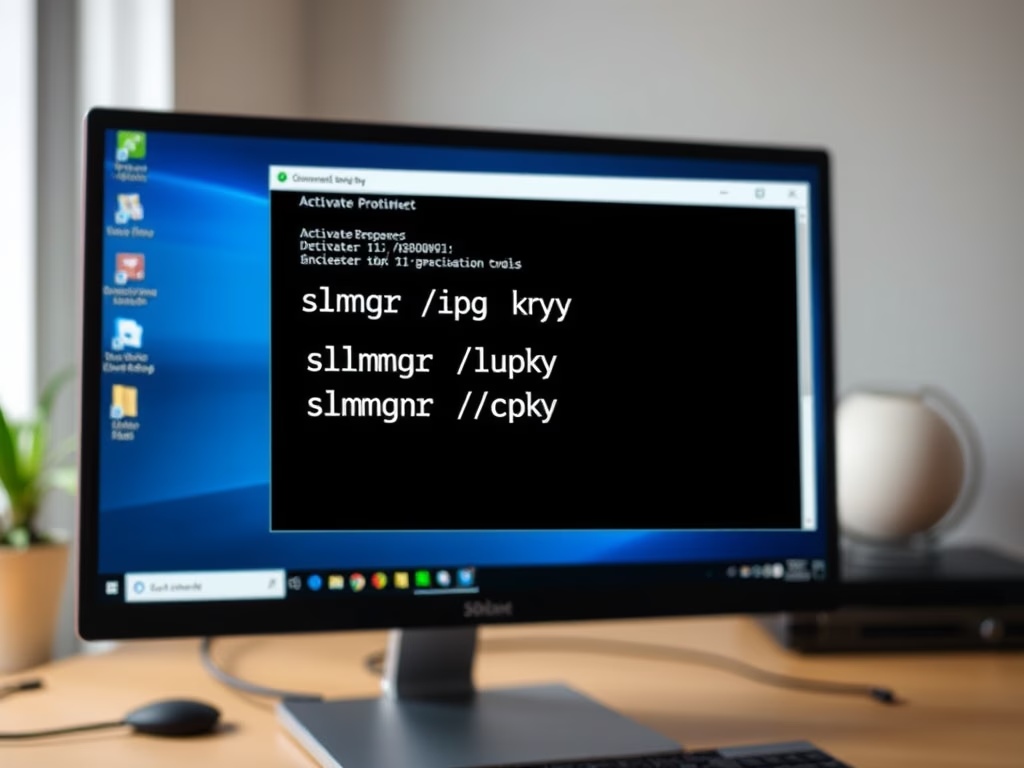 How to Deactivate Windows 11 Activation Key Deactivate your Windows 11 key with our step-by-step guide. Transfer your license or sell your PC securely by uninstalling the activation key.
 How to Upgrade from Windows 11 Home to Pro Upgrade Windows 11 Pro from Home Edition! Unlock advanced features like BitLocker and Hyper-V with our step-by-step guide.
Fix setup, update and boot problems
Use these when the installer stalls, Windows keeps prompting you to finish setup, or the PC will not start after an update. Each guide starts from the symptom on screen, so you can match your problem to the right fix. The CAB guide covers driver or update packages that will not install normally.
 What to Do When Windows 11 Keeps Asking to Finish Setting Up Your PC Tired of the endless Let's finish setting up your PC prompt? Turn off the annoying full-screen setup reminder in Windows 11 Settings.
 What to Do When Windows 11 Stuck on Checking for Updates During Setup Windows 11 stuck on checking for updates during setup? Bypass the frozen screen by disconnecting USB devices or cutting your internet.
 Launch Command Prompt with Shift+F10 at the Windows Boot Screen Shift+F10 opens Command Prompt in Windows Setup. Click the Setup window to give it focus first, then press the keys. Works on 25H2 and 26H2 install media.
 What Happens When You Delete the Windows.old Folder What happens when you delete the Windows.old folder? You free up 20GB+ of storage, but lose the ability to roll back to your previous version.
 What to Do When Windows 11 Fails to Boot After an Update Windows 11 stuck on a black screen or loading wheel after an update? Unplug USB devices first, then use WinRE to get back to your desktop.
 How to Install CAB Files in Windows 11 Install CAB files Windows 11 with Command Prompt, PowerShell, or File Explorer. Follow our simple step-by-step guide for drivers and updates.
Have a question about this guide?
Answered by AI from this guide. Good questions may be added to this page — please don't include personal details.

About the Author
Richard
Tech Writer, IT Professional
Richard is a writer at Geek Rewind who turns complex IT tasks into clear, step-by-step guides. He draws on years of hands-on experience in system administration and enterprise IT operations, focusing on Windows, Linux and WordPress: the problems people actually run into, and the fixes that work. His server and WordPress guides come from systems he runs himself. Richard builds and maintains the platform behind Geek Rewind, from its Ubuntu servers and Nginx configuration to its custom WordPress plugins. Many new tutorials start with readers' questions, and he's always glad to answer them in the comments.
No comments yet — be the first to share your thoughts!