Windows 11 Backup and Storage: How to Manage It

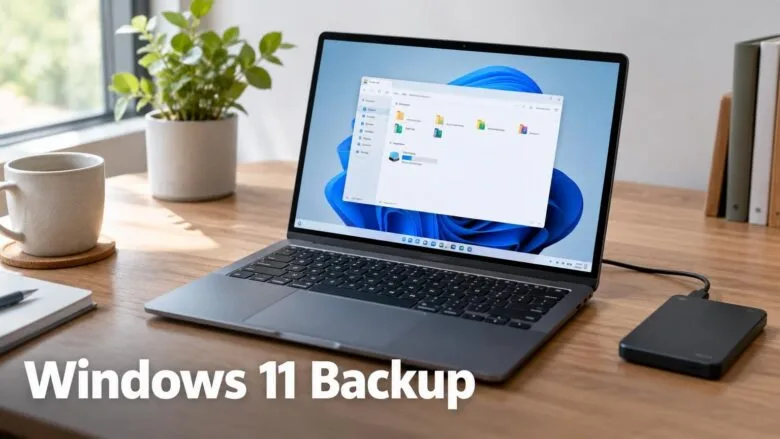
Windows 11 backup and storage covers the built-in tools that copy your files, save system states, and control how much disk space Windows uses. The tools overlap, which confuses people: File History protects your personal files, restore points protect Windows settings and apps, and OneDrive keeps files in the cloud. The guides below walk you through each tool, from setting up a first backup to recovering deleted files and freeing space without losing anything you need.
Back up your files and Windows settings
Set up these backups before you need them. File History covers your documents and photos, while restore points and System Protection cover Windows itself. Read this group first if you have no backup yet.
 Set Up File History on Windows 11: A Complete Guide Set up File History on Windows 11 to automatically back up your important folders.
 How to Schedule Automatic Backups in Windows 11 Complete guide to How to Schedule Automatic Backups in Windows 11 — covering everything you need to know.
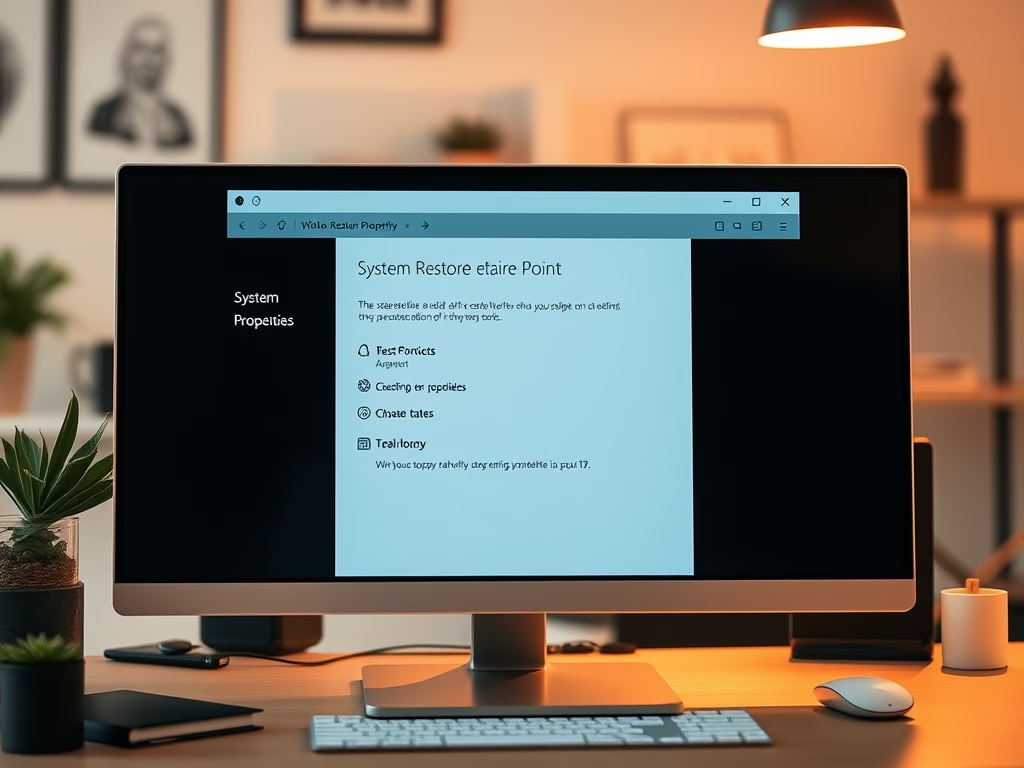 How to Create a System Restore Point in Windows 11 Create a restore point in Windows 11 to safeguard your PC against issues from updates or new software.
 How to Enable System Protection in Windows 11 Enable system protection in Windows 11 to create restore points, ensuring your PC can revert to stable states and manage disk space.
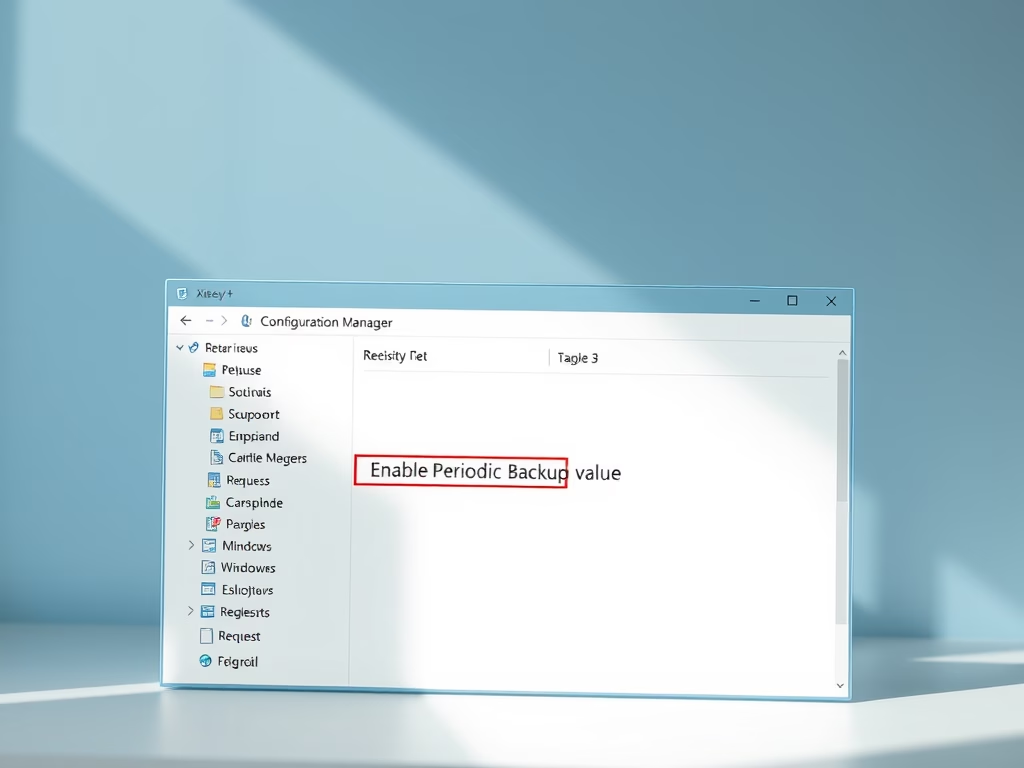 How to Enable Automatic Registry Backup in Windows 11 Enable Windows 11 registry backup automatically in just 5 steps. Protect your system from corruption with automatic backups using the Registry Editor.
 How to Reset File History in Windows 11 Reset File History in Windows 11 to its default settings with our step-by-step guide.
Recover files or Windows after a problem
Use these guides when something has already gone wrong, such as a deleted file, a failed update, or a PC that no longer starts properly. Check which restore points exist before you choose one to roll back to. Downgrading to an older Windows version is the last option here.
 Bring Your Deleted Files Back from the Dead with Windows File Recovery Bring deleted files back from your hard drive using Windows File Recovery. Run this official Microsoft tool with a command prompt to scan and restore lost…
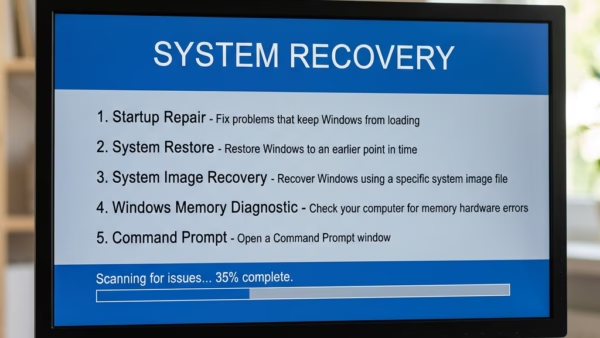 How to Perform Point-in-Time Restore of Windows 11 Recover your PC with our guide on Windows 11 restore. Master point-in-time recovery to roll back system changes and fix errors in minutes.
 How to View Point-in-Time Restore Points List in Windows 11 Need to troubleshoot Windows 11? View restore points using Settings or Command Prompt to revert your system to a stable state and fix errors.
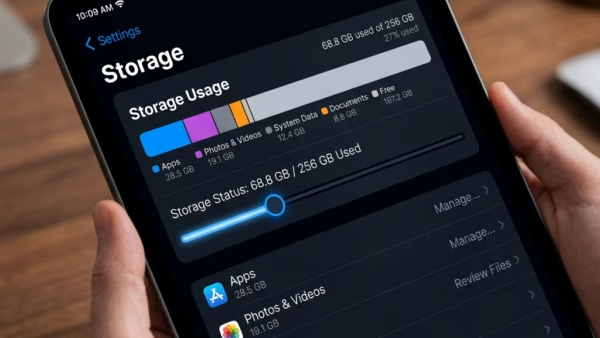 How to Change Maximum Disk Usage for Point-in-Time Restore in Windows 11 Optimize storage by adjusting Windows 11 restore points settings. Control disk usage limits to ensure system stability and reliable recovery options.
 How to Find Windows Recovery (WinRE) Version in Windows 11 Discover your WinRE version in Windows 11! Learn the simple steps to find your Windows Recovery Environment version using Windows Terminal for effective… How to Downgrade from Windows 11 to Windows 10 Downgrade Windows 11 to Windows 10 within 10 days without losing files.
Free up disk space without losing data
Windows fills up with update files, old installs, and temporary data, and most of it can be removed safely. These guides show which files are safe to remove and which ones are kept for a reason. Read the warning in each guide before you delete anything from a system folder.
 How to Free Up Disk Space in Windows 11: 10 Ways to Clean Storage Free up disk space in Windows 11 with 10 practical methods. Clear junk files, turn on Storage Sense, and reclaim hard drive storage safely.
 How To Free Up Disk Space In Windows 11 Without Deleting Important Files Complete guide to How to Free Up Disk Space in Windows 11 Without Deleting Important Files — covering everything you need to know.
 How to Check Reserved Storage in Windows 11 Check reserved storage in Windows 11 using Settings or Command Prompt. Discover how much space Windows reserves for updates and learn to manage disk space…
 How to Safely Reduce WinSxS Folder Size in Windows 11 Reduce WinSxS folder size in Windows 11 with built-in tools. Free up storage without risking system stability.
 How to Check WinSxS Folder Size in Windows 11 Discover how to accurately check the WinSxS folder size in Windows 11 using DISM, ensuring you manage your disk space.
 How to Delete Windows.old Folder in Windows 11 Delete the Windows.old folder in Windows 11 to free up space on your computer. How to Free Up Space by Moving SoftwareDistribution Folder Free up space on your Windows 11 PC by learning how to move the SoftwareDistribution folder to a larger partition. Follow our easy steps for a hassle-free…
 How to Resize Recycle Bin on Windows 11 Resize the Recycle Bin on Windows 11 to manage deleted files better. Adjust settings for optimal file recovery and enhance your file management.
 How to Change the Maximum Storage for Snapshots in Windows 11 Adjust snapshots storage in Windows 11 to keep more screens or free up space. Change your maximum storage limit in just a few clicks.
 How to Delete Recall Snapshots in Windows 11 Delete recall snapshots in Windows 11 to free up storage space. Follow our step-by-step guide to remove snapshots from the past hour, day, week, or month.
 How to Delete All Recall Snapshots in Windows 11 Free up space on your Windows 11 PC by deleting recall snapshots in seconds. Follow our simple steps to remove all snapshots from Settings.
Add, move, and set up drives and storage
Use these guides when you add a new SSD or hard drive, split a disk into partitions, or group drives into a storage pool. They also cover where Windows and your apps save new content by default. Check the partition style and back up your data before you change a disk layout.
 How to Move Windows 11 OS to a New SSD Without Reinstalling Complete guide to How to Move Windows 11 OS to a New SSD Without Reinstalling — covering everything you need to know.
 How to Convert Disk to MBR or GPT in Windows 11 Convert disk MBR GPT in Windows 11. Learn to switch partition styles using Disk Management to optimize drive usage and capacity.
 Create Storage Spaces and Volumes in Windows 11 Create Storage Spaces and volumes in Windows 11 to combine multiple drives into one pool with data protection. Follow our step-by-step guide.
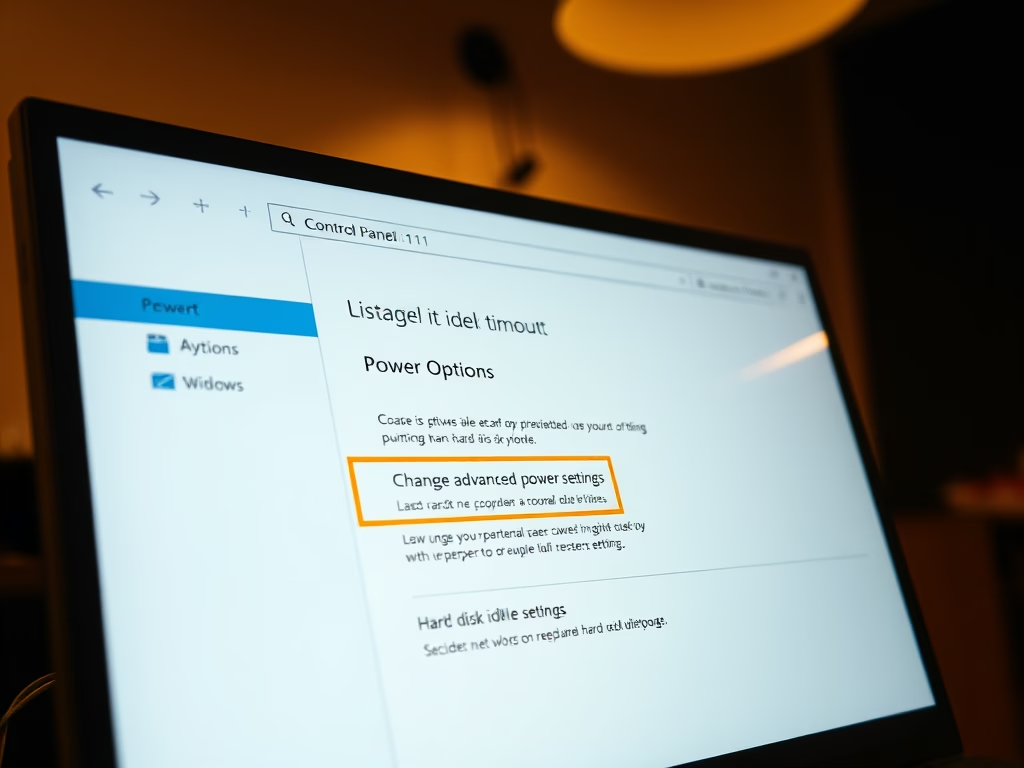 How to Change Hard Disk Idle Timeout in Windows 11 Change hard disk idle timeout in Windows 11 to save battery life. Follow our step-by-step guide to adjust power settings and optimize your laptop's…
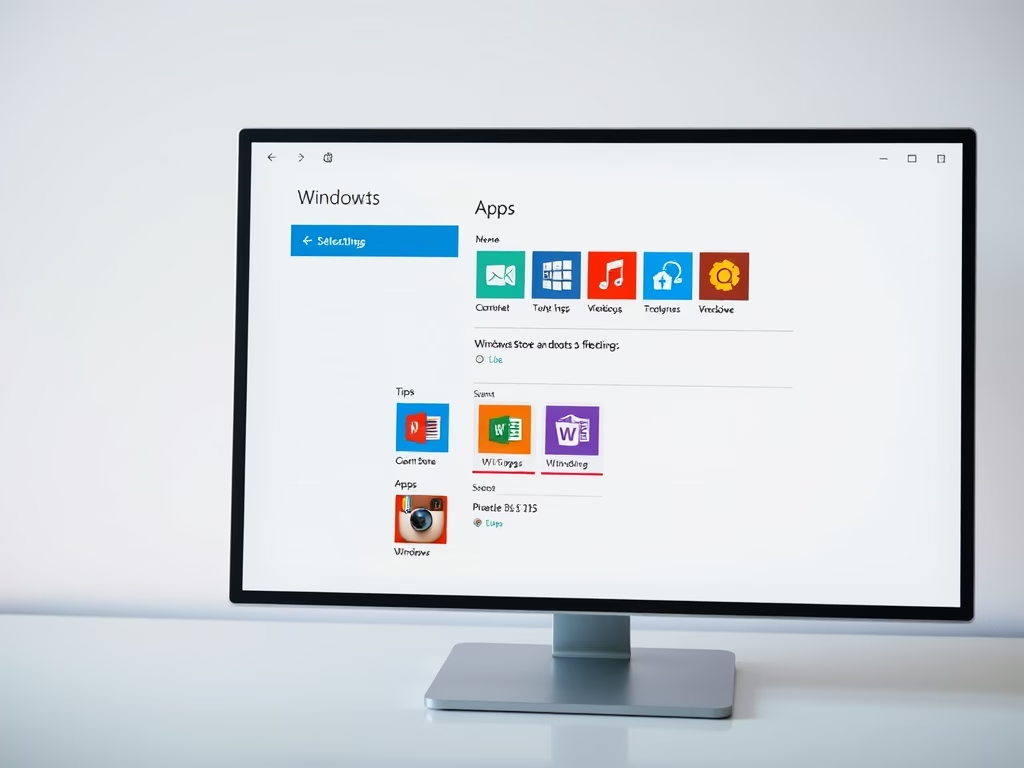 Move Microsoft Store Apps to Another Drive in Windows 11 Free up space on your C: drive by moving Microsoft Store apps to another drive in Windows 11. Follow our step-by-step guide to optimize storage.
 How to Check, Turn On, or Turn Off TRIM for SSD Drives in Windows 11 Enable or disable SSD TRIM in Windows 11 with simple commands. Check TRIM status, optimize drive performance, and recover deleted files.
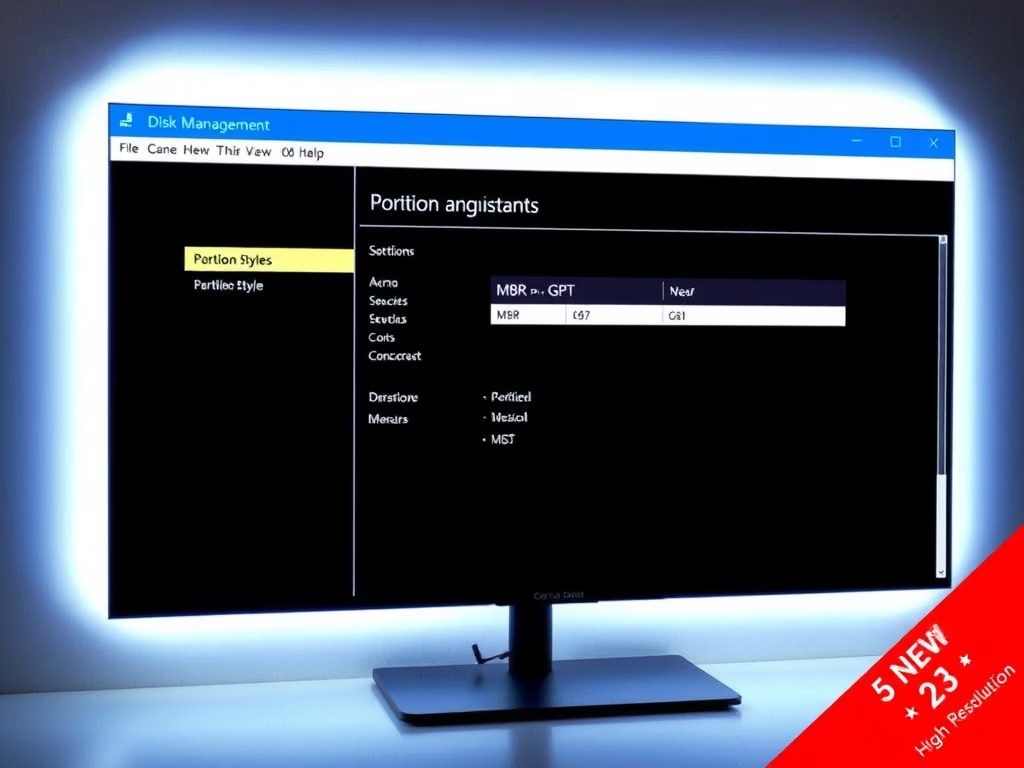 How to Check Disk Drive Partition Style in Windows 11 Check your Windows 11 disk partition style (MBR or GPT) in 3 ways: Settings, Disk Management, or command line. Find out which your drive uses today.
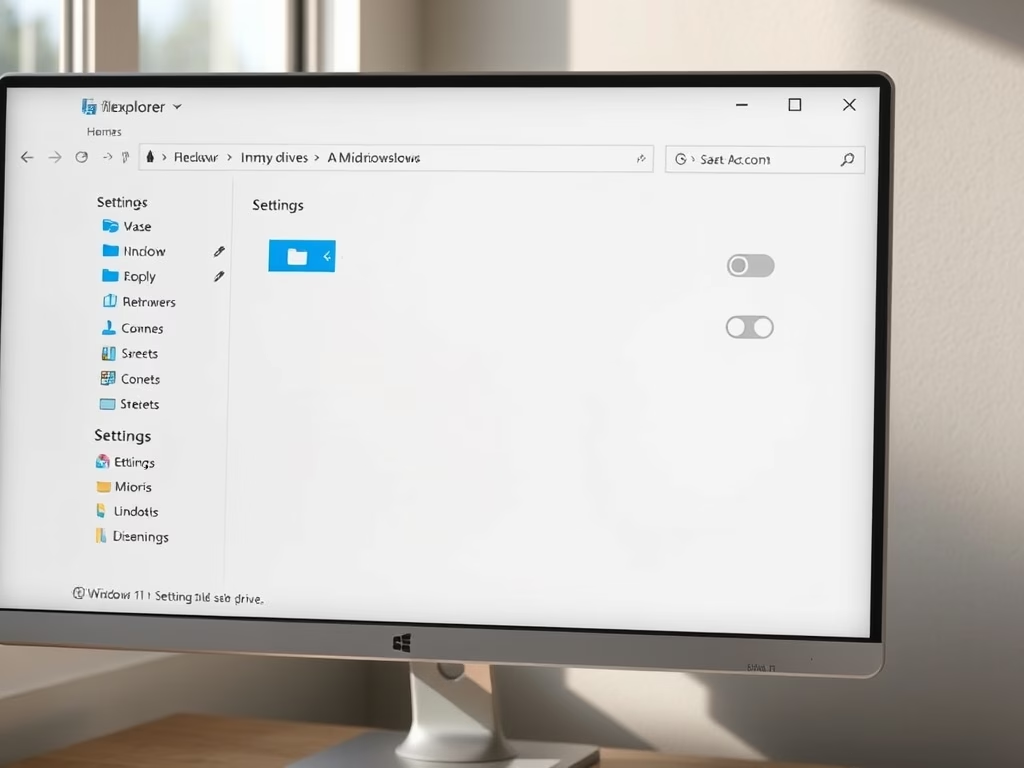 How to Show or Hide Empty Drives in Windows 11 Show or hide empty drives in Windows 11 with two simple methods. Control your File Explorer display and keep your storage devices organized.
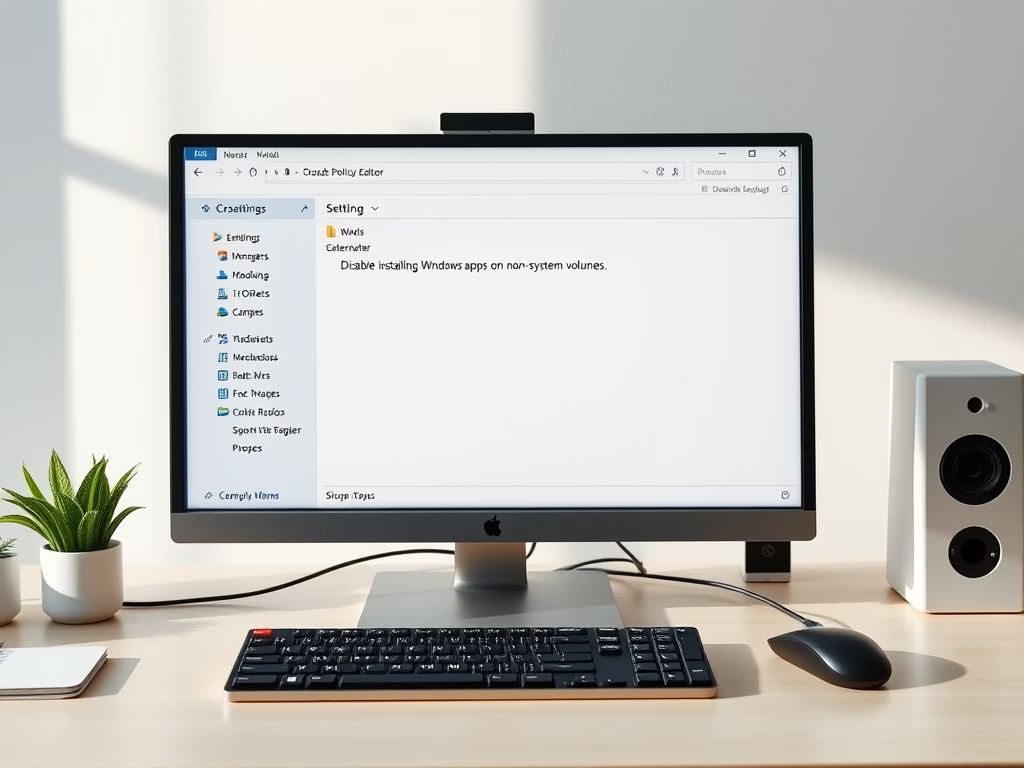 How to Stop Installing Apps on Drives Other Than Your Main Windows Drive in Windows 11 Stop apps installing on other drives in Windows 11. Use Group Policy or Registry Editor to restrict app installations to your main C: drive and keep your…
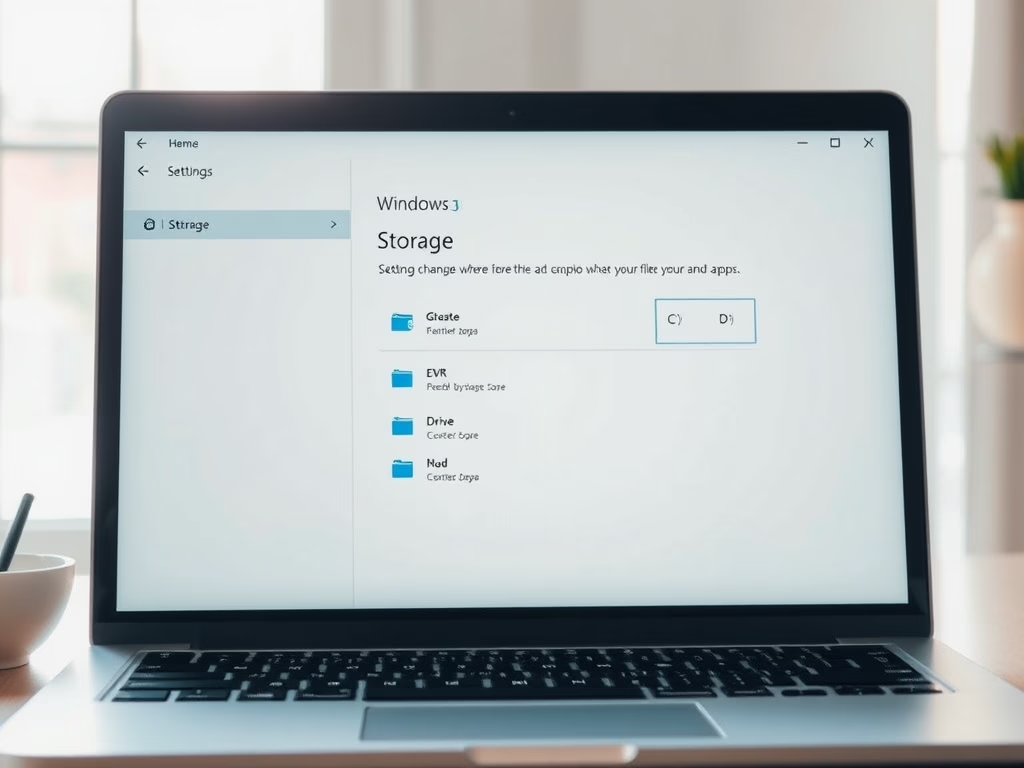 How to Change Where Windows 11 Saves Your Files and Apps Change the save location in Windows 11 to free up space on your C: drive. Follow our simple guide to save files and apps on another drive. How to Extend Storage Size in Windows 11 Extend storage in Windows 11 with our step-by-step guide. Maximize your storage space and keep your files organized without hassle!
 How to Optimize Storage Pools in Windows 11 Optimize storage pool in Windows 11 to enhance performance and reduce data loss. Discover easy steps using Settings or PowerShell.
 How to Add Storage Space to Windows 11 Pool Add storage space to Windows 11 by expanding your storage pool. Follow our step-by-step guide for a flexible and scalable solution.
 How to Initialize New Disks in Windows 11 Initialize new disks in Windows 11 with our step-by-step guide.
Sync files with OneDrive and move from other cloud services
OneDrive keeps copies of your files in the cloud and on your PC, so its settings affect both. These guides cover turning sync on or off, changing how files appear, and moving files from Dropbox or Google Drive. Teams connected services are included because they also use your cloud account.
 How to Turn On or off OneDrive in Windows 11 Master OneDrive Windows 11 with our step-by-step guide. Learn how to turn OneDrive on or off using Group Policy Editor, Registry Editor, and more. How to Enable or Disable Sync In Windows 11 Enable sync in Windows 11 to keep your apps and preferences consistent across devices. Follow our step-by-step guide to manage settings.
 How to Unlink OneDrive Windows 11: A Complete Guide Unlink OneDrive in Windows 11 with our step-by-step guide. Resolve sync issues and keep your files safe in the cloud without losing data.
 How to Reset OneDrive Sync On Windows 11 Reset OneDrive sync on Windows 11 to fix syncing issues. Follow simple steps to restore your connection without losing any files.
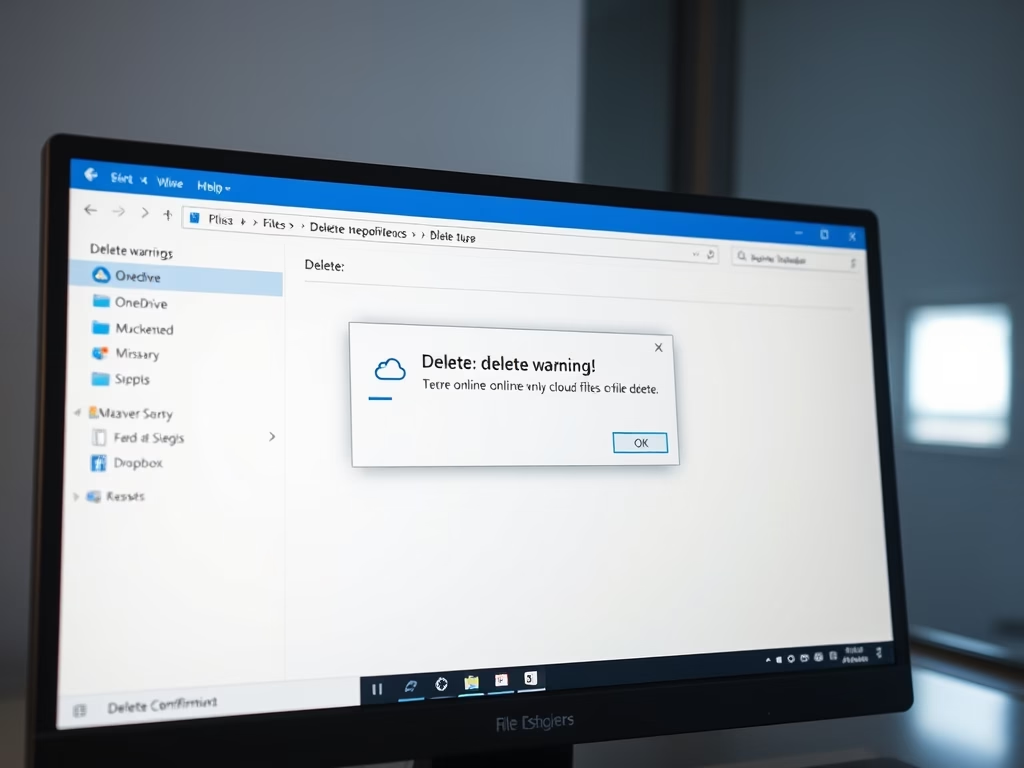 How to Turn On or off Delete Warnings for Cloud Files in Windows 11 Control cloud file delete warnings in Windows 11. Enable or disable cloud file delete warning prompts in File Explorer and Registry Editor with simple…
 How to View File Details and Metadata in OneDrive Unlock OneDrive file details and metadata. Discover last modified dates, sharing permissions, file size, and more with the easy-to-use Details pane.
 How to Change Viewing Options in OneDrive (List, Grid, Compact) Master OneDrive view options! switch between List, Grid, and Compact layouts to organize and find your files faster. Optimize your file management today.
 How to Move Your Dropbox Files to OneDrive Move Dropbox files to OneDrive with our step-by-step guide. Consolidate cloud storage, transfer documents & photos securely, and manage all your files...
 How to Import Photos and Files from Google Drive and Photos to OneDrive Import Google Drive and Photos to OneDrive. Consolidate files and memories by connecting your accounts in a few simple steps.
 Setting Up Two-Factor Authentication for Your OneDrive Personal Vault Secure your sensitive files in OneDrive Personal Vault with two-factor authentication (2FA). Learn how to set up phone codes or authenticator apps for…
 How to Update Your Connected Service Settings in Microsoft Teams Manage Microsoft Teams connected services like link previews & GIFs. Learn how to update your settings for enhanced privacy and control over cloud features.
Have a question about this guide?
Answered by AI from this guide. Good questions may be added to this page — please don't include personal details.

About the Author
Richard
Tech Writer, IT Professional
Richard is a writer at Geek Rewind who turns complex IT tasks into clear, step-by-step guides. He draws on years of hands-on experience in system administration and enterprise IT operations, focusing on Windows, Linux and WordPress: the problems people actually run into, and the fixes that work. His server and WordPress guides come from systems he runs himself. Richard builds and maintains the platform behind Geek Rewind, from its Ubuntu servers and Nginx configuration to its custom WordPress plugins. Many new tutorials start with readers' questions, and he's always glad to answer them in the comments.
No comments yet — be the first to share your thoughts!