Open the Start menu for the fastest list of apps, or go to Settings › Apps › Installed apps for the most complete one. The Start menu is the fastest…
Every guide we’ve published, newest first. Filter by topic, or use search if you already know what broke.
3,496 tutorials
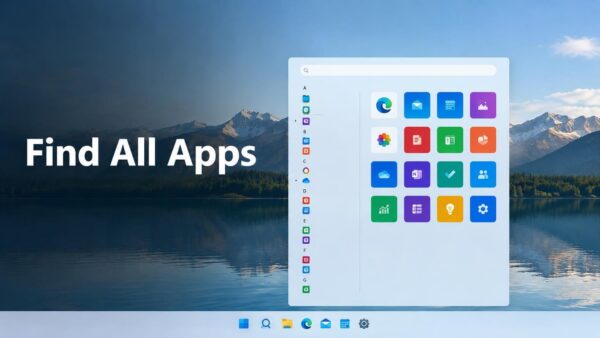
Open the Start menu for the fastest list of apps, or go to Settings › Apps › Installed apps for the most complete one. The Start menu is the fastest…
Windows 11 gives you three ways to type beyond the physical keyboard: the emoji panel, voice typing and the touch keyboard. Each has its own switches, and they do not…
Multiple monitors in Windows 11 let you spread apps across two or more screens, or show the same picture on all of them. Windows manages each screen separately, with its…
Windows 11 virtualization lets you run other operating systems and isolated Windows desktops on the same PC. The main tools are Windows Subsystem for Linux (WSL), which runs distributions such…
Windows 11 sound settings control your speakers, headphones, microphones and the volume of each app. The options sit in Settings › System › Sound, the Volume Mixer and an older…
Microsoft Teams and Outlook settings control how these apps notify you, handle your microphone and camera, sync calendars and start with Windows. Many options sit in different menus, and some…
Switching accounts in Windows 11 moves you from one signed-in user to another without shutting down the PC. The Settings › Accounts page shows which account you are using and…
Attack Surface Reduction (ASR) rules in Windows 11 block specific risky behaviors, such as an Office app launching a script or a process reading credentials from memory. The quickest way…
Want a warning on the sign-in screen? Windows 11 can show a legal notice in a message box before the password or PIN prompt. The user must click OK to…
The sign-in screen has its own system-wide language setting. Your display language does not change it, so you must copy the language across yourself. Changing your display language (the language…
Language and region settings in Windows 11 control your keyboard layouts, the display language, date and number formats, and your country or region. They sit under Settings › Time &…
Privacy and diagnostic settings in Windows 11 control what Windows sends to Microsoft, which apps can use your location, camera and microphone, and what the system stores about you. Most…
One email when we publish a guide worth your time — new Windows features, the fixes that actually work, and a heads-up when Microsoft breaks something. Unsubscribe in one click.