Microsoft Teams and Outlook Settings Explained

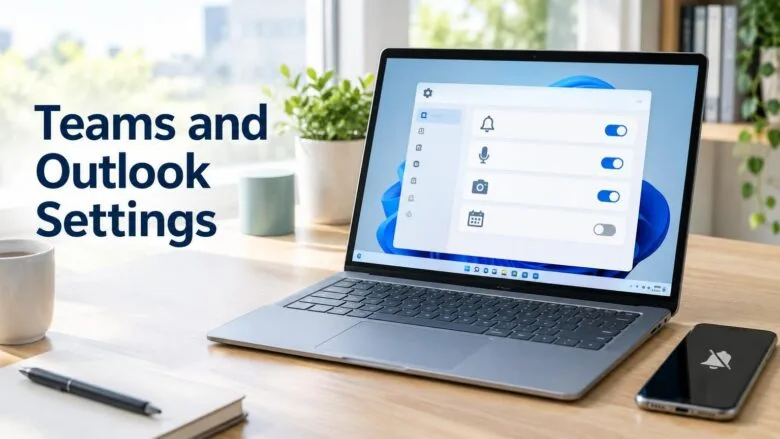
Microsoft Teams and Outlook settings control how these apps notify you, handle your microphone and camera, sync calendars and start with Windows. Many options sit in different menus, and some overlap with Windows notification settings. That is why a change in one place often seems to have no effect. This page groups every guide in the cluster by the task you are trying to finish. Find the group that matches your problem, then open the guide for the exact setting. If you are trying to stop pop-ups, start with the notification groups.
Stop Teams from interrupting you
Teams sends alerts for chats, channel posts, calls, meetings and meeting starts, and each type has its own switch. Use these guides to silence one type without losing the others. Start with the guide that matches the alert you keep seeing.
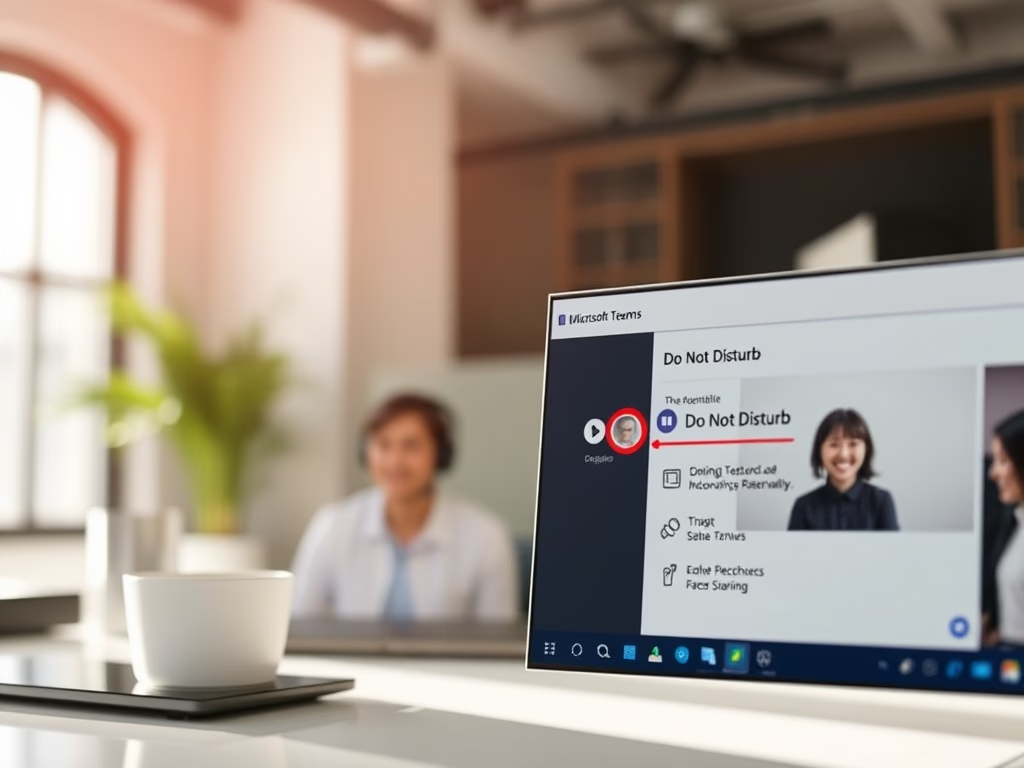 How to Enable or Disable Do Not Disturb in Teams During Screen Sharing Manage your Do Not Disturb Teams status during screen sharing to minimize interruptions and enhance focus in meetings.
 How to Mute Microsoft Teams Notifications for Calls and Meetings Mute Teams notifications with one toggle button. Keep calls and meetings active while silencing all other alerts. Step-by-step guide inside. How to Change the Notification Tone in Microsoft Teams Customize your Microsoft Teams notification tone with 8 sound options. Follow our step-by-step guide to change notification sounds in Teams on Windows 11. Open Notifications in Microsoft Teams: Main or New Window Control how Microsoft Teams notifications settings open incoming alerts and links. Choose main or new window for your preferred workflow.
 How to Mute Chat Notifications in Microsoft Teams Mute chat notifications in Teams to minimize distractions during meetings. Follow our step-by-step guide for a smoother experience.
 How to Manage Meeting Start Notifications in Microsoft Teams Master Microsoft Teams meeting notifications by learning how to enable or disable meeting start alerts for a more focused workday.
Control which Outlook alerts and sounds you get
Outlook can play a sound and show a banner for new email, calendar reminders, shared document edits and reminders when the app is closed. Each of these is set separately, so muting one does not silence the others. These guides cover each alert type.
 How to Show Notifications and Actions Until Dismissed in Outlook Master your Outlook notifications settings by enabling alerts that stay visible until dismissed, enhancing your email management experience.
 Manage Outlook Notifications for Documents and Edits Master Outlook document notifications to stay updated on edits and comments. Customize alerts for a seamless collaboration experience in Windows 11.
 How to Customize Outlook Calendar Alerts on Windows 11 Customize Outlook Calendar alerts on Windows 11 to streamline notifications and never miss important events.
 How to Manage Outlook Calendar Notifications in Windows 11 Master Outlook Calendar notifications in Windows 11! enable or disable alerts to stay organized and focused on your schedule.
 How to Manage Sound Notifications in Outlook on Windows 11 Master Outlook sound notifications on Windows 11! Discover how to customize alerts for emails and other events to enhance your productivity.
 How to Change Outlook Email Notifications in Windows 11 Customize Outlook email notifications in Windows 11 to enhance your email management. Control alerts and improve your productivity.
 Control Outlook Alerts When App Is Closed Manage Outlook notifications when closed in Windows 11. Stay updated on emails and appointments without distractions or conserve system resources.
 How to Enable or Disable Email Sound Alerts in Outlook Customize your Outlook email sound alerts in Windows 11. Enable or disable notifications to suit your work style and stay focused.
Set up calls, audio, video and captions
These guides cover the microphone, speaker and camera settings Teams uses in calls and meetings. They also cover captions, profanity filtering and TTY mode for people who need text or assistive support. Read the microphone guides together if your mic cuts out or picks up too much sound.
 How to Enable TTY Mode in Microsoft Teams Enable TTY mode in Teams for effective text communication over the phone. Follow our easy steps to customize your Microsoft Teams experience.
 Filter Profane Words in Microsoft Teams Captions Enhance your Microsoft Teams experience by learning how to filter profane words in live captions, ensuring respectful and clear communication.
 How to Enable or Disable Captions in Microsoft Teams Manage Microsoft Teams captions to enhance accessibility in meetings. Discover how to enable or disable captions for a tailored experience.
 How to Use and Manage Microsoft Teams Video Filters Master Microsoft Teams filters to customize your chats and channels. Enhance your collaboration experience with simple settings adjustments.
 How to Enable Noise Suppression in Microsoft Teams Enhance your meetings with noise suppression in Microsoft Teams. Discover how to enable this feature for clearer communication.
 How to Use Soft Focus in Microsoft Teams Enhance your video calls with Soft focus in Microsoft Teams. Smoothen your appearance for a polished look and boost your confidence during meetings.
 Enable Auto Brightness in Microsoft Teams Enhance your video quality in low light by enabling auto brightness in Microsoft Teams. Follow our easy steps for optimal settings.
 How to Manage Microsoft Teams Mic Sensitivity Automatically Optimize your meetings by managing Microsoft Teams mic sensitivity automatically. Enhance audio clarity with simple toggle settings for better…
 Enable High Fidelity Sound in Microsoft Teams Enhance your Microsoft Teams experience by enabling high fidelity sound and echo cancellation for crystal-clear audio during meetings. How to Set Default Microphone in Microsoft Teams Set your default microphone in Teams for clearer audio during calls. Follow simple steps to enhance your communication experience. How to Set Default Speaker in Microsoft Teams Set your default speaker in Microsoft Teams to enhance audio quality during calls. Follow these simple steps for optimal collaboration.
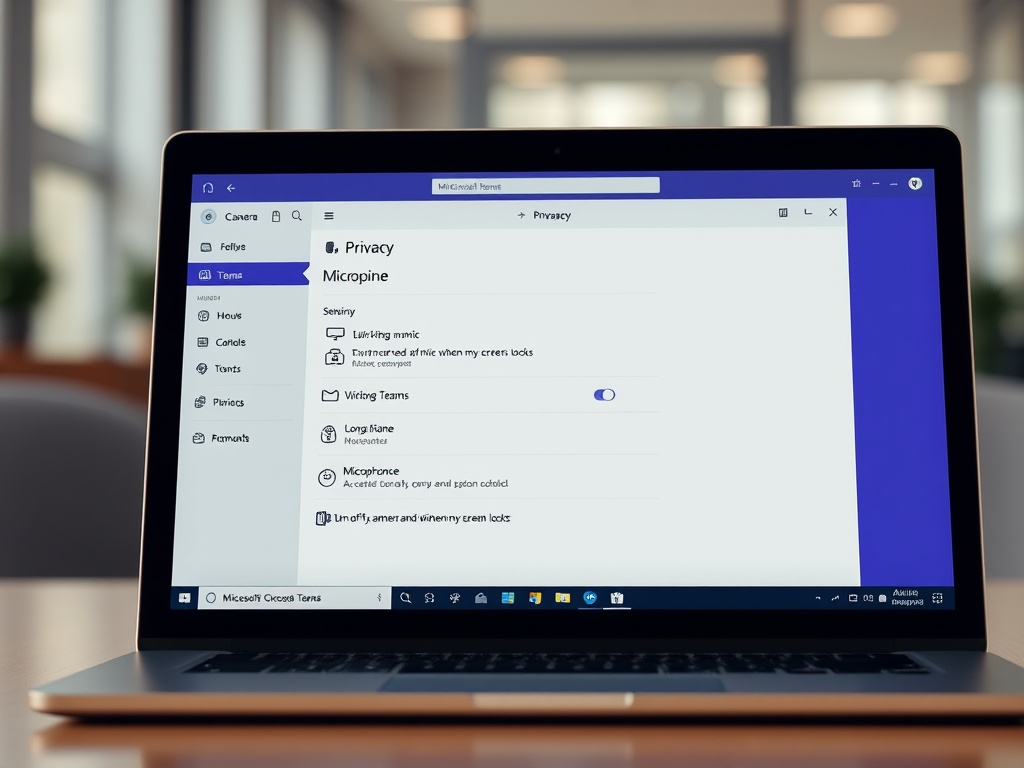 How to Turn Off Camera Mic Teams: A Complete Guide Turn off camera mic in Teams when your screen locks for enhanced privacy. Follow our simple steps to secure your online communication.
Keep Teams and Outlook running and open at startup
Closing a window does not always close an app, and whether an app starts with Windows is a separate choice. These guides explain how to keep Teams in the taskbar, stop it starting automatically, and switch Outlook to offline mode. Use them if an app seems to stop working when you close it.
 Outlook for Windows: How to Enable or Disable Offline Mode Enable or disable Outlook offline mode in Windows to access emails, calendars, and contacts without internet. Complete step-by-step guide. How to Keep Microsoft Teams Running in the Taskbar Keep Teams running minimized on the Taskbar for quick access and to ensure you never miss important notifications or meetings.
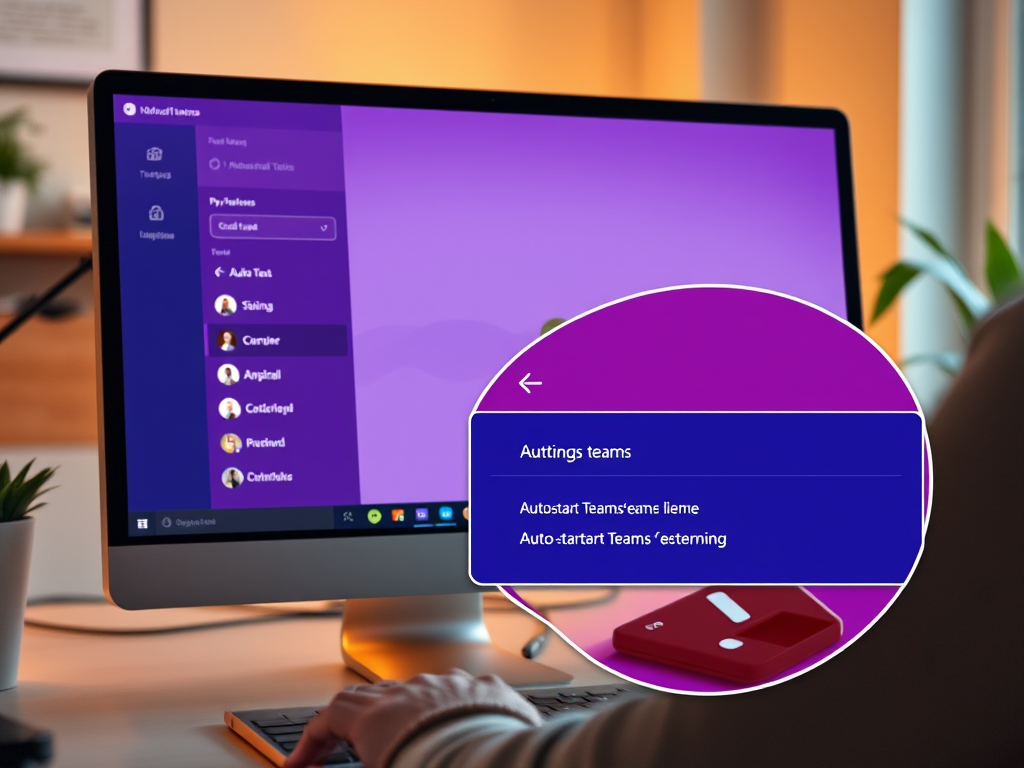 How to Enable or Disable Auto-Start for Microsoft Teams Manage Microsoft Teams auto-start settings in Windows 11. Enable or disable auto-start for quick access and notifications when you log in.
Sync calendars, contacts and phone messages
Outlook and Teams can import events, contacts and text messages from other services. The guides here cover Google Calendar and Google Contacts, phone linking, and how Outlook handles declined meetings and working hours. Check which account each sync uses before you change anything.
 How to Keep Declined Meetings in Outlook Discover how to keep declined meetings in Outlook on Windows 11 for easy reference. How to Set Work Hours and Location in Outlook on Windows 11 Set your Outlook work hours and location in Windows 11 to enhance scheduling and communication with colleagues and clients.
 How to Automatically Sync Events from Email to Outlook Calendar Sync events to Outlook by automatically adding or removing calendar entries from your email.
 How to Show Week Numbers in Outlook Calendar on Windows 11 Show week numbers in Outlook Calendar on Windows 11 to enhance scheduling and planning.
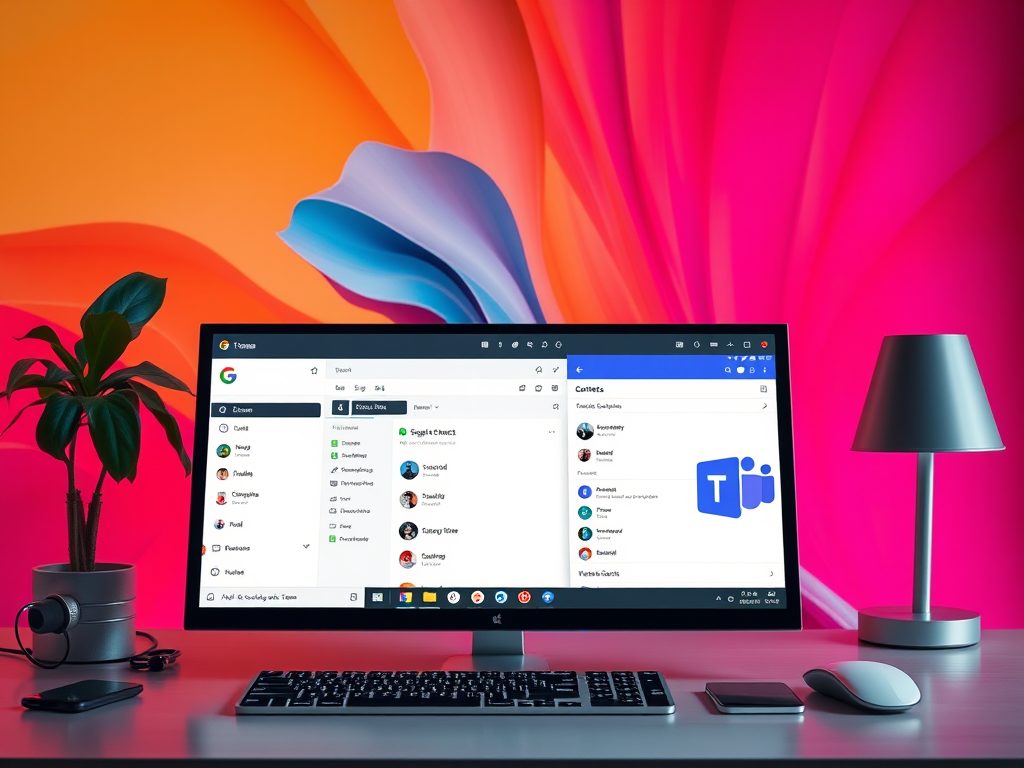 How to Sync Google Contacts with Microsoft Teams on Windows 11 Sync Google Contacts with Microsoft Teams on Windows 11 to streamline communication and enhance productivity within the app. How to Connect Google Calendar to Microsoft Teams in Windows 11 Connect Google Calendar to Microsoft Teams in Windows 11. Streamline your schedule and enhance productivity with this simple guide.
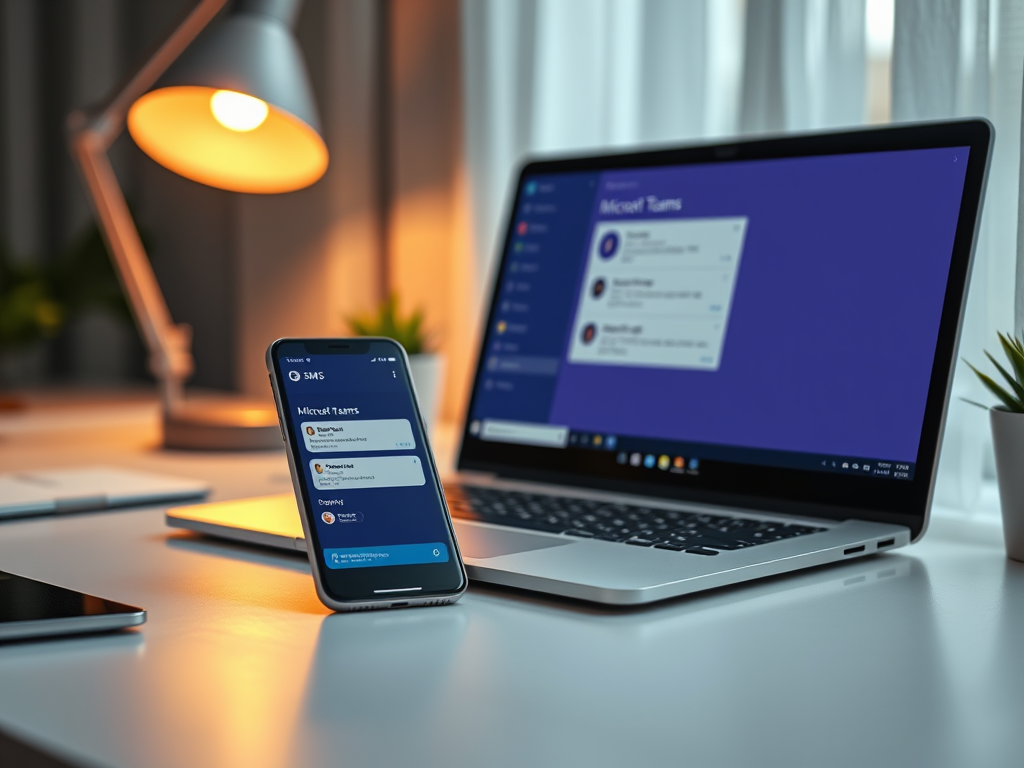 Link Your Phone to Microsoft Teams: SMS Integration Guide Link your phone to Microsoft Teams for SMS integration and streamline your communication.
Change message, language and display settings
This group covers the settings that change how messages, names, icons and language appear, plus options for search history, read receipts and file downloads. Some of these affect what other people can see, so read the guide before you change them. Outlook language settings and Teams spell check are also grouped here.
 How to Schedule Out-of-Office Replies in Microsoft Teams Schedule out of office replies in Teams to keep colleagues informed while you're away.
 Enable Download Location Prompt in Microsoft Teams Manage your files by enabling the Microsoft Teams download location prompt. Customize where to save downloaded files for better organization.
 How to Change Microsoft Teams Download Location Change Teams download location to keep your files organized. Follow our simple steps to set a new default folder for your Microsoft Teams downloads.
 Hide Message Previews in Chat List on Microsoft Teams Hide message previews in Teams chat list to enhance privacy or streamline visibility. Follow our simple steps to customize your experience.
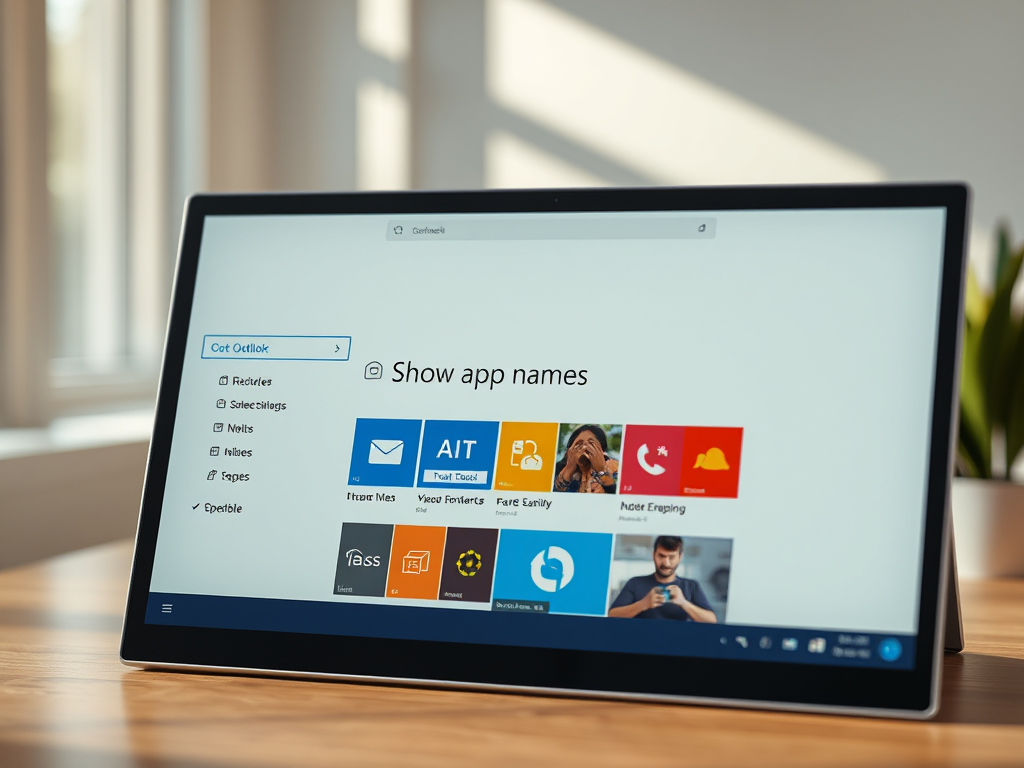 Enable or Disable App Names in Outlook App Show app names in Outlook by toggling the feature in Appearance settings. Enhance your navigation and personalize your Outlook experience today!
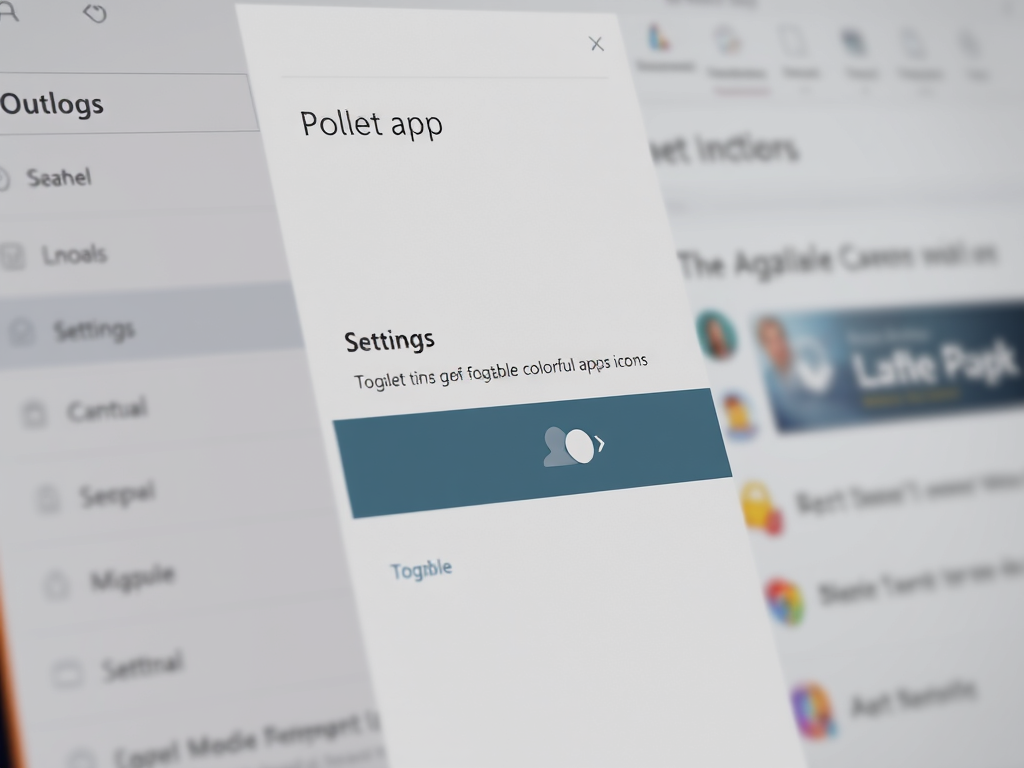 How to Enable or Disable Colorful Icons in Outlook App Enable or disable colorful icons in Outlook to enhance your user experience. How to Export Search History in Outlook on Windows 11 Export your search history in Outlook on Windows 11 to analyze trends and manage data. Follow our simple steps for a seamless experience. How to Delete Search History in Outlook App Delete Outlook search history to enhance your privacy and security. Follow simple steps to clear your search queries in the Outlook app. How to Enable Suggested Replies in Microsoft Teams Enable suggested replies in Teams to streamline your chat experience on Windows 11.
 How to Change Display Language in Outlook for Windows 11 Change language in Outlook for Windows 11 to enhance your communication experience. Follow our simple steps for a personalized setup. How to Enable or Disable Spell Check In Microsoft Teams Enable spell check in Teams to enhance your communication. Follow our simple steps to turn it on or off in Microsoft Teams.
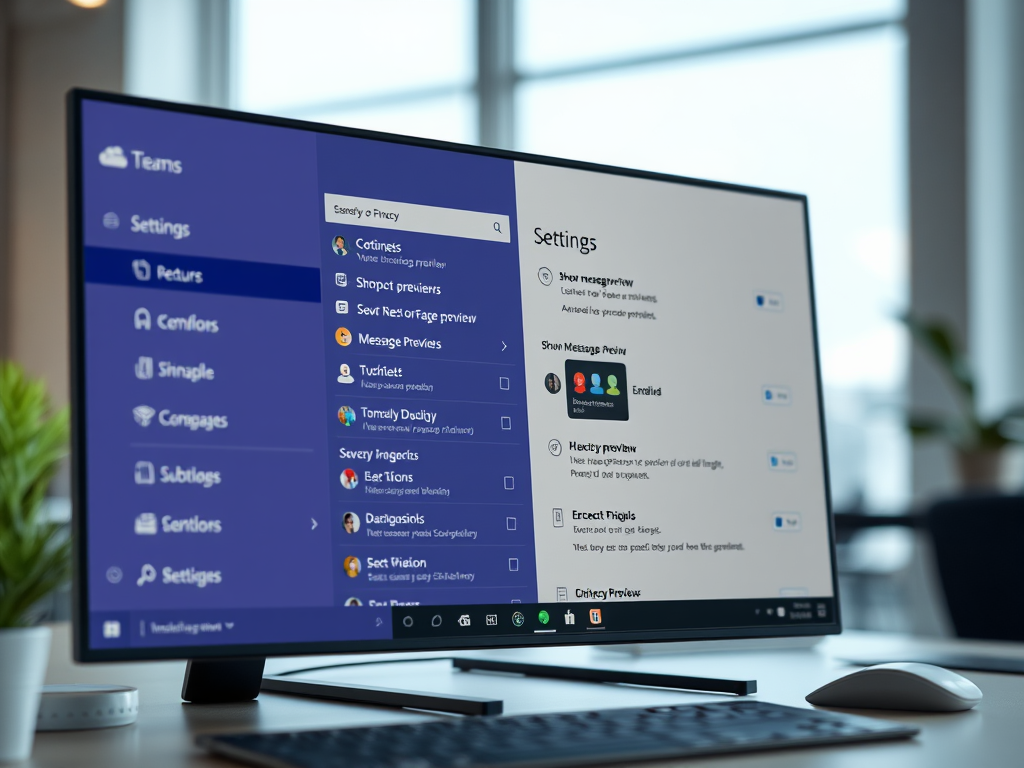 How to Disable Message Previews in Microsoft Teams on Windows 11 Disable message preview in Teams on Windows 11 for enhanced privacy and reduced distractions. Change Language, Date & Time in Outlook on Windows 11 Change Outlook language settings, date, and time format in Windows 11. Enhance your productivity and communication in a multilingual environment.
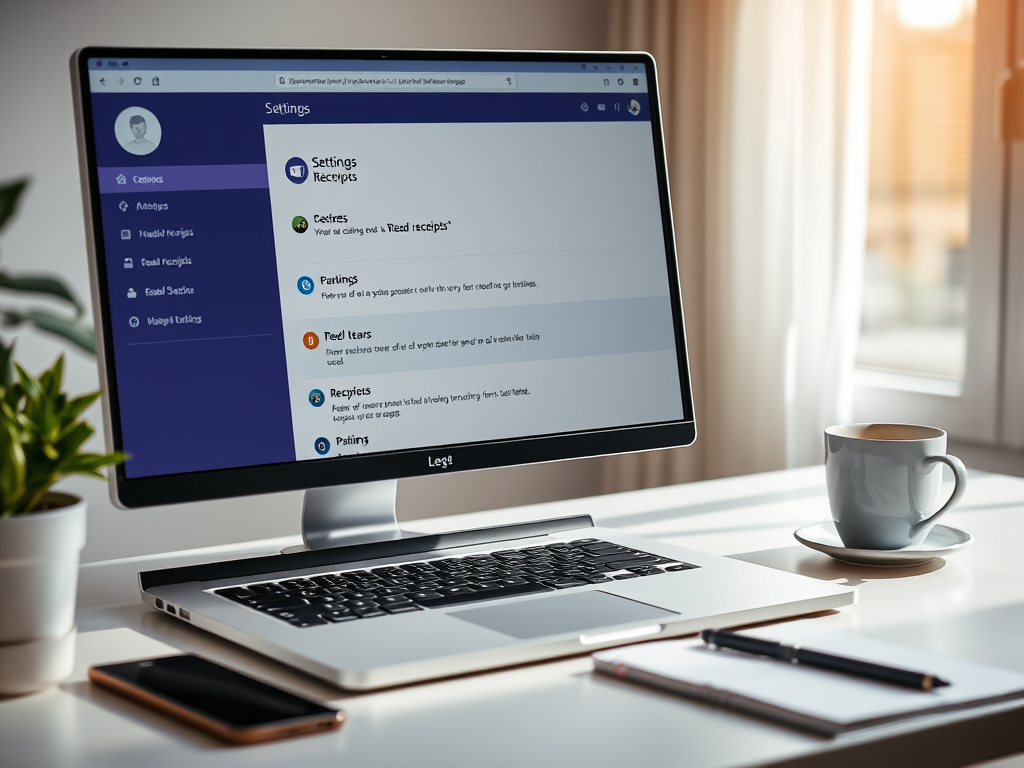 How to Enable Read Receipts in Microsoft Teams Enable read receipts in Teams to acknowledge messages and track your communication. Maintain privacy by toggling this feature on or off.
Have a question about this guide?
Answered by AI from this guide. Good questions may be added to this page — please don't include personal details.

About the Author
Richard
Tech Writer, IT Professional
Richard is a writer at Geek Rewind who turns complex IT tasks into clear, step-by-step guides. He draws on years of hands-on experience in system administration and enterprise IT operations, focusing on Windows, Linux and WordPress: the problems people actually run into, and the fixes that work. His server and WordPress guides come from systems he runs himself. Richard builds and maintains the platform behind Geek Rewind, from its Ubuntu servers and Nginx configuration to its custom WordPress plugins. Many new tutorials start with readers' questions, and he's always glad to answer them in the comments.
No comments yet — be the first to share your thoughts!