How to Manage Windows 11 Notifications: Turn On/Off Alerts

Notification management in Windows 11 controls the pop-up alerts, sounds, and banners that apps send to your desktop. You can turn off alerts from specific apps, hide preview text, or use Focus assist to stop interruptions. Newer builds call Focus assist Do not disturb. Most changes take under two minutes.
Nearly everything starts in the Settings app, which opens when you press the Win plus I. None of the changes need a restart, and each one can be reversed by flipping the same switch back. The steps match current Windows 11, and I point out where labels differ between versions.
You can disable all Windows 11 notifications by going to Settings, then System, then Notifications, and turning the main toggle off. This stops pop-ups and sounds from most apps and Windows alerts. You can also manage settings for individual apps or use Focus assist to silence alerts.
Get Started with 🪟 Windows 11 Notifications
Before changing settings for individual apps, it helps to know how the system is laid out. Windows has one master switch for all notifications. Below it sits a list of every app that can send alerts, and each app has its own switches.
Windows shows an alert in two places. A banner pops up near the bottom right of the screen, and the alert is then stored in the notification center. Each of these can be switched off separately for any app.
Some apps, such as Teams and Messenger, also keep a second set of notification settings inside the app. If you silence an app in Windows but still get alerts, check the app’s own settings. This section covers the master switch and the general system alerts.

Control App and Text-Related Alerts
This section covers the settings that affect how you communicate and write. Alerts about camera use, typing corrections, and spelling errors can save you from awkward mistakes, so they are worth checking. Follow these steps to review them.
- Open Settings Privacy & security Camera. A list of apps appears, along with a switch for Camera access.
- Review which apps are allowed to use your camera. Each app that has asked for access is listed.
- Turn off access for any app you do not recognize. You can turn it back on later from the same page.
- Open Settings Time & language Typing. This page holds the typing helpers.
- Turn Autocorrect misspelled words on or off. On means Windows fixes typos as you type.
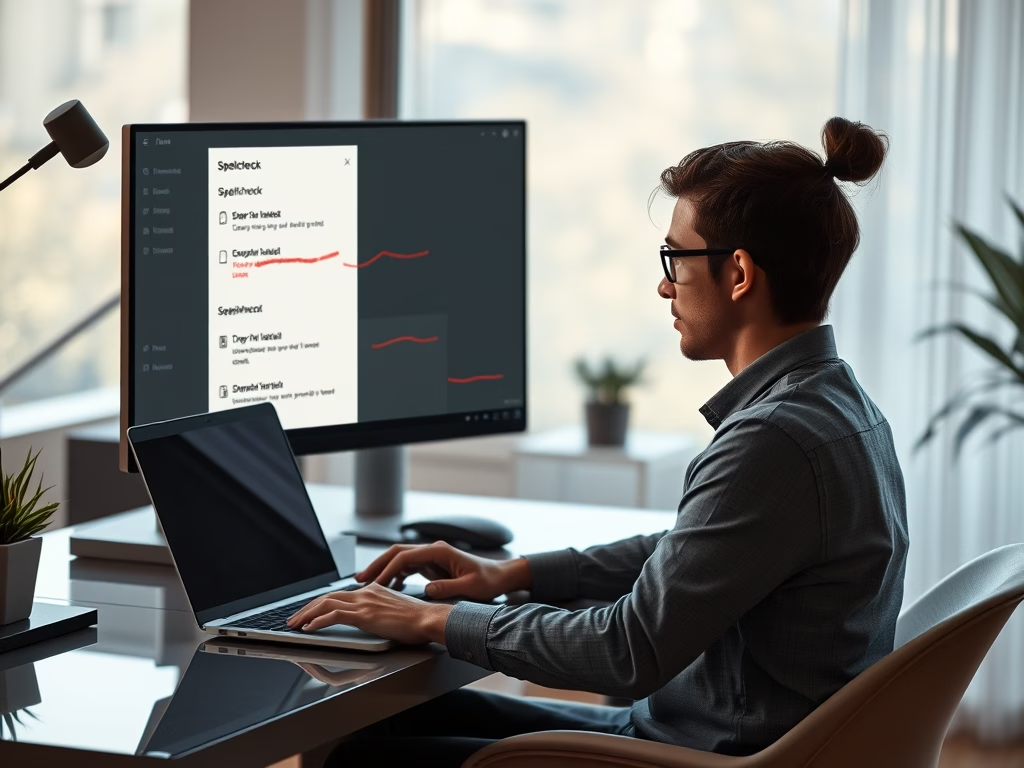
- Turn Highlight misspelled words on or off. When it is on, a red wavy underline appears under words Windows thinks are wrong.
These typing settings apply to apps that use the standard Windows text controls. Some apps, such as web browsers and Microsoft Office, have their own spellcheck. If you still see underlines after turning the Windows option off, change the setting inside that app.
Master Microsoft Teams Notifications
Microsoft Teams sends a lot of alerts: chat messages, mentions, calls, and sounds. Managing them inside Teams keeps your workday focused. Teams has its own notification settings that work alongside the Windows ones.
The Windows setting wins. If a notification is switched off in Windows, Teams cannot show it, whatever its own settings say. These steps change how Teams alerts you.
- Open Teams. The main window shows your chats and channels.
- Select the three dots (Settings and more) at the top right of the window. A menu opens.
- Select Settings. In the classic version of Teams, the settings window opens at this point.
- Choose Notifications and activity. In classic Teams, this page is called Notifications.
- Go through categories such as chat, mentions, and calls. Choose how each one should alert you.
You will usually see choices like a banner and feed alert, feed only, or off. The layout differs between new Teams and classic Teams, so a label on your screen may not match the one above exactly. The idea is the same in both versions.






Manage Notifications in Other Apps
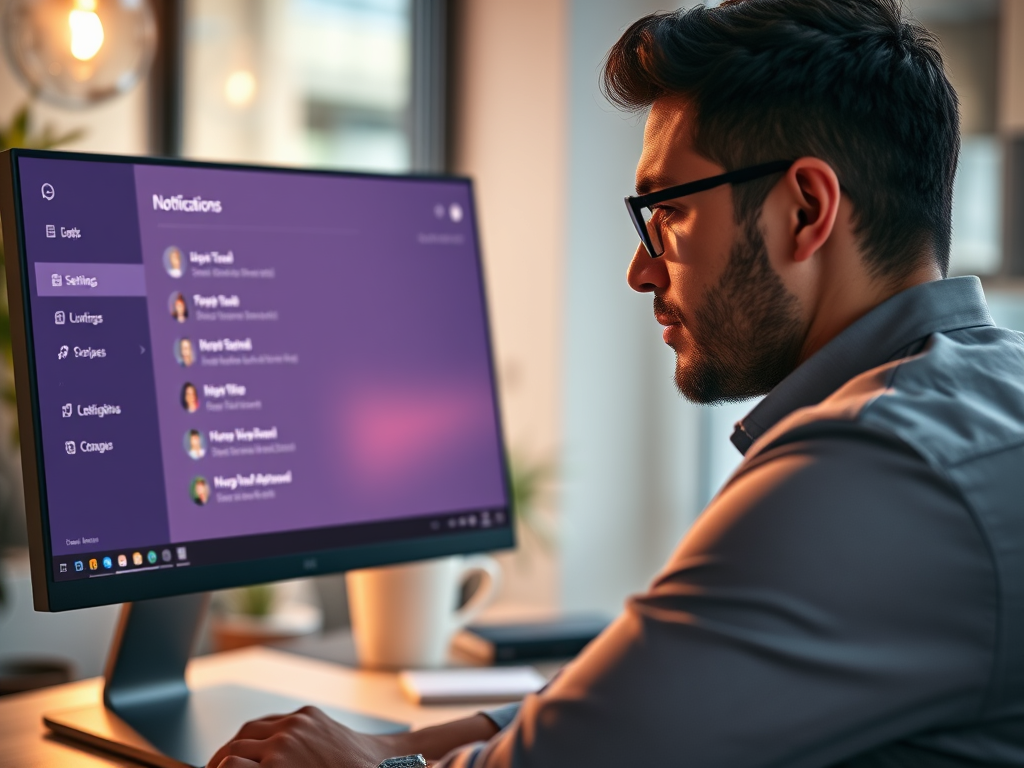
Some popular messaging apps keep notification settings separate from Windows. Messenger is one example. To quiet an app like this, work at two levels: first in the app, then in Windows.
- Open the app’s own settings. They are usually under a Settings or Preferences menu.
- Find the notifications section and choose which alerts you want.
- Open Settings System Notifications in Windows. The list of apps and other senders appears below the master switch.
- Select the app in the list. A page opens with that app’s options.
- Switch off the banner or the sound for that app. The change applies right away.
The exact menu path inside a third-party app depends on its version, and the app’s developer can change it at any time. If you cannot find the option, look for a gear icon or your profile picture in the app. If the app has no usable setting, the Windows list will still let you silence it.

Common questions
How do I stop all notifications in 🪟 Windows 11?
These steps manage notifications in Windows 11 by turning off all of them at once with the master switch.
- Press the Win plus I. The Settings app opens.
- Select System. The system settings page opens.
- Select Notifications. The notification options appear.
- Switch the Notifications toggle at the top of the page to Off. The options below it collapse or grey out.
Pop-ups and sounds from most apps and Windows alerts stop right away. To get them back, return to Settings System Notifications and switch the toggle to On. Your per-app choices are kept, so you do not need to set them up again.
If you only want quiet for a while, a better choice is Do not disturb, covered below. It mutes alerts without changing any of your settings.
How do I turn off notification sounds for specific apps?
You can mute the sound for one app and still see its banner. Do this per app with the steps below.
- Open Settings System Notifications. The master switch and app list appear.
- Scroll to the list of apps and other senders. Each app has its own entry.
- Select the app you want to quiet. A page opens with that app’s options.
- Turn off Play a sound when a notification arrives. The banner will still appear, but without the sound.
If an app is missing from the list, it has not sent a notification yet. Some apps only appear after their first alert. If the option is greyed out, check that the app’s own Notifications toggle at the top of its page is on.
What are @Mentions in Teams?
@Mentions are special notifications in Microsoft Teams. They alert you directly whenever your name appears in a chat or channel. Because they are often the messages that matter most, decide how loudly they should arrive rather than turning them off.
- Open Teams, then select Settings and more (the three dots). A menu opens.
- Select Settings, then Notifications and activity. The list of notification categories appears.
- Find the section for mentions. Expand it if it is collapsed.
- Choose how personal @mentions should appear. Typical choices are a banner with a feed entry, feed only, or off.
- Set channel mentions the same way if you want them treated differently from personal ones.
Keeping personal @mentions on while you mute general channel activity is a good compromise. You hear about the messages meant for you and nothing else.
Can I silence notifications during meetings in 🪟 Windows 11?
Windows 11 includes Focus assist, a feature that silences notifications during scheduled times or while you are in a meeting, including meetings in apps like Teams. On the original release of Windows 11, you configure it in Settings System Focus assist.
On newer versions of Windows 11 (22H2 and later), Microsoft replaced Focus assist with Do not disturb. You turn it on from Settings System Notifications, and the automatic rules are listed on that page. The rules cover specific times, duplicating your display, playing a game, and using an app in full-screen mode.
Follow these steps to set up quiet time. Which label you see depends on your version.
- Open Settings System. The list of system pages appears.
- Look for Focus assist. If it is not there, open Notifications instead, where Do not disturb lives.
- Choose how strict you want it to be, or turn Do not disturb on.
- Pick the automatic rules that fit how you work, such as quiet hours or full-screen apps.
While it is active, alerts go straight to the notification center instead of popping up, so you can read them later. Turn the feature off at the same place when you want normal alerts back.
How do I manage notifications for calls in Microsoft Teams?
Microsoft Teams lets you control incoming call notifications. You can choose a different sound or turn off call alerts completely, which stops interruptions during focused work.
- Open Teams, then select Settings and more (the three dots). A menu opens.
- Select Settings. The settings page opens.
- Open Notifications and activity. Look for the calling options.
- Choose how incoming calls should alert you, or switch the alert off.
- Look for a ringtone option under the calling or devices settings if you want a different sound. The name and location vary between Teams versions.
Turn off call alerts only if you are sure you can live without them. A missed call does not ring again, and you will not hear about it until you check Teams. Do not disturb in Windows is a safer way to get a quiet hour, because it ends on its own schedule.
Frequently asked questions
How to turn off Windows notifications?
Press Win+I to open Settings, then go to System Notifications. Switch off the Notifications toggle at the top to silence alerts from every app. Your apps keep running, but they stop showing pop-ups and banners. Turn the switch back on at any time to restore them.
How to manage notifications in 🪟 Windows 11?
Manage notifications in Windows 11 from Settings, under System Notifications. Use the main Notifications switch to control everything at once. Scroll the app list to change alerts for individual apps, including their sounds and banners. Turn on Focus assist to hold alerts during set hours or while you work.
How to turn on Microsoft notifications on?
Microsoft notifications, such as alerts from Outlook or Microsoft Teams, are controlled in two places. Open Settings, go to System Notifications, and find the app in the list to turn its alerts on. Then check the app's own notification settings, because Teams and similar apps have a separate switch.
How do I turn off notifications?
Turn off notifications by opening Settings with Win+I and selecting System Notifications. Switch off the Notifications toggle to stop all app alerts. To silence only some apps, leave the main switch on and turn off those apps in the list instead. The change takes effect right away.
How to disable notifications?
To disable notifications, open Settings and go to System Notifications. Turn off the main switch to block alerts from every app, or change individual apps in the list to block only some. No restart is needed. Use Focus assist if you only want alerts hidden for a set time.
How do I turn on notifications on 🪟 Windows 11?
Turn on notifications in Windows 11 by opening Settings with Win+I and selecting System Notifications. Switch on the Notifications toggle at the top. Then scroll the list and turn on each app you want alerts from. If alerts still don't appear, check Focus assist, which can hide them.
Still have a question?
Answered by AI from this guide. Good questions may be added to this page — please don't include personal details.
Did this guide fix your problem?

About the Author
Richard
Tech Writer, IT Professional
Richard is a writer at Geek Rewind who turns complex IT tasks into clear, step-by-step guides. He draws on years of hands-on experience in system administration and enterprise IT operations, focusing on Windows, Linux and WordPress: the problems people actually run into, and the fixes that work. His server and WordPress guides come from systems he runs himself. Richard builds and maintains the platform behind Geek Rewind, from its Ubuntu servers and Nginx configuration to its custom WordPress plugins. Many new tutorials start with readers' questions, and he's always glad to answer them in the comments.
No comments yet — be the first to share your thoughts!