Phone Link in Windows 11: Setup, Calls and Files

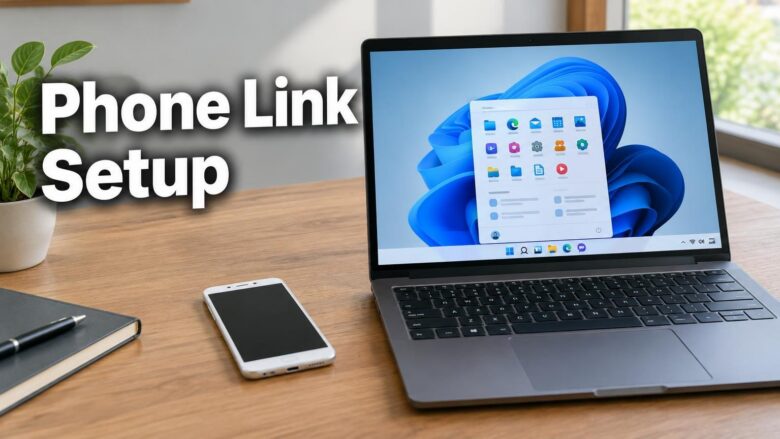
Phone Link is the Windows 11 app that pairs an Android phone with a PC, so you can see messages, make calls and move files without picking up the phone. The Phone Companion settings in Windows control how much of that connection is switched on. Features are spread across the Phone Link app, the Start menu, Quick Settings and Settings, so the same option can appear in more than one place. This page groups the guides by what you are trying to do, starting with the first pairing and ending with removing a device. Read the section that matches your task, then open the guide for the exact steps.
Connect your Android phone to your PC
These guides cover the first pairing and the switches that decide what your PC can see and do with the phone. Set these up before you try any of the other features. A feature that seems broken is often just switched off here.
 How to Link Android Mobile Device to Windows 11 Link your Android to Windows 11 with our step-by-step guide.
 How to Add Phone Link to Windows 11 Start Menu Add Phone Link to your Windows 11 Start Menu and access your mobile device's features.
 How to Enable or Disable Mobile Devices on Windows 11 Enable mobile devices on Windows 11 with our step-by-step guide. Connect your phone for seamless file transfers and notifications.
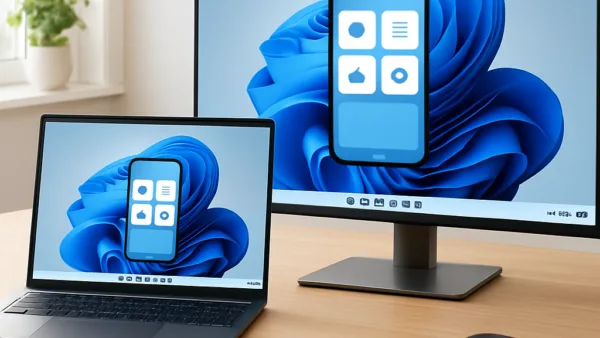 Should You Enable Mobile Device Access in Windows 11 Cross-Device Experiences Should you enable mobile device access in Windows 11 cross-device experiences? Weigh the privacy pros, battery impact, and photo sync benefits. 🪟What Happens When You Enable Phone Notifications in Windows 11 Mobile Devices Settings See what happens when you enable phone notifications in Windows 11 Mobile Devices settings. Mirror text alerts, reply from your PC, and sync apps.
Make calls, reply to messages and control your phone from Windows
Use these guides when you want to handle phone activity from the PC without reaching for the handset. They cover calls, texts, sound, hotspot, camera and Do Not Disturb. Some of these depend on the Phone Link app being open or the phone being connected.
 How to Make Calls on Windows 11 with Phone Link Make and receive calls on your PC with Phone Link Windows 11. connect your phone for enhanced productivity and convenience.
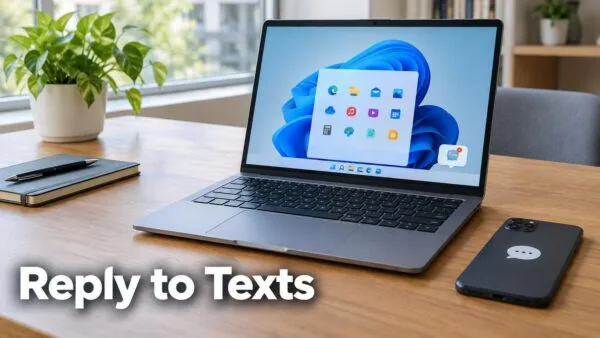 How to Use Phone Link to Reply to Messages and Calls in Windows 11 Reply to texts and answer calls from your PC with Phone Link on Windows 11. Open Messages, pick a conversation, type and press Enter. Setup steps included.
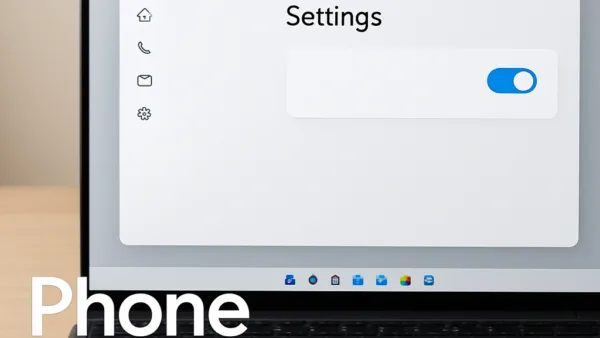 How to Turn On or off Suggested Replies in Phone Link App on Windows 11 Enable or disable suggested replies in the Phone Link app on Windows 11.
 How to See Phone Companion Activity in the Start Menu in Windows 11 How to see phone activity in Start menu in Windows 11: the side pane needs an Experimental Insider build. Check yours with winver and join the channel.
 How to Use Phone Controls in Quick Settings in Windows 11 How to use phone controls in Quick Settings in Windows 11: toggle Do Not Disturb, ringer mode or Play a sound from Windows + A. Insider builds only.
 How to Control Do Not Disturb via Phone Link on Windows 11 Control your phone's Do Not Disturb mode from your Windows 11 PC using the Phone Link app. Silence calls & alerts without touching your phone.
 How to Change Android Ringer Mode from Windows 11 PC Change your Android ringer mode from your Windows 11 PC using the Phone Link app. Silence or vibrate your phone without touching it.
 How to Play Phone Sound on Mobile from Windows 11 Can't find your phone? Learn how to play sound on your mobile device from the Phone Link app on Windows 11 PC to locate it, even on silent.
 How to Turn Phone Link Instant Hotspot on or off in Windows 11 Turn Instant Hotspot on or off in Windows 11 with Phone Link. Share your phone's internet connection.
 Use Your Android Camera as a Webcam on Windows 11 Transform your Android camera into a webcam on Windows 11! Discover how to connect and enhance your video calls with high-quality visuals. How to Hide Your Mobile Screen on Windows 11 Hide your mobile screen on Windows 11 with the Phone Link app. Protect your privacy while enjoying seamless access to your phone's features.
 How to Hear Audio from Computer in Windows 11’s Phone Link App Configure Windows 11 Phone Link audio settings to hear audio from your computer or mobile device for a seamless and distraction-free experience.
Choose which notifications appear and how the Phone Link window looks
These guides explain which apps send alerts to Windows and how those alerts look. They also cover the Compact and Expanded views and the shortcuts for moving around the app. Change these when the window or the alert stream gets in the way.
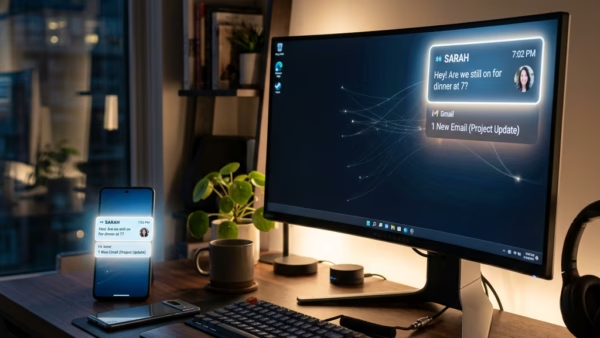 How to Choose Which Apps to Get Notifications from in Phone Link App Take control of your desktop experience by customizing Phone Link notifications. Select exactly which apps alert your PC to stay focused and organized.
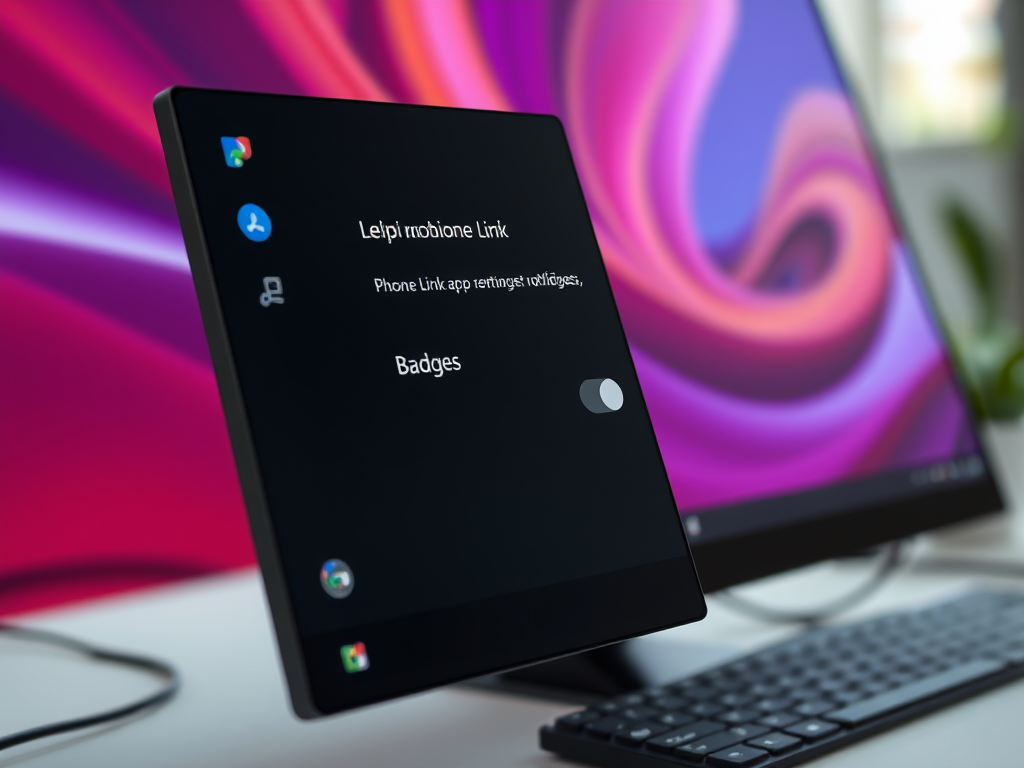 How to Hide Mobile Device Notification Badges in Windows 11 Start Menu Hide notification badges in Windows 11's Start menu with the Phone Link app.
 How to Change Notification Display in Windows 11 Phone Link App Customize Phone Link app notifications in Windows 11 for enhanced privacy. Choose to show sender only or hide content for better security.
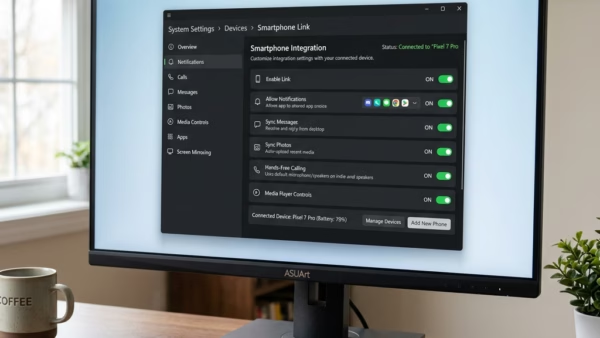 How to Turn On or off Always Open Phone Link Apps in Expanded Screen on Windows 11 Toggle the Phone Link expanded screen setting on Windows 11. Follow our guide to force Android apps to open in a larger window for better control.
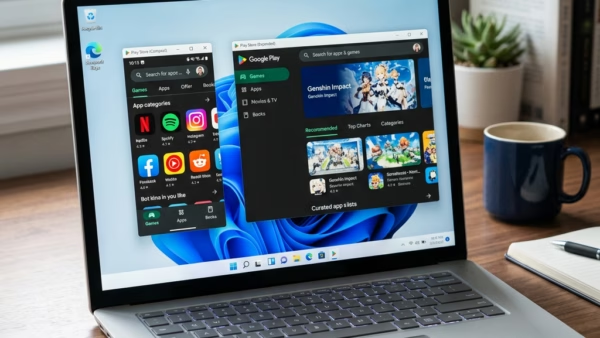 How to Switch Between Compact and Expanded View Using Phone Link on Windows 11 Toggle between compact and expanded views for Android apps using the Phone Link app on Windows 11 to optimize your desktop workspace.
 Using Keyboard Shortcuts for Phone Link on Windows 11 Master Windows 11 Phone Link shortcuts to boost productivity. Access messages, calls, photos & more faster with these key combinations.
Move photos and files between your phone and PC
Use these guides to get photos and documents from the phone onto the PC, or to open phone files in File Explorer. They also cover photo permissions and sync over mobile data. The guides for sending files to nearby devices are in the next section.
 How to Transfer Photos from an iPhone or Android Phone to Your Windows 11 PC Transfer photos from iPhone or Android to Windows 11 PC via USB. Keep memories safe, organized, and ready for editing on your computer. How to Easily Transfer Photos to Windows 11 Transfer photos to Windows 11 using the Photos app. Connect your phone via USB and import your media for seamless organization.
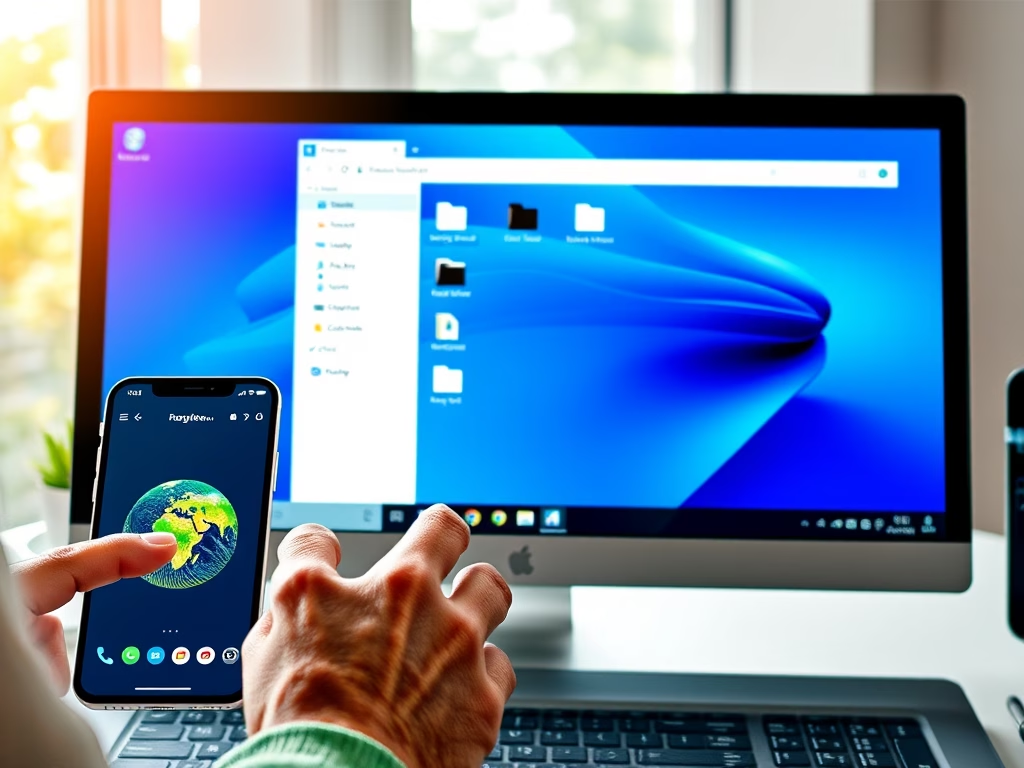 How to Access Android Files on Windows 11 Access Android files Windows 11 using File Explorer. Transfer files wirelessly from your phone to PC without cables. Step-by-step guide included.
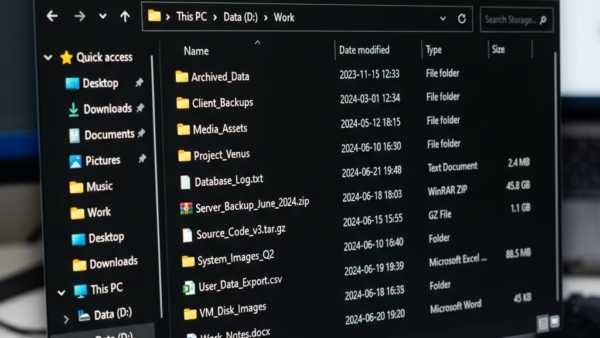 How to Remove All Local Copies of Phone Files on Windows 11 Free up Windows 11 storage! Learn how to remove local copies of phone files with this quick guide. Reclaim disk space without affecting your phone's data. Manage Phone Link Photo Permissions in Windows 11 Manage Phone Link photo permissions in Windows 11. Control whether the app can delete photos from your Android device with simple steps.
 How to Enable Sync Over Mobile Data in Phone Link for Windows 11 Enable Phone Link mobile data sync on Windows 11 for seamless app access without Wi-Fi.
Send files to nearby devices with Nearby Sharing
Nearby Sharing sends files directly between a PC and a nearby Android phone, without using the Phone Link connection. These guides cover the settings that control whether your device can be found, where received files are saved, and what name other devices see. Check visibility first if a transfer does not appear.
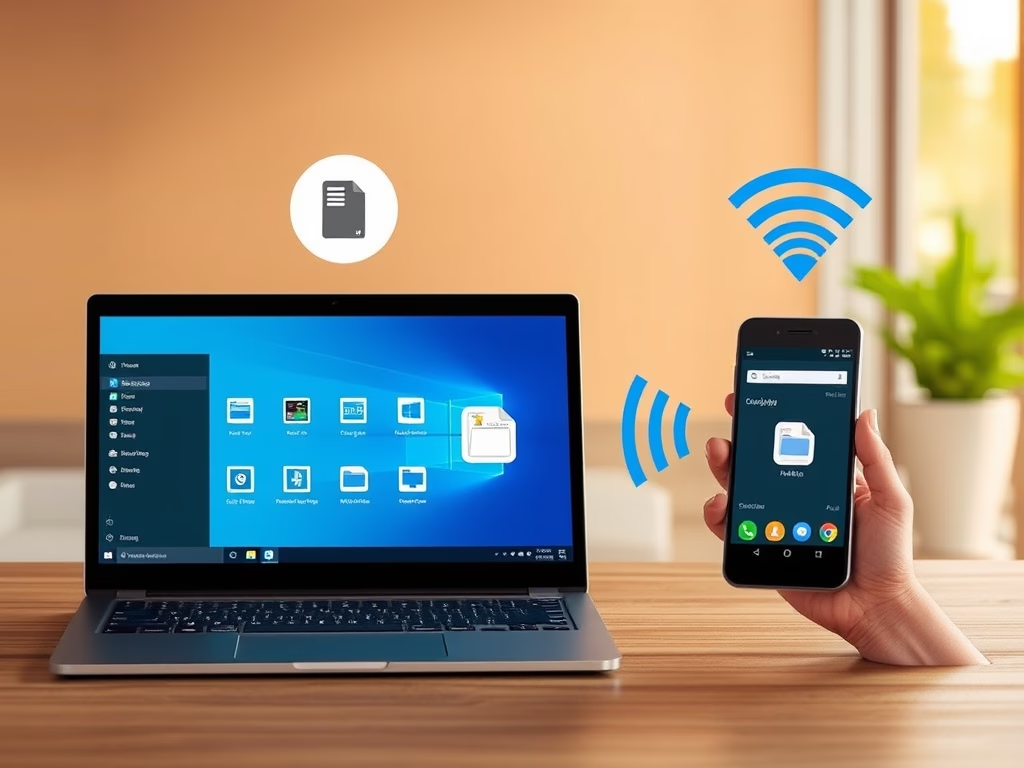 How to Share Files from Windows 11 to Android with Nearby Sharing Share files from Windows 11 to Android using Nearby Sharing. No cables needed—just Bluetooth or Wi-Fi. Follow our step-by-step guide. How to Change Device Visibility in Android Nearby Share Manage your Android Nearby Share visibility settings on Windows 11. Control who can discover your device and share files securely. How to Change Android Nearby Share File Location on Windows 11 Change Nearby Share location on Windows 11 to organize your files better.
 How to Change Device Name in Android Nearby Share on Windows 11 Change device name in Nearby Share on Windows 11 for better personalization and security.
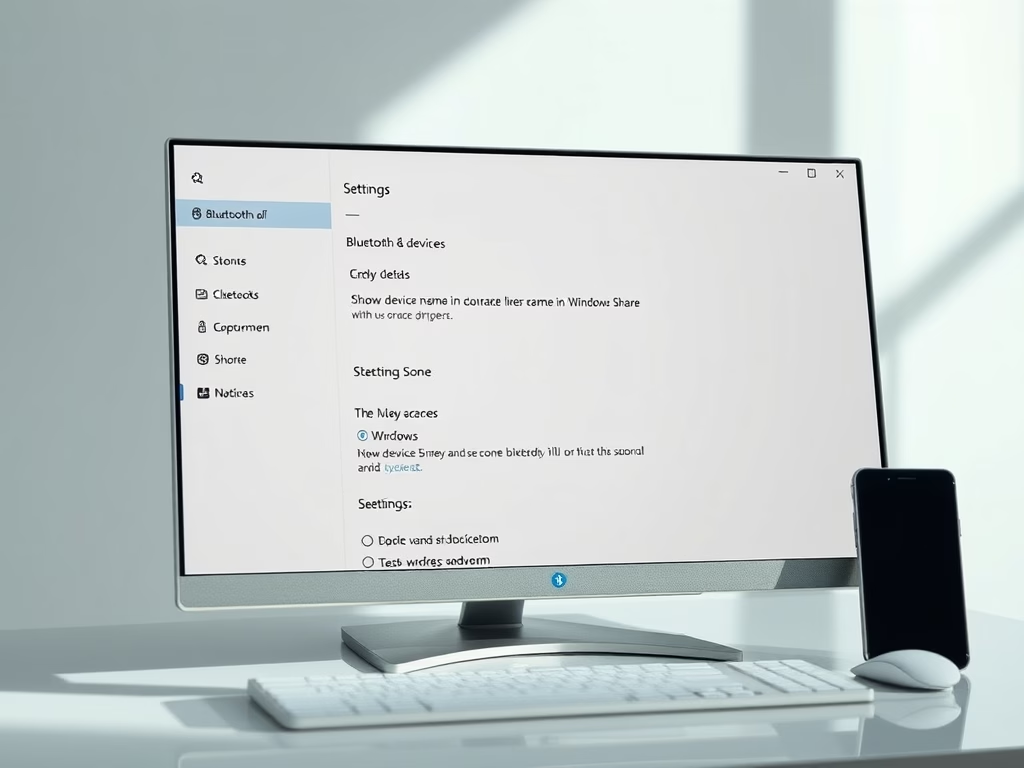 How to Show or Hide Your Mobile Device Name in Windows Share on Windows 11 Control your Windows Share device name visibility in Windows 11. Toggle mobile device names on or off in just 6 simple steps for better file sharing…
Unlink, remove or reset a device
These guides cover ending the connection between your phone and PC, and removing a device from your Microsoft account. The reset guide affects the phone itself, not just the link, so read it before you start. Check each guide’s steps first, because some actions are hard to undo.
 How to Remove Windows 11 Device from Link to Windows App on Phone Remove a Windows 11 device from your Link to Windows app on your phone. Follow simple steps to disconnect old computers and manage your linked devices.
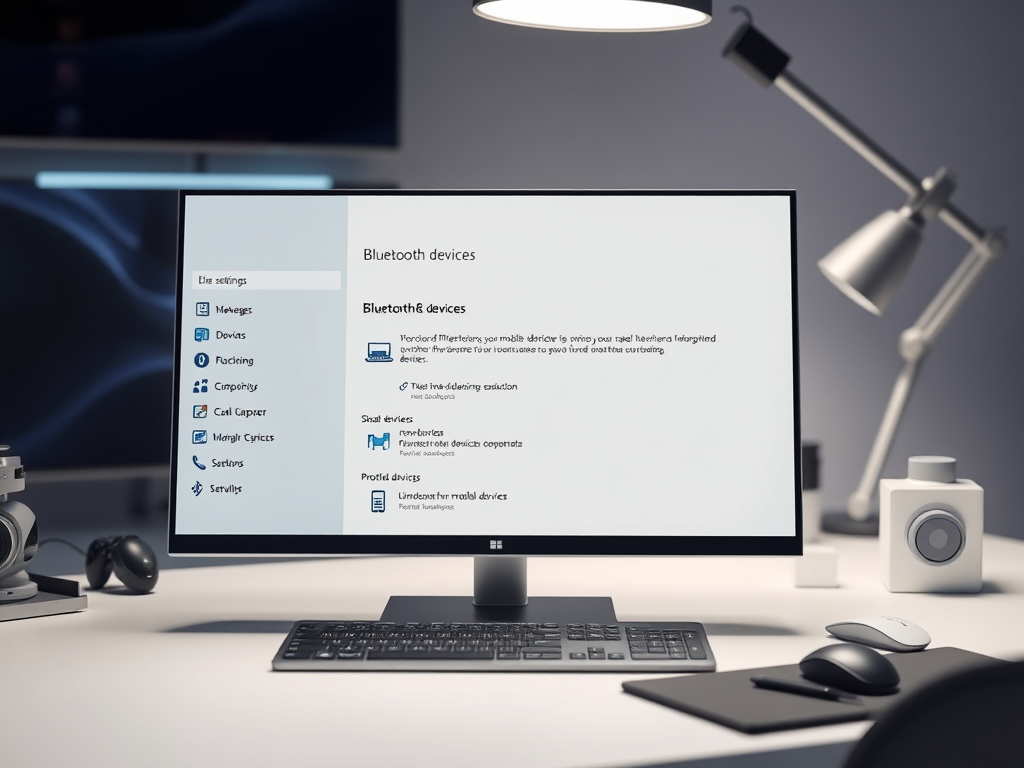 How to Remove Mobile Devices from Microsoft Account on Windows 11 Remove mobile devices from your Microsoft account on Windows 11. Follow our step-by-step guide to manage your devices.
 How to Unlink Your Phone from Windows 11 Phone Link Unlink your phone from Windows 11's Phone Link app with our step-by-step guide.
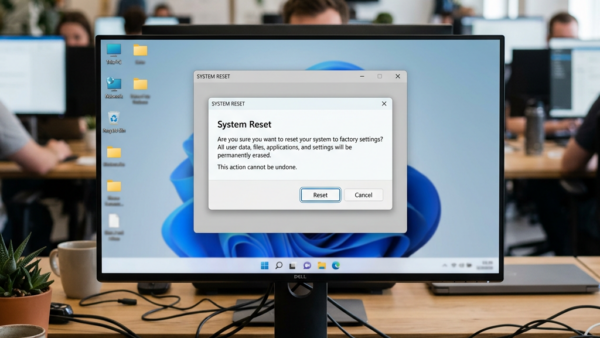 How to Reset Your Android Device with Phone Link and Windows 11 Troubleshoot connection issues by learning how to reset your Android device and Windows 11 Phone Link app for a seamless integration.
Have a question about this guide?
Answered by AI from this guide. Good questions may be added to this page — please don't include personal details.

About the Author
Richard
Tech Writer, IT Professional
Richard is a writer at Geek Rewind who turns complex IT tasks into clear, step-by-step guides. He draws on years of hands-on experience in system administration and enterprise IT operations, focusing on Windows, Linux and WordPress: the problems people actually run into, and the fixes that work. His server and WordPress guides come from systems he runs himself. Richard builds and maintains the platform behind Geek Rewind, from its Ubuntu servers and Nginx configuration to its custom WordPress plugins. Many new tutorials start with readers' questions, and he's always glad to answer them in the comments.
No comments yet — be the first to share your thoughts!