HTTPS-First Mode in Microsoft Edge automatically encrypts your browsing connection. This protects your passwords, payment information, and personal data from hackers. When you turn on this feature, Edge tries to…
You update your Bluetooth driver in Windows 11 using Device Manager to fix connection issues or improve performance. A driver acts as a vital translator, enabling your Bluetooth hardware, like…
You can add your mobile device to the Windows 11 Start menu by connecting your Android or iPhone to your PC using the Phone Link app. This integration allows you…
You can significantly speed up your workflow by using keyboard shortcuts with the Phone Link app on Windows 11. Phone Link is a built-in Windows feature that connects your Android…
You remove local copies of phone files on Windows 11 by clearing the cache for the “Link to Windows” app. The “Link to Windows” feature allows you to access your…
You can recover deleted mobile device files from Windows 11 File Explorer using the ‘Link to Windows’ feature. This powerful connection lets your PC access your phone’s storage, and with…
You can access your Android phone’s files directly within Windows 11 File Explorer, treating it like another drive on your PC. This integration allows you to browse photos, download documents,…
You can back up your Microsoft Authenticator accounts to the cloud, allowing you to restore them to a new device. Microsoft Authenticator uses end-to-end encryption to safeguard your account credentials.…
To remove all accounts from Microsoft Authenticator, you can either delete and then reinstall the app, or delete each account one by one inside the app. This is especially helpful…
You remove an account from Microsoft Authenticator by going into the app settings and selecting the account you wish to delete. Microsoft Authenticator acts as a two-factor authentication (2FA) solution,…
You sign in to your Microsoft accounts using the Microsoft Authenticator app to enhance security and simplify login processes. Microsoft Authenticator acts as a digital authenticator, replacing traditional passwords with…
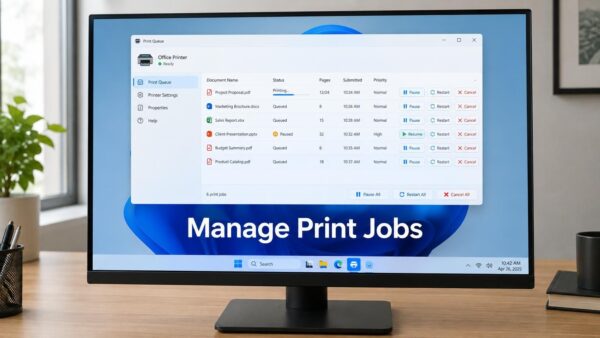
You view a printer’s print queue in Windows 11 by accessing its properties directly from the Devices and Printers settings. The print queue is essentially a waiting list for documents…
Microsoft Authenticator lets you add your accounts to simplify and secure your logins. This free mobile app acts as a digital authenticator, generating one-time passcodes (OTPs) and enabling passwordless sign-ins…
Microsoft Authenticator is an app that replaces your passwords with phone-based logins. It enhances your online security by letting you approve sign-ins with a simple tap on your smartphone, eliminating…
You are using the Microsoft Basic Display Adapter if your Windows PC lacks optimal graphics performance, especially in visually demanding tasks like gaming or video playback. The Microsoft Basic Display…