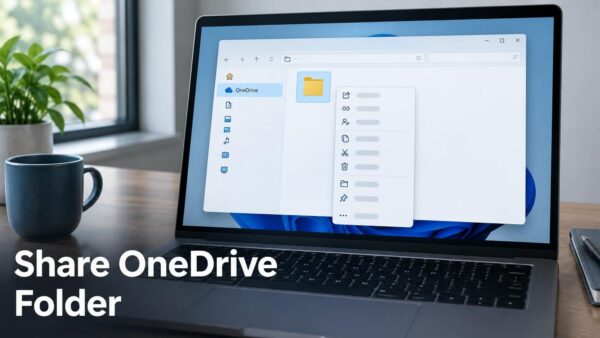
Removing a shared folder shortcut from OneDrive.com tidies up your file list without deleting anyone’s files. A shared folder shortcut on OneDrive.com is just a link to a folder someone…
Richard
Adding shortcuts to shared folders in OneDrive puts important files right at your fingertips. OneDrive shortcuts let you create a quick link to a shared folder from another user, making…
WSL Containers let you run Linux applications directly on your Windows 11 PC. This feature is built into the Windows Subsystem for Linux (WSL), which lets you use Linux tools…
Windows 11 app recommendation settings control where your PC suggests you get new apps. These settings help keep your computer safe by managing which app sources are allowed. Windows 11…
Windows 11 keeps track of every app and program you install. The main place to see this list is within the Settings app, which is Windows’ central hub for managing…
Removing a printer from Windows 11 gets rid of old or broken printer icons that clutter your system. These leftover printer entries can confuse you when you go to print…
Microsoft Edge lets you control sign-in using non-Microsoft accounts, like Google or Apple, on Windows 11. The Microsoft Edge sign-in setting controls whether users can connect Google or Apple accounts…
Microsoft Teams’ App Bar can automatically hide to save screen space or stay visible all the time. This bar holds important apps like Chat and Calendar. You can choose how…
Microsoft Teams lets you hide or show app names (also called labels) right from the desktop app. App labels, the text below app icons in the Microsoft Teams sidebar, offer…
Microsoft Teams language and regional settings control how dates, times, and the app’s text appear. Teams usually follows your Windows 11 language, but you can set it independently if needed.…
Uninstalling Microsoft Teams from Windows 11 removes the application and its associated data. Microsoft Teams is a communication and collaboration platform that includes chat, video meetings, and file storage. Microsoft…
Automatic updates for Microsoft Store apps on Windows 11 ensure your programs always have the newest features and security fixes. This setting keeps your applications running smoothly without manual intervention.…
Keeping files on both your computer and in OneDrive at the same time uses up storage space on your PC. OneDrive syncs your files, meaning a copy lives locally and…
OneDrive file deletion in Windows 11 lets you remove files from cloud storage without deleting them from your PC. OneDrive creates a special folder on your computer that syncs with…
Restoring deleted OneDrive files from your computer is possible because Windows stores them in the Recycle Bin first, just like other deleted files. The Recycle Bin is a special folder…