As a developer or power user, you’ve probably hit a wall with default Windows 11 settings, finding yourself frustrated by hidden tools and restricted file access. Windows 11 is powerful,…
It is incredibly frustrating when you click your browser icon and nothing happens. You have work to do, but Microsoft Edge refuses to launch on your Windows 11 computer. This…
Managing your open windows is key to staying productive in Windows 11. Whether you are juggling research, writing, or design, knowing how to switch between tasks quickly saves time. Why…
Windows 11 includes privacy settings to control which apps can record your screen or take snapshots. This is important for security. It prevents malicious software from secretly recording your activity.…
This guide explains how to show or hide the preview pane in File Explorer on Windows 11. The preview pane lets you see the contents of a file, like a…
If your computer acts strange, you might have corrupted system files. The Windows image component store holds the files needed to keep your system running. When this store breaks, you…
Windows 11 now includes a helpful feature called Screen Tint. It puts a soft color overlay on your screen. This helps lower eye strain and makes your screen easier to…
Screen Tint is a new visual accessibility feature designed to help users manage eye strain and migraines. Unlike standard color filters that change the entire color profile of your display,…
This guide explains how to control location services on your Windows 11 computer. Why: You may want to manage which apps track your location to protect your privacy or stop…
Windows 11 automatically downloads and installs updates to keep your computer running smoothly. These include security patches, drivers, and new features. You can view your update history to see exactly…
Windows 11 automatically scans for updates to keep your computer safe. You might wonder when your computer last checked for these files. Knowing this helps you verify that your system…
Do you ever wonder why your computer is acting up after an update? Sometimes you need to check the Windows Update logs to see exactly what happened behind the scenes.…
Windows 11 keeps your computer safe by downloading updates in the background. Sometimes, these updates need a restart to finish. If your computer restarts while you are working, it can…
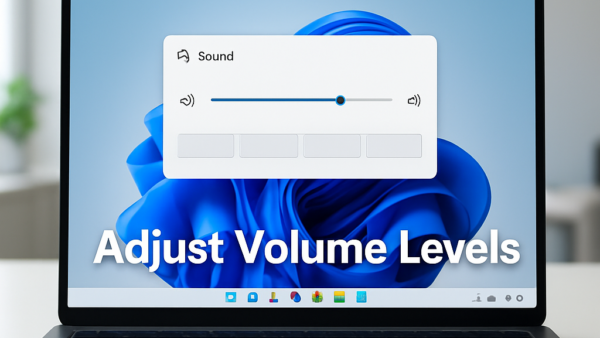
This guide explains how to change the audio quality settings for your speakers, headphones, or microphone in Windows 11. Adjusting these settings changes the sample rate and bit depth of…
When using Windows 11, you have to choose a web browser to get online. The two most popular choices are Microsoft Edge and Google Chrome. This guide helps you decide…