What to Do When Windows 11 Settings App Crashes Immediately on Launch
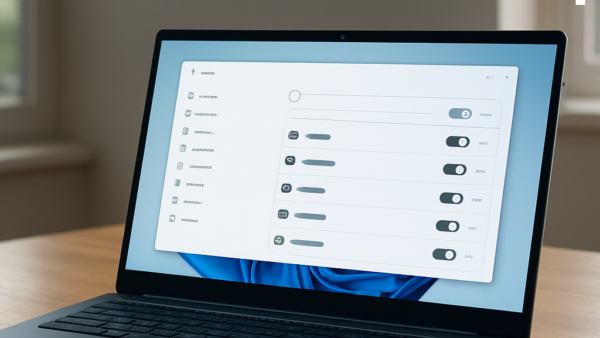
The Windows 11 Settings app can crash the moment you open it when core system files, the app’s own package, or your user profile are damaged. The window flashes and…
Updated Oct 2026
Read more →