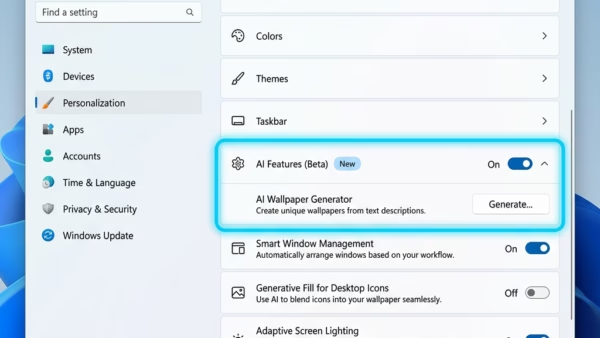
Built-in AI components on Windows 11 are local machine learning programs that run directly on your computer to power smart features. Recent Windows 11 updates, such as preview build 26300,…
Windows 11
2,059 tutorials · page 20
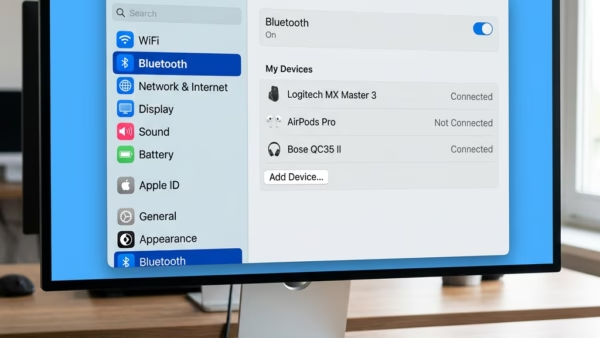
Bluetooth settings in Windows 11 let you connect and manage wireless devices like mice, keyboards, and headphones from one central menu. You can find these options by opening the Start…
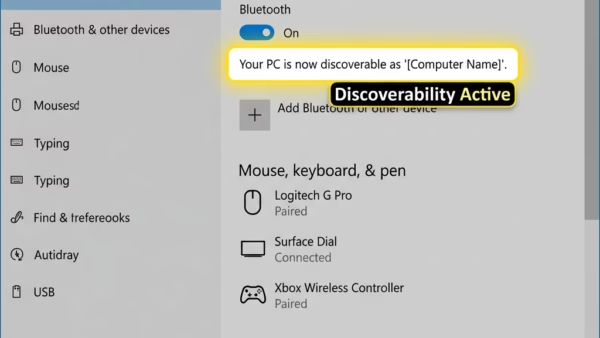
The “Allow Bluetooth devices to find this PC” setting in Windows 11 controls whether your computer broadcasts its presence to nearby wireless gear. Turning on this discovery mode makes your…
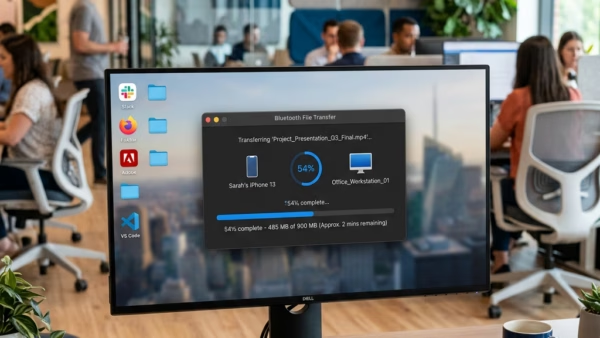
Bluetooth file transfer in Windows 11 lets you share photos, videos, and documents with nearby phones, tablets, or other PCs without using cables or the internet. This wireless tool connects…
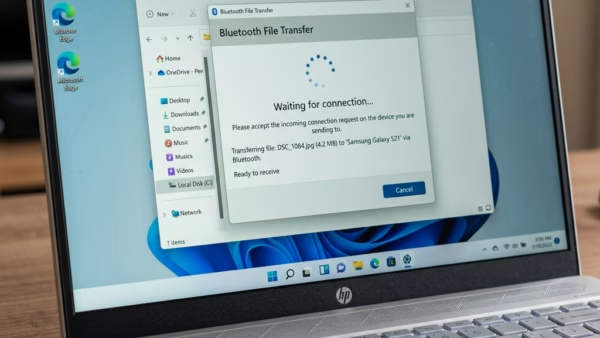
Receiving a file using Bluetooth in Windows 11 involves turning on your PC’s Bluetooth and making sure it can be found by other devices. Bluetooth is a wireless technology that…
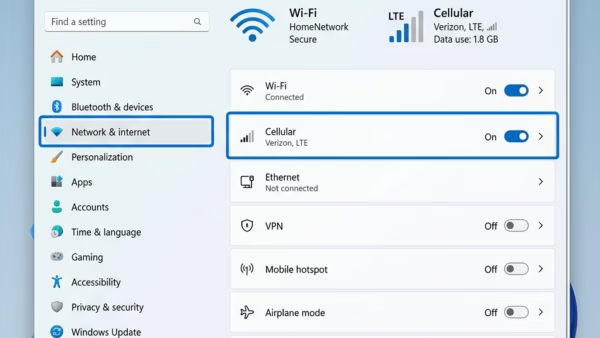
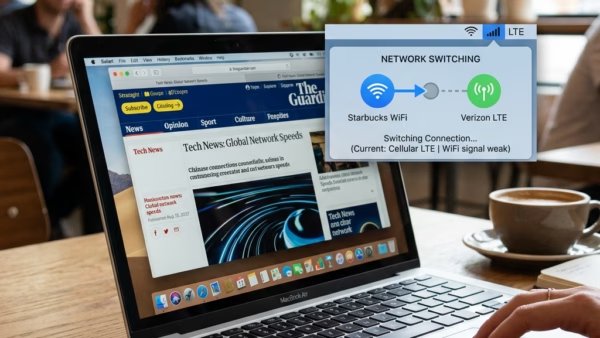
Cellular backup in Windows 11 switches your PC to a mobile data plan when your Wi-Fi signal drops or gets too slow. This feature works on Windows 11 Home and…
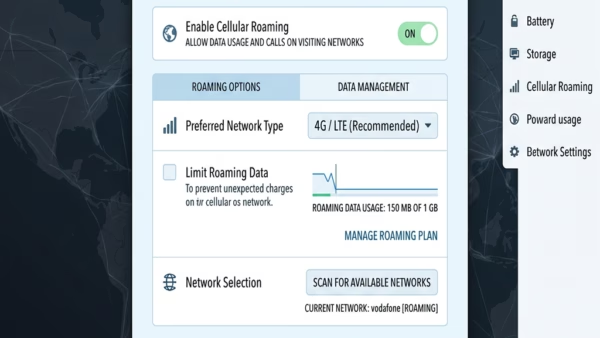
Cellular data roaming settings in Windows 11 control how your laptop or tablet connects to outside mobile networks when you leave your home carrier’s coverage area. This feature lets your…
A metered connection in Windows 11 is a network setting that limits how much background data your cellular connection uses to help you avoid surprise overage charges on your phone…
Let Windows Keep Me Connected is a Windows 11 feature that automatically switches your PC to mobile data when your Wi-Fi drops out. It keeps you online without you needing…
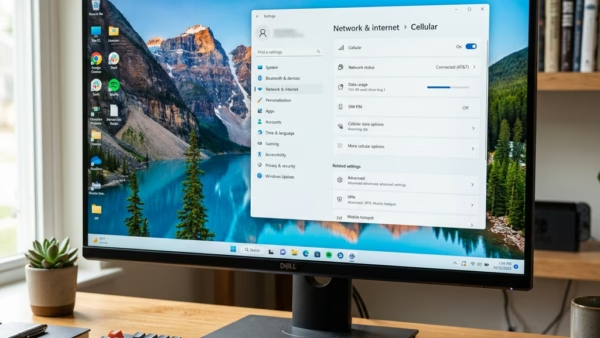
Cellular data on Windows 11 lets you connect your laptop or tablet to the internet using a mobile phone network instead of Wi-Fi. This built-in feature works with a physical…
Nearby sharing in Windows 11 lets you send pictures between nearby PCs over Bluetooth or Wi-Fi without using email or cloud storage. Think of it as the Windows version of…
Nearby Sharing in Windows 11 lets you send web links, photos, and files straight from one PC to another using Bluetooth and Wi-Fi. This built-in feature works on Windows 11…
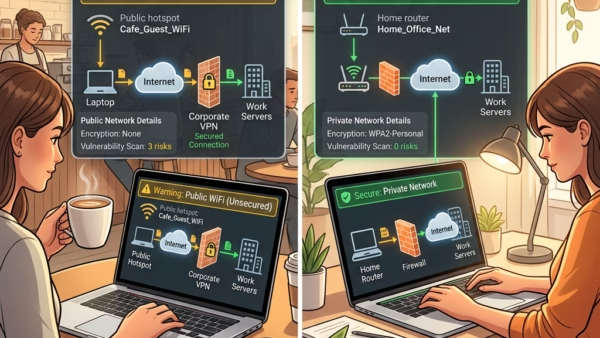
Switching your network profile in Windows 11 between Public and Private changes how your PC interacts with other devices around you. A Private network lets your computer share files and…
Signing out of your Microsoft account everywhere shuts down every active login session across all your Windows PCs, Xbox consoles, and web browsers at the same time. This safety step…
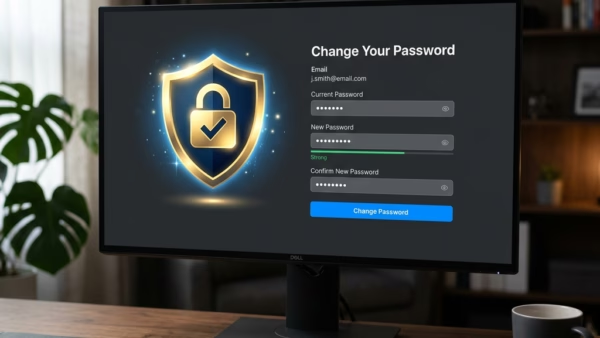
Changing your Microsoft account password protects your Windows 10 and 11 sign-in, OneDrive files, and Xbox services using a single master login. Your Microsoft account links your PC, phone, and…