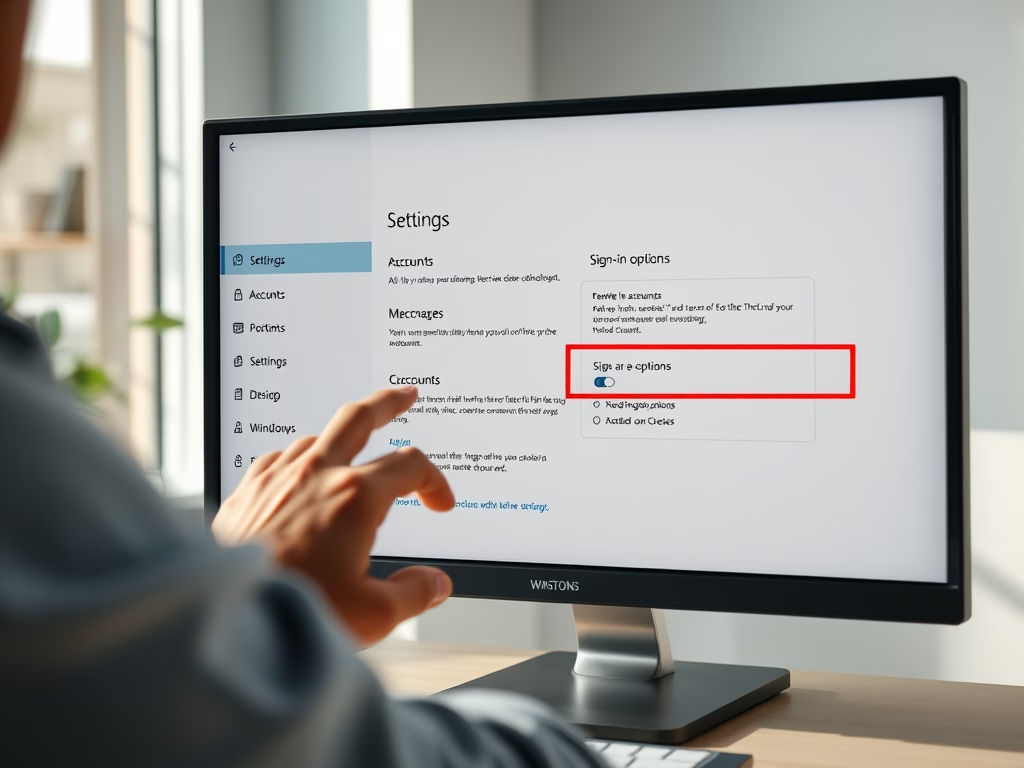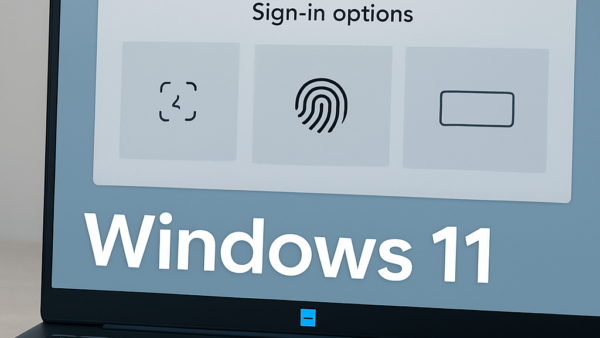
This article details signing in or out of the Copilot app in Windows 11. Users can sign in using a Microsoft account to access additional features. To sign in, open the app, click "Sign In," enter credentials, and click "Sign In." To sign out, locate the option in the app's settings and follow the instructions provided, ensuring a secure sign-in process.
Windows
The Phone Link app on Windows 11 allows seamless integration of Android devices with PCs. A new feature syncs the app's background with the Android device's wallpaper, enhancing personalization. Users can easily enable or disable this feature within the app's settings. This offers greater control over the desktop and mobile experience, creating a cohesive or distinct look.
The article explains enabling/disabling auto-saving of screen recordings in Windows 11's Snipping Tool. It details the tool's features, its recent update automatically saving recordings to a designated folder, and how to toggle this setting. While convenient for some users, others may prefer manual control over their recordings and storage.
The article explains how to enable or disable suggested replies in the Phone Link app on Windows 11. This feature, added in a recent update, utilizes AI to offer quick text responses, allowing users to stay focused on their PC without constantly using their phone. It provides steps for turning the feature on or off.
This article explains how to pause or resume Recall snapshots in Windows 11, an AI feature that saves snapshots of your screen. The snapshots are securely stored, with a set maximum storage size. You can manually delete snapshots or pause them to avoid capturing sensitive information, and easily resume them when needed.
This article explains how to link your Android mobile device to your Microsoft account on Windows 11 using the Link to Windows app. It details the steps to connect the devices and access features such as file transfer, messaging, and notifications. The process involves using the Windows Settings app and the Link to Windows app on the Android device.
This article provides a guide on enabling or disabling Narrator extensions in Windows 11. Narrator is a built-in screen-reading app that assists users with low vision or blindness. Enabling or disabling the experimental feature in Windows Settings under "Narrator" allows for customization and enhanced accessibility. The post encourages feedback for any errors or additional information.
This article explains how to exclude apps from Recall snapshots in Windows 11. Recall & Snapshots is an AI feature that saves snapshots of your screen, acting as a photographic memory. You can manage storage, manually delete snapshots, and selectively exclude apps by following simple steps in the Windows Settings app.
This article provides a guide on excluding websites from Recall snapshots in Windows 11. Recall & Snapshots is an AI feature in Windows 11 that saves screen snapshots. Users can exclude specific websites and private browsing activity from being saved as snapshots by using supported browsers. The post includes step-by-step instructions on how to set this up in Windows Settings.
This article explains how to adjust the maximum storage for Recall & Snapshots in Windows 11. By accessing the Windows Settings app and navigating to Privacy & security > Recall & snapshots, users can easily change the storage size to manage their snapshots and ensure older screenshots are not deleted prematurely.
This article guides Windows 11 users in enabling or disabling the new "Recall & Snapshots" AI feature. Snapshots are automatically taken every 5 seconds, functioning as a visual memory. To enable or disable this feature, users can navigate to Windows Settings > Privacy & Security > Recall & Snapshots, and toggle the "Save snapshots" button.
This article explains how to change the Narrator modifier key in Windows 11, allowing users to personalize their experience. By adjusting settings in the Windows Settings app, users can select the Caps Lock, Insert, or Caps lock/Insert keys to use as the modifier key for Narrator commands, enhancing accessibility for low vision or blind users.
This article explains how to enforce specific BitLocker encryption types on fixed data drives in Windows 11. Users can control the encryption type through the Local Group Policy Editor or the Windows Registry Editor. These methods allow users to enforce full encryption or used space only encryption, ensuring data security.
This article explains how to enforce BitLocker encryption type on removable data drives in Windows 11. BitLocker protects data on external, fixed, and operating system drives. Users can use policy settings or the Windows Registry Editor to control and enforce encryption type. The process involves using Group Policy Editor or editing the Windows Registry.
This article details how to enable or disable the "Recommended" section in Windows 11 File Explorer, aiding easy access to relevant cloud files. Users can toggle this feature in Folder Options or through the Windows Registry editor. The process involves modifying specific registry keys and may require a computer reboot for the changes to take effect.