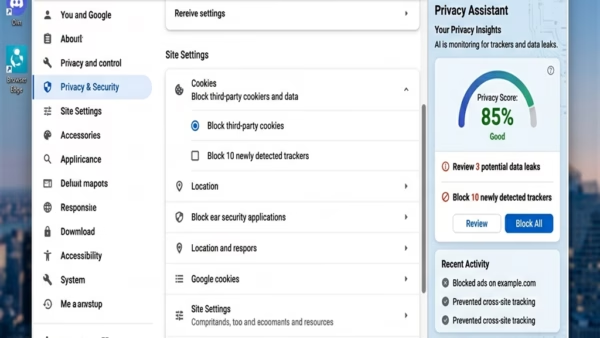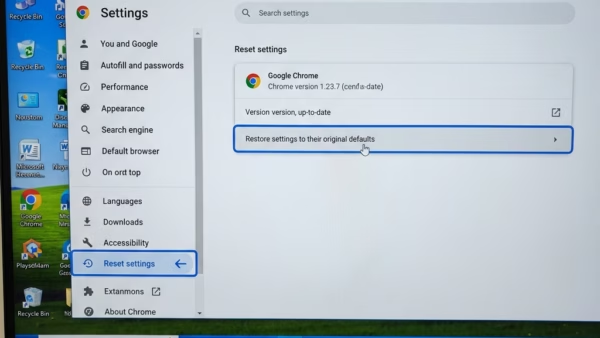
Resetting Microsoft Edge to default settings on Windows 11 returns the browser to its original factory state. This process clears your browsing data, including cookies and cache, and turns off…
Browsers
212 tutorials · page 5
Microsoft Edge not opening on Windows 11 usually happens when stuck background tasks, broken app files, or conflicting software block the browser from starting. You can fix this problem in…
Microsoft Edge and Google Chrome are the two top web browsers for Windows 11, and choosing between them affects how fast websites load, how long your battery lasts, and your…
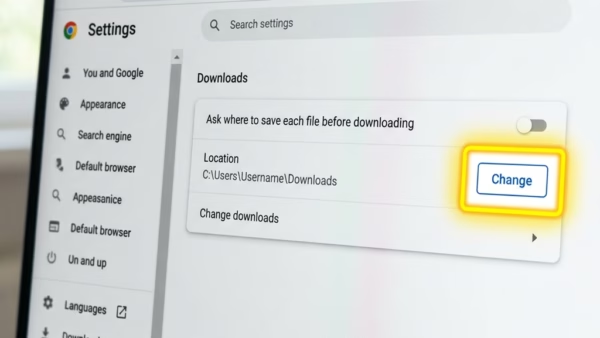
Changing the Microsoft Edge download location in Windows 11 lets you choose exactly where your saved files go. This means you can automatically send downloads to a specific folder, like…
Microsoft Edge translates videos using its built-in AI tool, providing real-time audio dubbing and subtitles for foreign language content. This feature helps you understand videos from around the world directly…
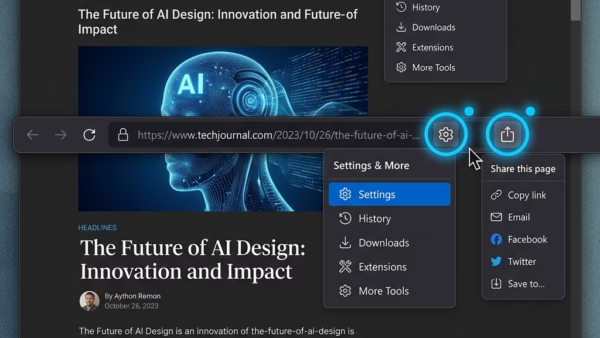
Microsoft Edge includes a built-in Share menu for sending links to other apps, nearby devices, or email addresses, as well as generating QR codes. Why enable or disable Share? Turning…
Extension Developer Mode in Microsoft Edge on Windows 11 is a special setting that lets you load custom browser add-ons directly from your computer files before putting them in an…
Microsoft Edge Copilot focus settings control whether your cursor lands on the AI search box or the main address bar when you open a new tab in version 120 or…
Copilot Actions in Windows 11 Edge is a built-in browser tool that lets the built-in AI assistant help you get things done on web pages. Starting with version 114 of…
Microsoft Edge includes a dedicated visual style called the Copilot theme. Turning this interface adjustment on or off takes only a few moments. Why use the Copilot theme? Enabling the…
Managing Copilot Journeys in Microsoft Edge on Windows 11 takes a few clicks. Why use Copilot Journeys? Copilot Journeys organizes your web browsing. It remembers where you left off, groups…
The Copilot new tab page in Microsoft Edge replaces your standard browser start screen with an AI chat box and smart shortcuts on Windows 11. Microsoft includes this feature by…
This tutorial will show you how to turn on or off “energy saver” in Microsoft Edge. You can do this for your account or for all users in Windows 11.…
Disabling autoplay in Microsoft Edge stops websites from playing unwanted videos and sounds the second you open a page. Edge runs media automatically right out of the box, but a…
Microsoft Edge AutoSuggest is a built-in browser feature that predicts search terms and website links in the address bar as you type. It tracks your typing and past web history…