Importing your favorites and passwords from other browsers into Microsoft Edge moves all your saved website links and login details in one quick step. This built-in feature grabs data like…
Browsers
212 tutorials · page 4
The Favorites bar in Microsoft Edge is a handy toolbar sitting right below the address bar that lets you jump straight to your saved websites with a single click. Edge…
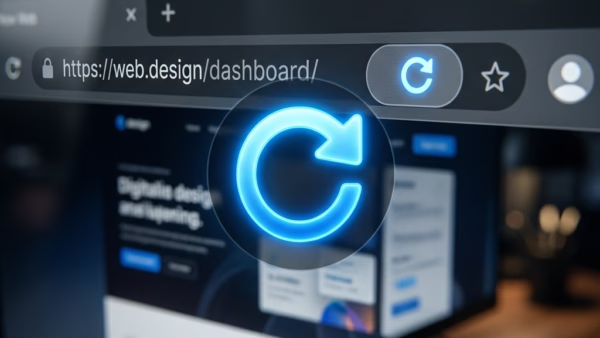
A hard page refresh in Microsoft Edge on Windows 11 forces your browser to download a website’s newest files instead of loading old data from your saved cache. Standard reloads…
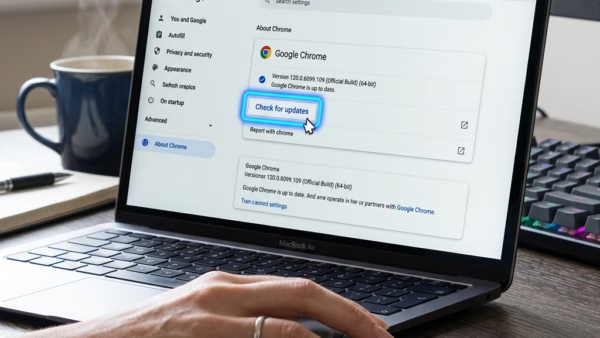
Microsoft Edge updates bring new tools and security fixes to your Windows 11 PC every 4 weeks. Microsoft Edge is the built-in web browser for Windows 11 that lets you…
A Microsoft Edge profile is a separate space inside your web browser that keeps your bookmarks, passwords, and history saved by itself. You can set up multiple profiles in Microsoft…
Making text bigger in Microsoft Edge helps you read small words on web pages without straining your eyes. You can set a default zoom level, like 125% or 150%, so…
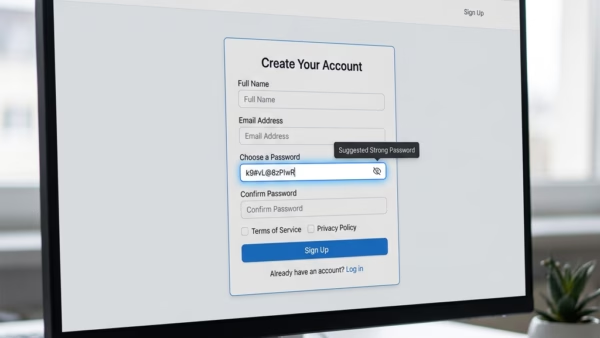
The built-in password generator in Microsoft Edge creates strong, random passwords that keep your online accounts safe from hackers. It makes tough-to-guess logins that are at least 12 characters long…
Starting Microsoft Edge automatically when you turn on Windows 11 happens because the operating system reopens apps that were running before your last shutdown. Microsoft Edge is the default web…
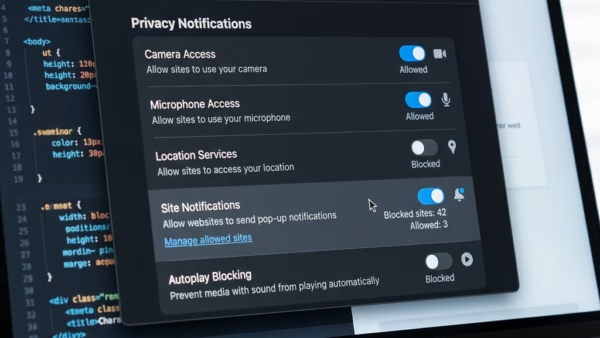
Website notifications in Microsoft Edge are pop-up alerts that send news and updates from sites directly to your computer screen, even when the browser is closed. You can manage these…
Browser history in Microsoft Edge is a saved list of every website you visit on the web. Microsoft Edge saves this log to help you quickly find pages again, but…
Temporarily allowing cookies in Microsoft Edge lets specific websites save small data files on your computer to remember your login details and preferences. These files, known as cookies, help broken…
Microsoft Edge’s InPrivate mode is a private browsing setting that deletes your history, cookies, and temporary files the second you close the window. This feature stops Edge from saving what…
Microsoft Edge running slow on Windows 11 usually happens because of too many open tabs, piled-up cache files, or heavy extensions that drain your computer memory. Microsoft Edge is the…
Microsoft Edge includes a feature called Browse with Copilot. It allows the AI assistant to help you by clicking, typing, or navigating on websites for you. You might want to…
Browse with Copilot in Microsoft Edge lets you automate web tasks using AI directly in your browser. This built-in artificial intelligence tool helps you handle everyday online jobs, like filling…