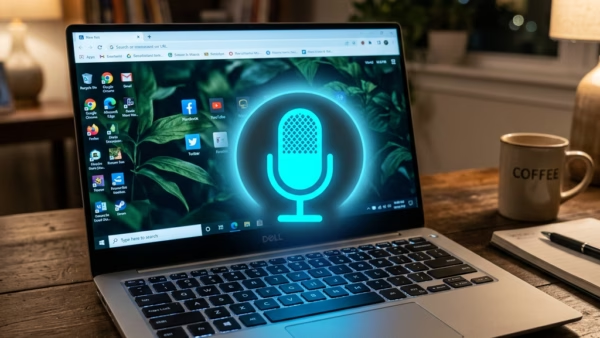
To start voice typing in Windows 11, click inside a text box and press the Windows key and the H key together. A small microphone bar opens near the top…
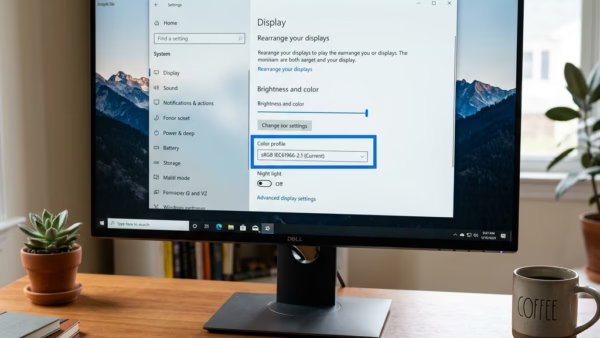
Removing a color profile in Windows 11 clears an old or incorrect display profile so the screen goes back to its default colors. A color profile is a small file…
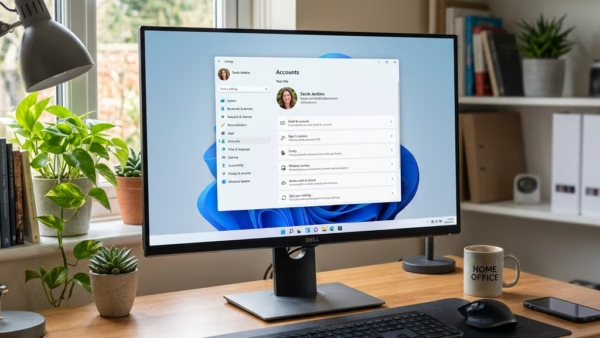
User accounts in Windows 11 create separate spaces on one PC so several people can share it without mixing up their files, apps, and settings. Each profile holds its own…
Adaptive communication sound levels is a Windows 11 feature that lowers background music or game audio, by up to 80% by default, when you join a voice call in apps…
Automatically upgrading to passkeys in Microsoft Edge replaces your old text passwords with passkeys, which are digital keys that resist phishing scams. The feature has been available since Microsoft Edge…
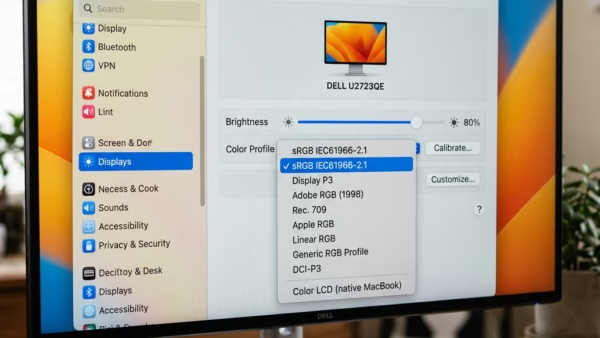
Where to Find Color Profile Settings The color profile controls live in the Settings app, under your display options. The steps below are for Windows 11. Menu layout changes a…
To turn on color management in Windows 11, open Settings › System › Display, select your monitor, click Color profile, and switch Automatically manage color for apps to On. Switch…
Multiple monitors in Windows 11 let you spread your desktop across up to 10 screens, depending on your graphics hardware. You can run several apps side by side without switching…
Alt codes on Windows 11 are keyboard shortcuts that type a special character when you hold the Alt key and enter a number on the number pad. For example, holding…
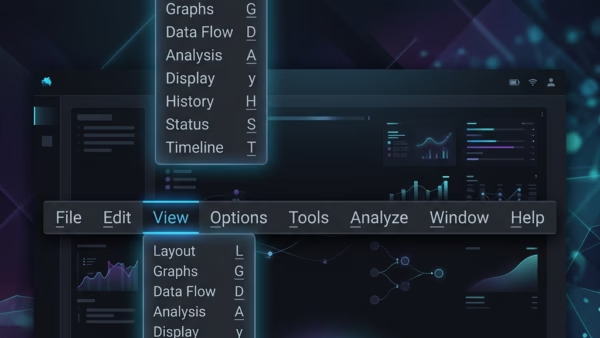
Underline access keys are keyboard shortcuts that show a small line under a letter in a menu item or button. Press that letter, usually together with Alt, and Windows runs…
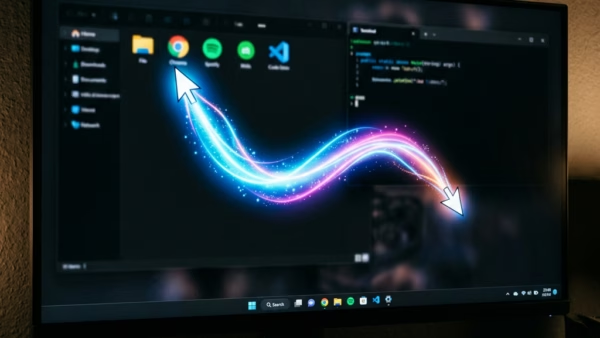
Mouse pointer trails leave a faded copy of the cursor behind it as you move the mouse. This makes the pointer easier to follow on busy screens, high-resolution displays or…
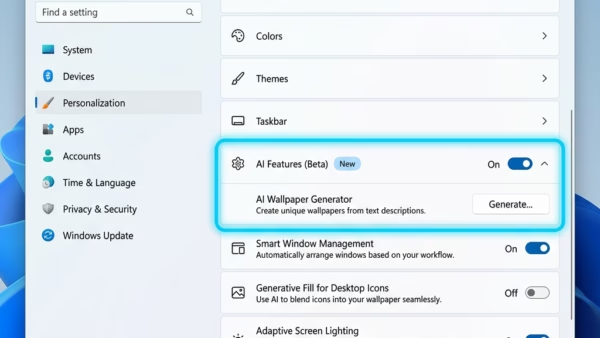
AI components in Windows 11 are built-in machine learning models, such as AI Phi Silica, that run on your own hardware to power smart features. They take up storage space…
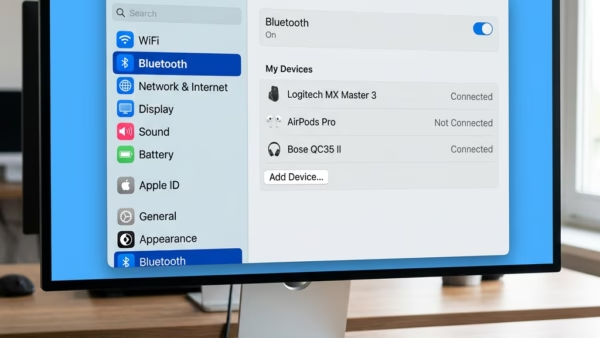
Bluetooth settings in Windows 11 let you connect and manage wireless devices like mice, keyboards, and headphones from one central menu. Every Windows 11 PC has this built-in menu, whether…
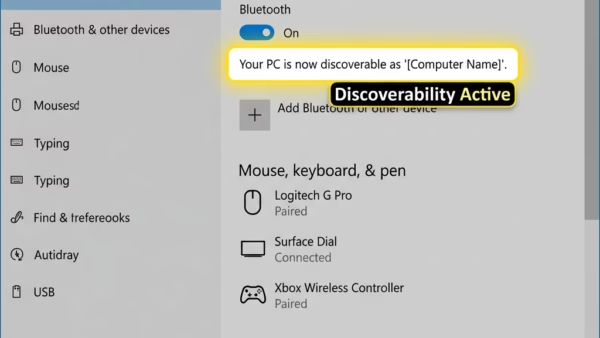
The “Allow Bluetooth devices to find this PC” setting in Windows 11 controls whether your computer announces itself to nearby Bluetooth hardware. When it is on, wireless headphones, mice, speakers,…
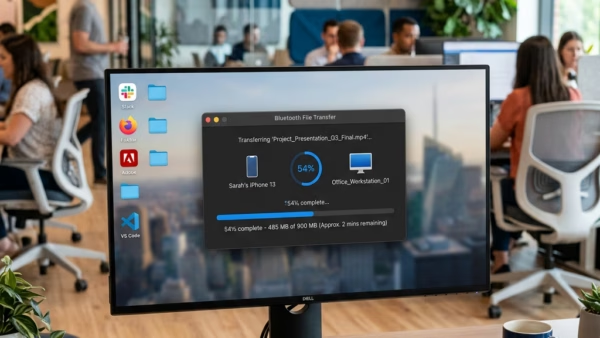
Bluetooth file sharing in Windows 11 lets you send photos, videos, and documents to nearby phones, tablets, and computers without cables or an internet connection. It uses a direct wireless…