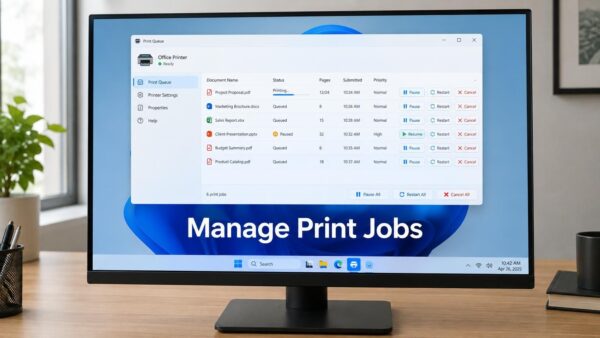
To check print jobs in the print queue, go to Settings › Bluetooth & devices › Printers & scanners, select your printer and select Open print queue. While a document…
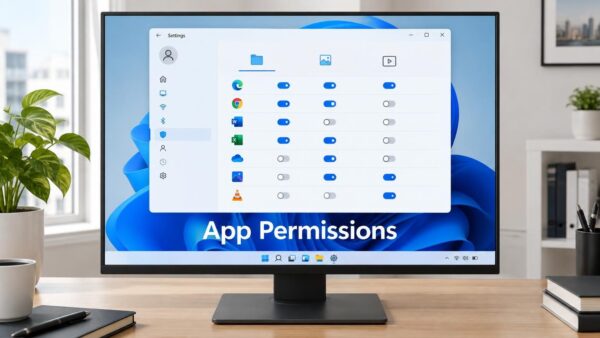
App permissions for Documents, Pictures and Videos control which Microsoft Store apps can open your files on Windows 11. You manage them in Settings under Privacy & security, where each…
Rolling back a Windows 11 update means undoing an installation that caused problems on your PC. Windows stores recent updates for a limited time, so you can remove them through…
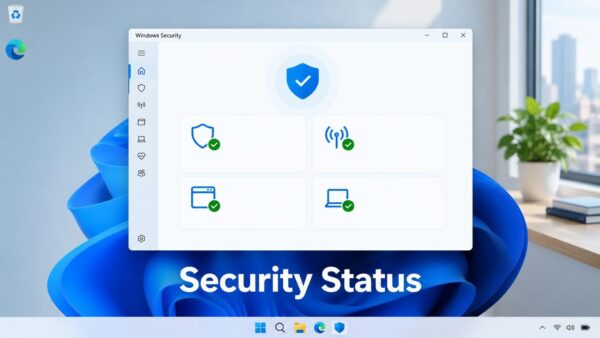
To check Microsoft Defender status in Windows 11, open the Windows Security app and read the status icon on the Virus & threat protection tile. A green check means Defender…
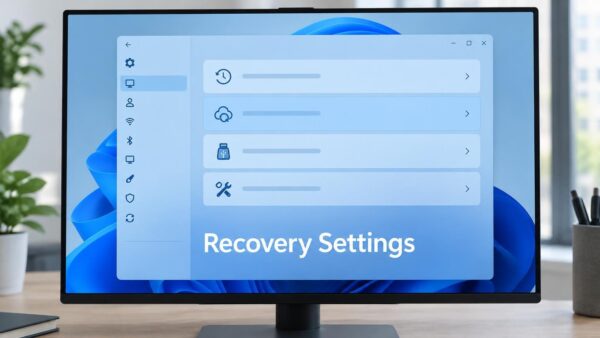
The Recovery page in Windows 11 groups the tools that fix problems with Windows, undo recent changes, or reinstall it from scratch. Open Settings › System › Recovery to find…
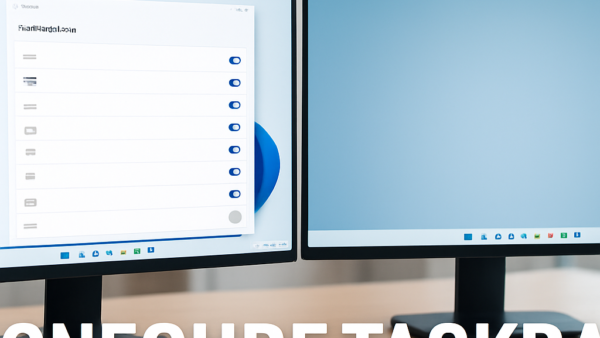
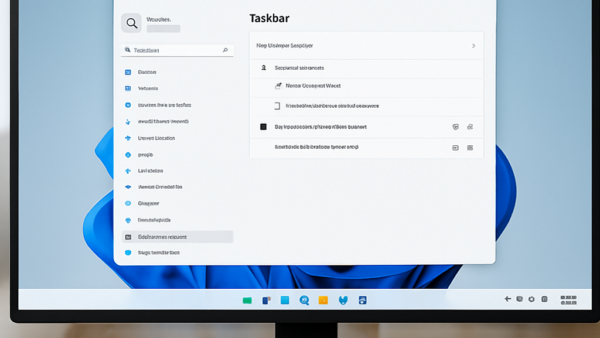
The Windows 11 taskbar can appear on every monitor or on only one, and you decide which taskbar shows each app’s button. The options sit in Settings › Personalization ›…
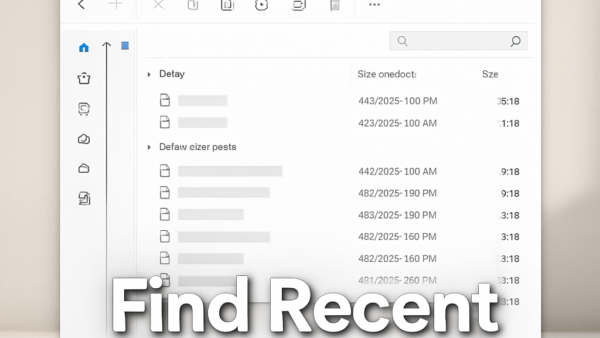
Windows 11 saves every file you download to the Downloads folder, which File Explorer can open with a quick keystroke. The fastest way to find your most recent downloads is…
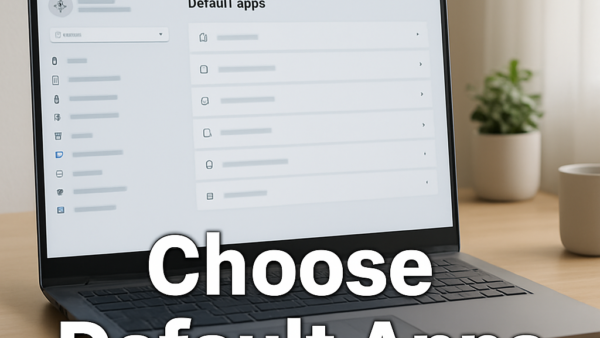
Default apps in Windows 11 work per file type and link type, not with one switch as in older versions of Windows. A file type is the extension at the…
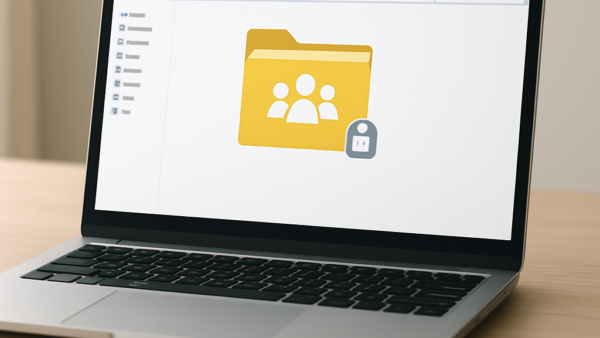
Folder sharing in Windows 11 lets you make files and folders available to other people on your network or in your organization. Sharing a folder only makes it reachable over…
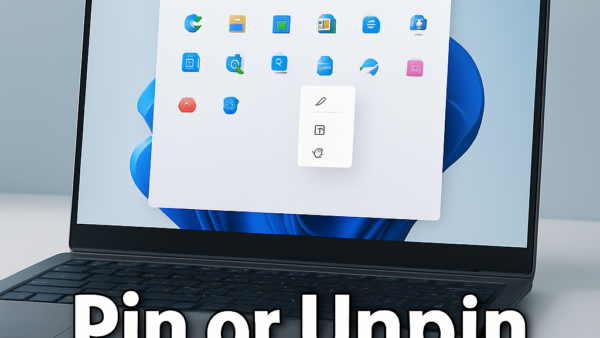
Pinning an app to your Windows 11 Start menu adds a shortcut there so you can find it faster—it does not install or uninstall anything. Right-click any app in the…
Speech recognition language packs in Windows 11 download automatically from Settings when you add a new language and turn on speech recognition for it. You don’t need to find or…
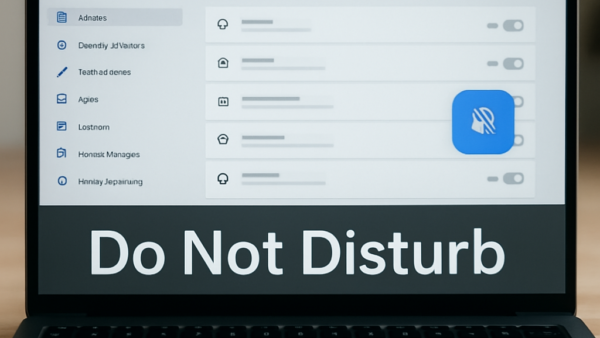
Do Not Disturb in Windows 11 stops notifications automatically when you are busy. The feature blocks pop-up banners in the corner of your screen based on what you’re doing —…
Windows 11 lets you move the taskbar from the bottom of your screen to the left side or center it instead. By default, the taskbar sits at the bottom with…
The easiest way to switch the clock between AM/PM and 24-hour time in Windows 11 is the Time format drop-down in Settings › Time & language › Date & time.…
Swapping mouse buttons in Windows 11 lets you change which button does what — useful if you’re left-handed or prefer a different setup. The change happens in Mouse Settings under…