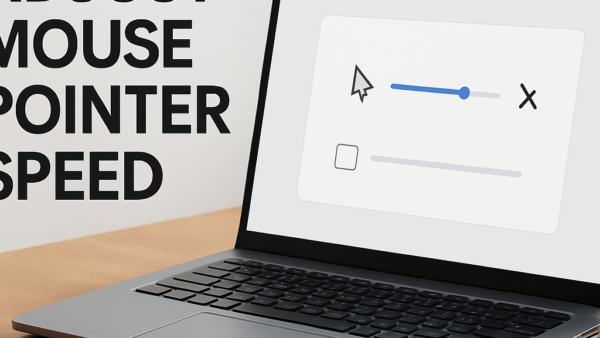
This tutorial will show you how to change the mouse pointer speed in Windows 11. The mouse pointer (also called a cursor) is what you see on your screen when…
This tutorial will show you how to change which mouse button is your primary button in Windows 11. Your primary mouse button is the one you use most often. It…
This tutorial will show you how to change how fast your mouse wheel scrolls in Windows 11. You can make it scroll a few lines at a time or jump…
This tutorial will show you how to turn on or off scroll inactive windows when hovering over them in Windows 11. It’s easier than you might think! Windows has a…
This tutorial will show you how to turn on or off visual alerts for sounds on your Windows 11 computer. This feature is called Sound Sentry. If you have trouble…
This tutorial shows you how to turn video enhancement on or off in Windows 11. Video enhancement automatically improves video quality when your computer is plugged in. Some apps use…
This guide will help you turn the “Get tips and suggestions when using Windows” notifications on or off in Windows 11. You can do this for just your account or…
This guide will show you how to hide or show all desktop icons in Windows 11. You can do this for just your account, specific users, or everyone on the…
This tutorial will show you how to turn on or off mono audio in Windows 11. Windows lets you convert stereo sound into a single channel with mono audio. Why…
This tutorial will show you how to turn on or off Microsoft Defender’s protection against potentially unwanted applications (PUA) in Windows 11. What Are Potentially Unwanted Applications? Potentially unwanted apps…
The text cursor is that blinking line you see when you’re typing in Windows. It helps you know where your text will appear. Windows 11 lets you make this cursor…
This tutorial will show you how to turn Bluetooth Swift Pair on or off in Windows 11. You can do this for just your account or for all users on…
This tutorial will show you how to turn on or off Microsoft Defender SmartScreen in Windows 11. SmartScreen checks apps and files that you download from the web. What Does…
The pen menu in Windows 11 makes it easy to access your favorite apps. If you have a pen, tap it on your screen to open the menu in the…
This tutorial will show you how to add or remove the Bluetooth notification icon on the taskbar for your account in Windows 11. What is Bluetooth? Bluetooth is a wireless…