Removing your password from sign-in with Windows Hello means the Windows 11 sign-in screen stops offering your password and accepts only a PIN, face scan or fingerprint. The quickest way…
2,996 tutorials · page 15 of 250
Removing your password from sign-in with Windows Hello means the Windows 11 sign-in screen stops offering your password and accepts only a PIN, face scan or fingerprint. The quickest way…
To set the default playback device in Windows 11, open Settings › System › Sound and choose your speakers or headphones under Output. The default playback device is the speaker,…
Windows 11 can sign you in on its own after an update restarts your PC. This post shows how to turn that off in Settings, so the PC stops signing…
What breaks when you turn off Snap Assist in Windows 11 is one thing: the thumbnail picker that suggests which open window to place beside a snapped one. Snapping to…
Your desktop background keeps changing in Windows 11 when Windows spotlight or a Slideshow is switched on under Settings › Personalization › Background. Set Personalize your background to Picture and…
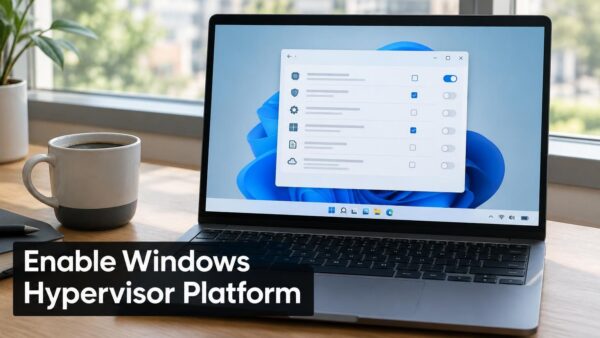
The “Windows Hypervisor Platform is not enabled” error appears when an app that needs hardware virtualization starts on a PC where that support is switched off. Such apps include Android…
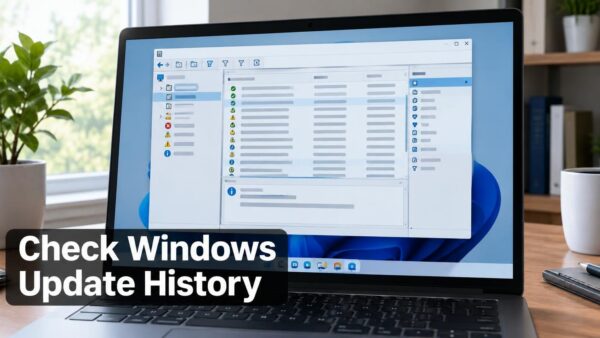
Event Viewer records Windows Update activity in one log: Applications and Services Logs › Microsoft › Windows › WindowsUpdateClient › Operational. Open Event Viewer (the built-in tool that stores system…
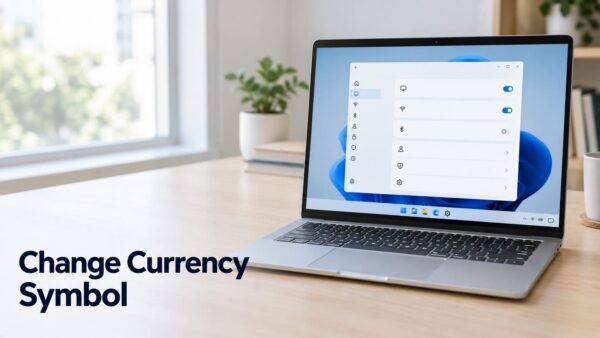
To change the currency symbol in Windows 11, you edit the Currency tab in the Region window. The symbol is the $, €, or £ that appears next to amounts…
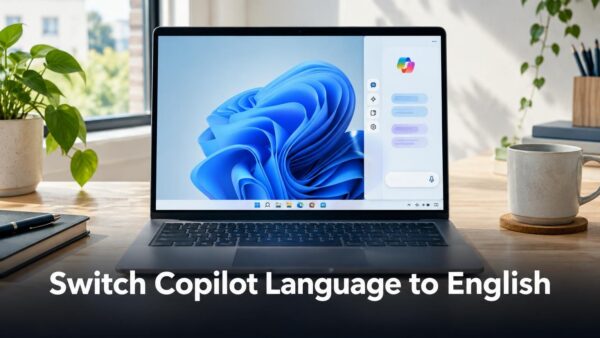
Copilot’s language comes from Windows, so you change it outside the Copilot app. In most cases Copilot takes its interface language from your Windows display language (the language Windows uses…
The GPU refresh hotkey in Windows 11 is Win+Ctrl+Shift+B, and it restarts your graphics driver without restarting the PC. If you searched “how do i refresh gpu hotkey”, press those…
Search box settings in Windows 11 control how the search box appears on the taskbar and which places it searches when you type. To change them, open Settings › Personalization…
Themes in Windows 11 change your desktop background, accent color, sounds and mouse cursor in one click. The quickest way to get new ones is Settings › Personalization › Themes,…
One email when we publish a guide worth your time — new Windows features, the fixes that actually work, and a heads-up when Microsoft breaks something. Unsubscribe in one click.