Regional format overrides in Windows 11 let you separate your display language from how your computer shows dates, times, currency, and numbers. For example, you can keep your menus in…
2,595 tutorials · page 16 of 217
Regional format overrides in Windows 11 let you separate your display language from how your computer shows dates, times, currency, and numbers. For example, you can keep your menus in…
Windows 11 display language resets happen when conflicts exist between your main user account settings and hidden system language profiles. During a restart or update, Windows often checks these background…
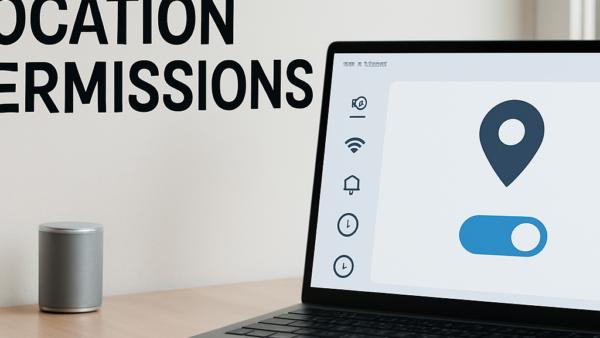
The Windows 11 location service is a built-in feature that uses your internet connection, nearby wireless networks, and GPS data to share where you are with apps and websites. Turning…
Default location access in Windows 11 controls where apps look when your PC lacks a built-in GPS chip. Windows 11 relies on your internet connection or a saved fallback address…
Blocking camera access globally in Windows 11 stops all apps from using your webcam at the same time. This master switch cuts off camera feed to every program on your…
Geo-fencing permissions in Windows 11 control which apps can track when your computer crosses invisible map borders. Windows 11 checks your spot using GPS, nearby Wi-Fi networks, and cell towers.…
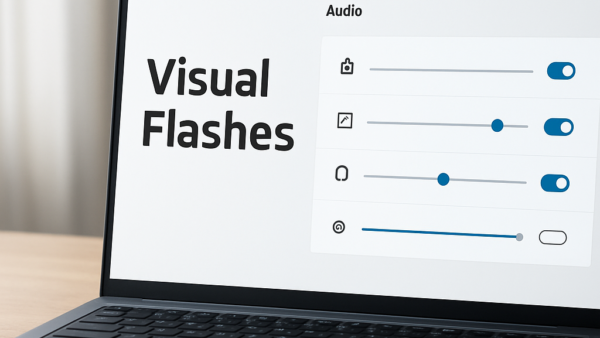
Visual notification flashes in Windows 11 turn screen prompts on whenever a sound plays on your PC, letting you see alerts when your speakers are muted or turned off. This…
Network time synchronization in Windows 11 is a built-in feature that connects your PC to an online time server to keep your computer clock exact. Every 7 days by default,…
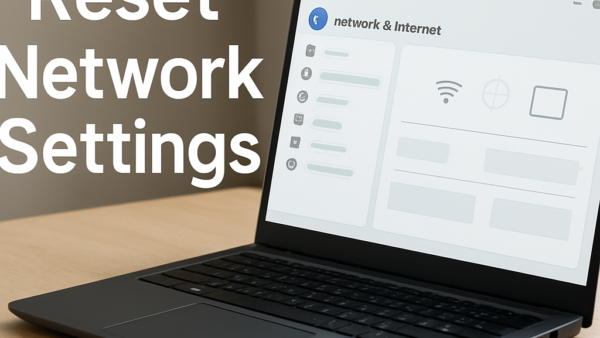
Advanced network reset in Windows 11 clears out bad data and fixes stubborn internet problems by putting all your network settings back to their original factory defaults. Your computer uses…
Automatic time zone detection in Windows 11 and 10 uses your Wi-Fi network and nearby cell towers to figure out where you are and set your computer clock without help.…
File Explorer address bar history in Windows 11 saves a list of every folder path and search term you type into the top navigation bar. Anyone who shares your PC…
Turning off full-screen optimizations in Windows 11 Advanced App Properties stops Windows from running games in a clever hybrid windowed mode. Microsoft introduced this feature to give you the speed…
One email when we publish a guide worth your time — new Windows features, the fixes that actually work, and a heads-up when Microsoft breaks something. Unsubscribe in one click.