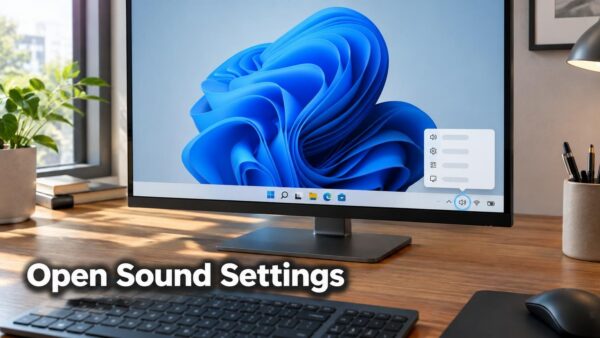
Sound settings in Windows 11 is the page in the Settings app (Settings › System › Sound) where you choose your speakers or headset, change the volume, and test your…
2,995 tutorials
Sound settings in Windows 11 is the page in the Settings app (Settings › System › Sound) where you choose your speakers or headset, change the volume, and test your…
The Accessibility folder in Windows 11 is a group of shortcuts inside the Start menu’s All apps list. It opens tools such as Magnifier, Narrator, and On-Screen Keyboard. The quickest…
Slow or crashing apps in Windows 11 usually trace back to a runaway process (a program that keeps using processor time or memory when it should stop), an outdated app,…
If your USB audio device gives no sound in Windows 11, the cause can be one of three things: a settings problem, a driver fault, or a known Microsoft issue.…
To turn off account-based insights, clear one checkbox in File Explorer Options. First, here is what those insights are: file suggestions tied to your sign-in, such as recent and recommended…
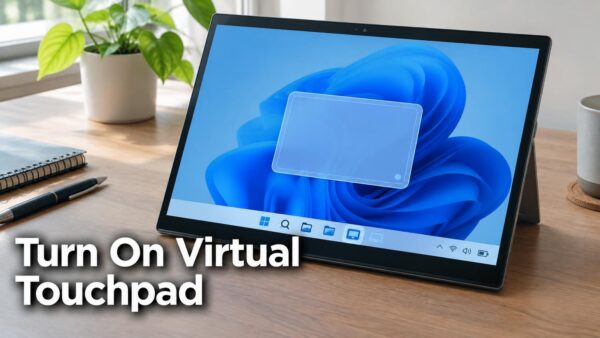
Windows calls the on-screen touchpad the Virtual touchpad. To turn it on, go to Settings › Personalization › Taskbar and switch on Virtual touchpad under Taskbar corner icons. Switching on…
Windows 11 lets you revert to a previous Windows version with the Go back option in Settings › System › Recovery. It restores the earlier version that Windows keeps on…
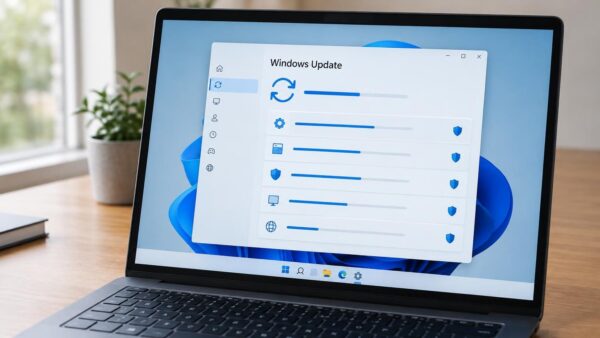
Pending updates in Windows 11 are updates that Windows has found or downloaded but has not finished installing. The fastest way to install them is Settings › Windows Update, where…
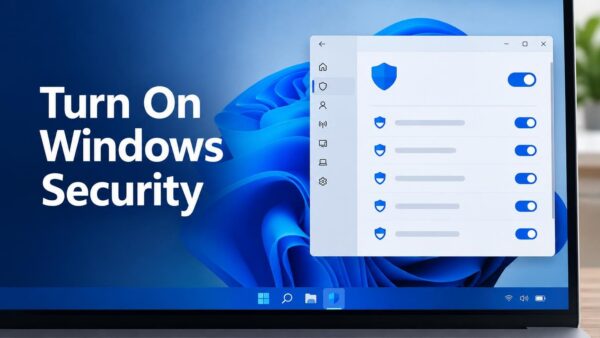
Windows Security is the built-in app in Windows 11 that manages Microsoft Defender Antivirus (the scanner that checks files for malware) and Microsoft Defender Firewall. To turn it on, open…
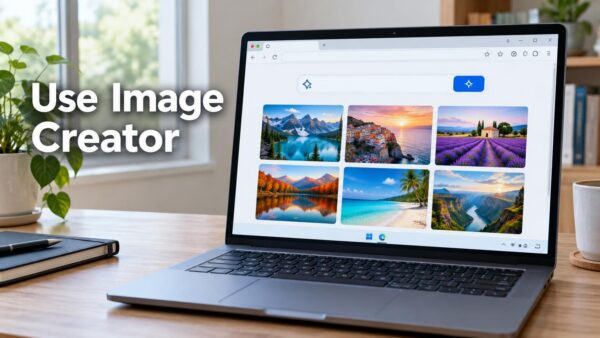
Image Creator is Microsoft’s free AI tool that turns a written description into pictures. The quickest way to use it on Windows 11 is to open bing.com/images/create in Microsoft Edge…
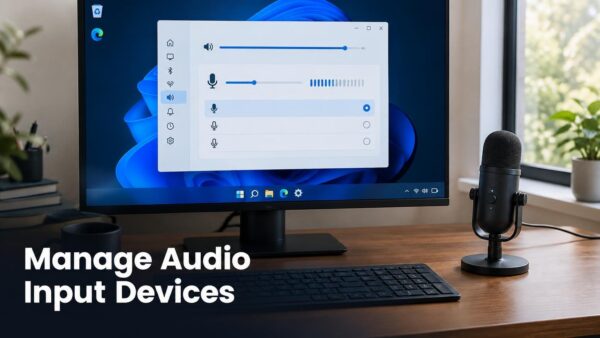
Managing audio input devices in Windows 11 means choosing which microphone Windows listens to, setting its volume, and controlling which apps can use it. Most of this happens in Settings…
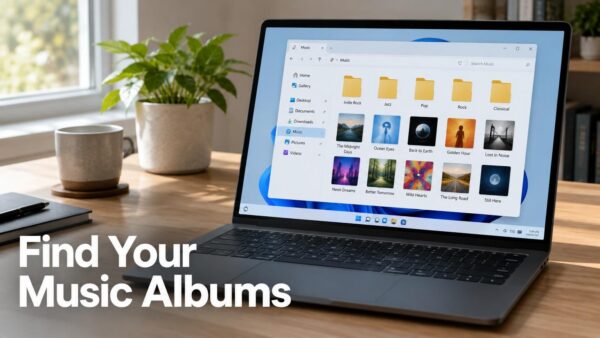
Music albums in Windows 11 are stored in the Music folder of your user profile, at C:\Users\USERNAME\Music, unless you or an app saved them somewhere else. The quickest way to…
One email when we publish a guide worth your time — new Windows features, the fixes that actually work, and a heads-up when Microsoft breaks something. Unsubscribe in one click.