Copilot’s built-in web browsing uses graphics hardware acceleration by default. If web pages render slowly, or videos on web pages (built with HTML5, the standard web code for video) or…
2,996 tutorials · page 14 of 250
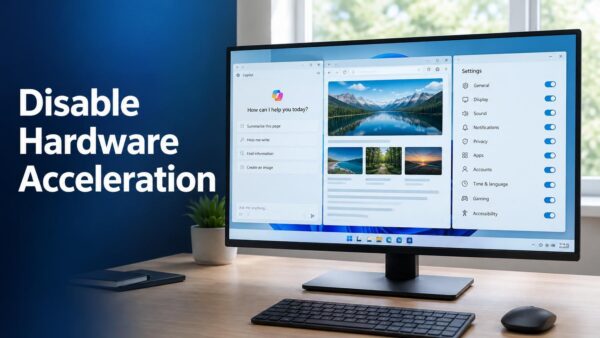
Copilot’s built-in web browsing uses graphics hardware acceleration by default. If web pages render slowly, or videos on web pages (built with HTML5, the standard web code for video) or…
Copilot imports your browsing data from Microsoft Edge by default, and this tutorial shows you how to turn that off or back on. The Copilot app can use your Edge…
The video folder in Windows 11 is named Videos, and by default it sits at C:\Users\USERNAME\Videos. To open it, press Win+E, expand This PC in the left pane, and click…
A mouse that scrolls the wrong way in Windows 11 usually has a reversed scroll direction in the touchpad settings, the mouse maker’s software, or one app. Check three places…
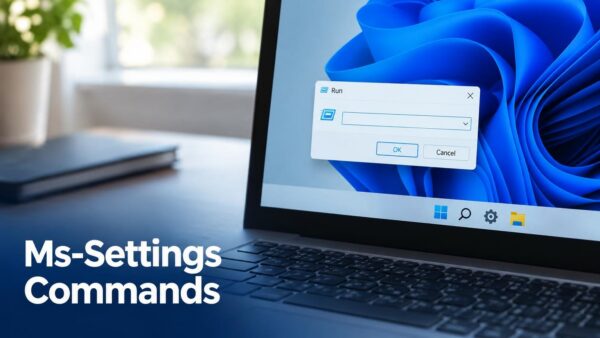
Ms-settings commands open a specific page of the Settings app in Windows 11 with a single line of text, such as ms-settings:display for System › Display. Type one into the…
Filter keys in Windows 11 tells your keyboard to ignore brief, repeated or accidental keystrokes, so only deliberate presses appear as typed characters. You turn it on at Settings ›…
ClickLock in Windows 11 lets you drag items and highlight text without holding the mouse button down the whole time. To turn it on, open Settings › Bluetooth & devices…
Want to see the time in another city on your taskbar? Windows 11 can show up to two extra clocks next to your local time. To add one, open Settings…
Game captures in Windows 11 save to the Captures folder inside your Videos folder by default, at 📁C:\Users\USERNAME\Videos\Capturescopy. To change that, move your Videos folder from its Location tab in…
What breaks when you turn off Copilot in Windows 11 is mostly Copilot itself: the chat assistant, its taskbar button, and the shortcut or Copilot key that opens it. Search,…
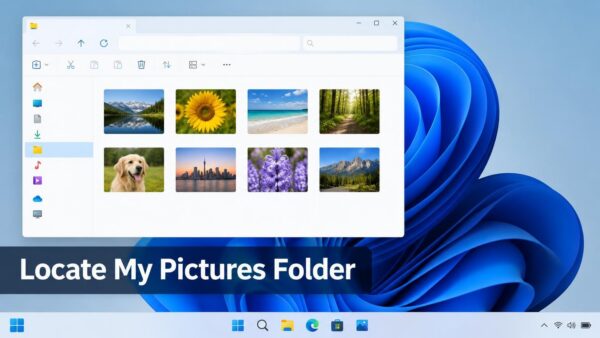
Your photos live in the Pictures folder on a Windows 11 PC. It sits at 📁C:\Users\USERNAME\Picturescopy. The quickest way to open it is to press Win+E and click Pictures in…
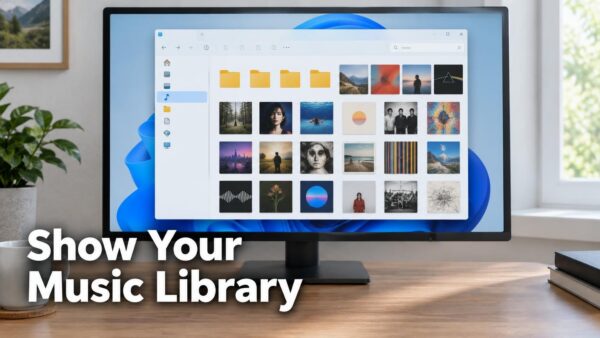
The Music library in File Explorer is hidden by default in Windows 11. Here is how to show it. Open File Explorer, select See more (the three dots), choose Options,…
One email when we publish a guide worth your time — new Windows features, the fixes that actually work, and a heads-up when Microsoft breaks something. Unsubscribe in one click.