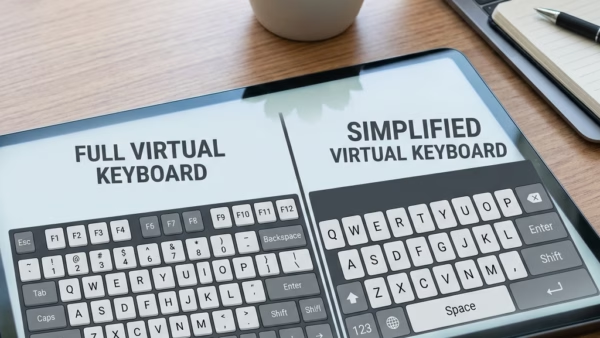
To change the on-screen keyboard’s screen layout in Windows 11, click the Nav or General key on the keyboard itself. You don’t need to open any settings, and the change…
Windows 11
2,680 tutorials · page 65
The on-screen keyboard in Windows 11 is a built-in virtual keyboard on screen. Press Win + Ctrl + O to open it, or turn it on in Settings › Accessibility…
Windows search indexing builds a hidden map of your computer in the background so you can find documents, photos, and apps almost instantly. When you type in the taskbar search…
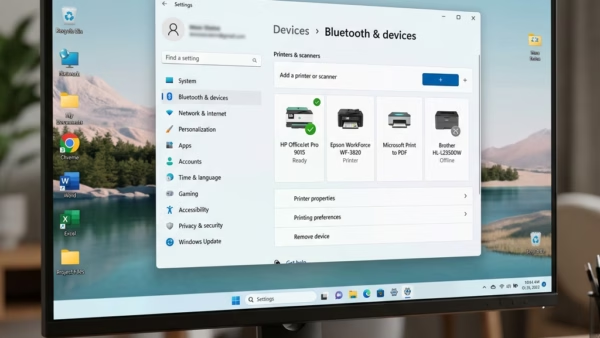
You’ll find the Windows Ready Print switch in Settings › Bluetooth & devices › Printers & scanners, under Printer preferences. Turn Default install printers using Windows Ready Print on or…
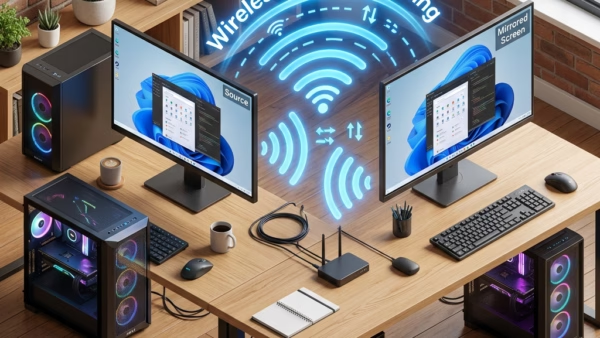
Wireless casting on Windows 11 mirrors your main computer’s display onto another nearby PC over Wi-Fi. The second laptop or desktop then works as an extra monitor. The feature uses…
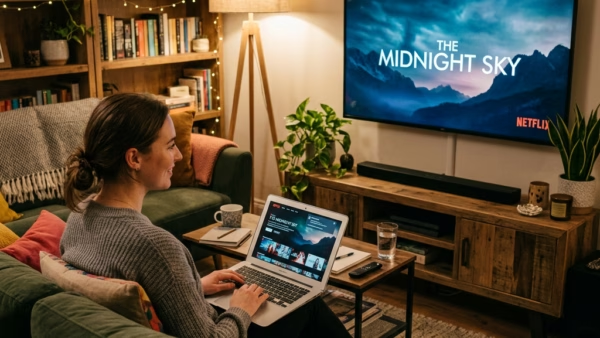
Casting your Windows 11 desktop to an external display lets you mirror your screen on a larger TV, projector, or monitor without cables. The wireless link uses Miracast, a standard…
Removing the Copilot app (an AI digital assistant built into Windows 11) stops it from taking up space on your taskbar and running in the background. Microsoft installs this tool…
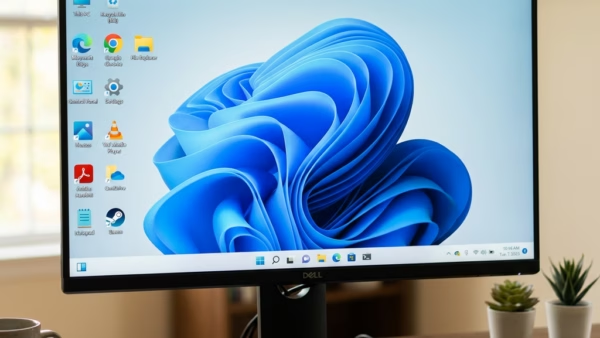
The default desktop icons in Windows 11 are built-in shortcuts to core system tools: This PC, the Recycle Bin, Control Panel, your user files folder, and Network. A fresh install…
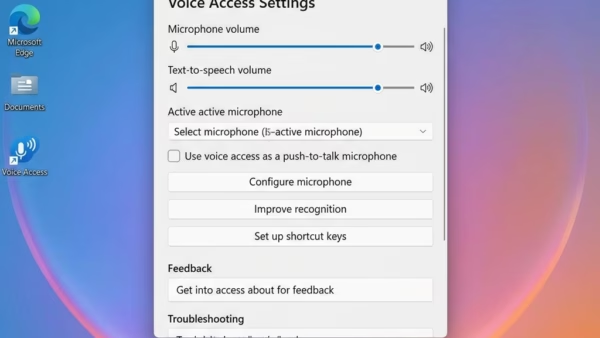
Voice Access filtering options in Windows 11 control how your microphone handles background noise while Voice Access is listening. Voice Access is a built-in feature that lets you control your…
Voice Isolation in Voice Access on Windows 11 filters out room noise so your computer hears your spoken commands clearly. This built-in tool blocks out background sounds and distractions that…
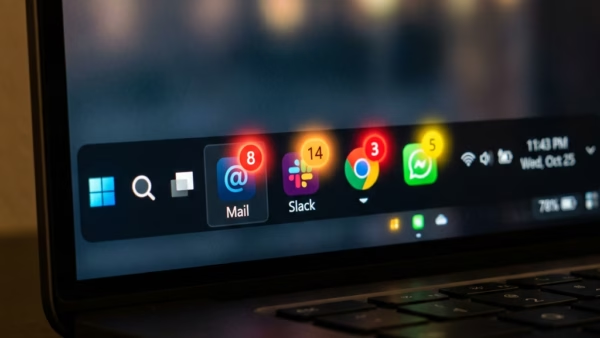
Widgets notifications in Windows 11 show live weather updates, news alerts, and calendar reminders on the Widgets icon on your taskbar. Red or blue badges and short banners let you…
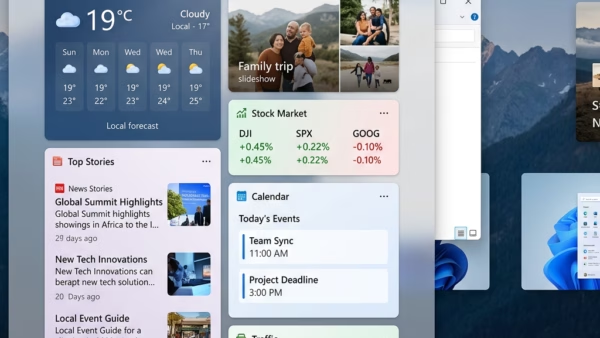
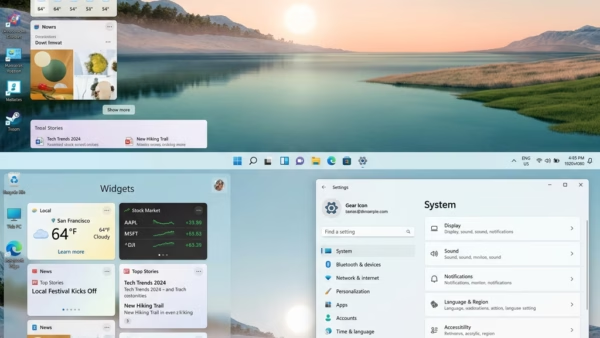
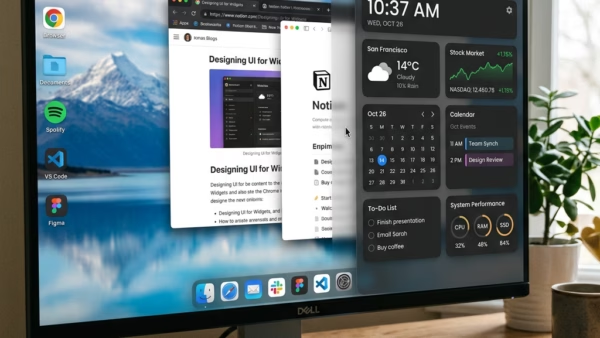
The Widgets board is the panel that shows news, weather, calendar items and other feeds. In Windows 11 version 22H2 and later, it opens on its own whenever your mouse…
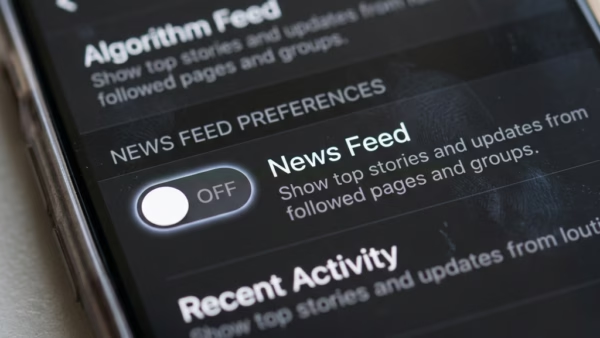
The Widgets panel in Windows 11 is a side screen that shows weather, calendar events, news and other small tools. It also has a built-in news feed from Microsoft Start.…
Widgets language and region settings in Windows 11 control the news, weather, and local stories that appear on your taskbar panel. The widgets board is the slide-out screen you open…
Signing in and out of widgets on Windows 11 controls which Microsoft account is tied to your Widgets board and the personalized feed on it. Widgets are small panels that…