Follow

#Windows 11

Windows 2 min read
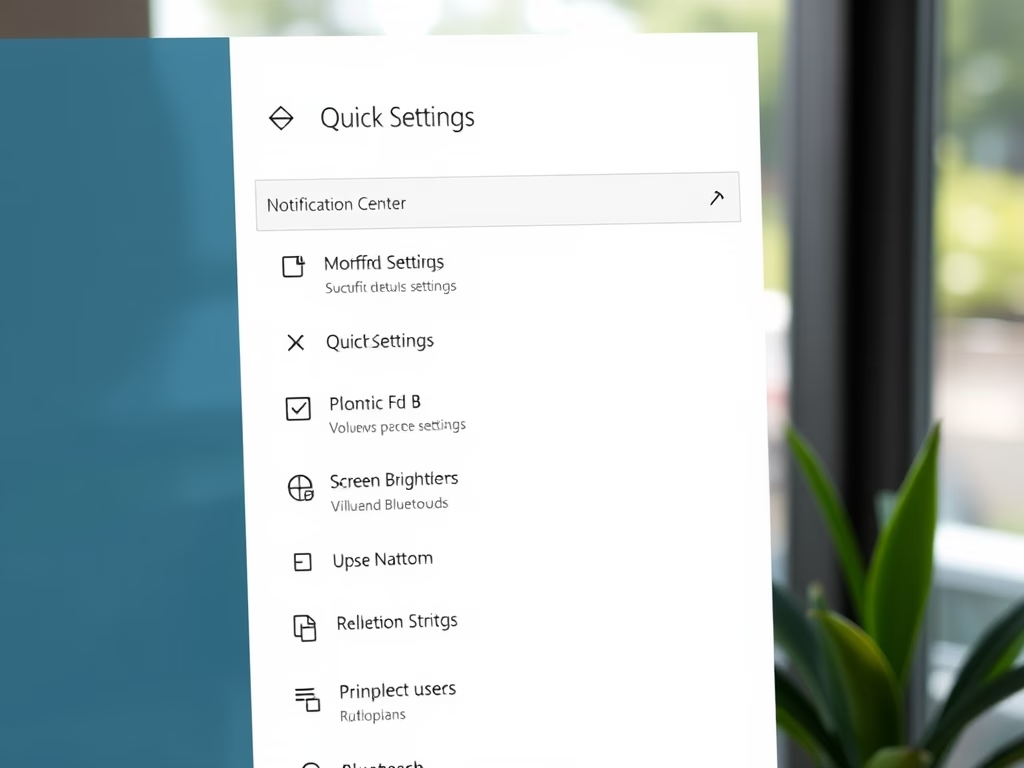
How to Reset Quick Settings in Windows 11

This guide explains how to reset the Quick Settings panel on a Windows 11 PC to its default state to resolve issues or start fresh. It outlines the location and function of Quick Settings, which allows users to adjust common settings, and provides step-by-step instructions for performing the reset using Command Prompt.

March 9, 2026 Read more →
Windows 3 min read
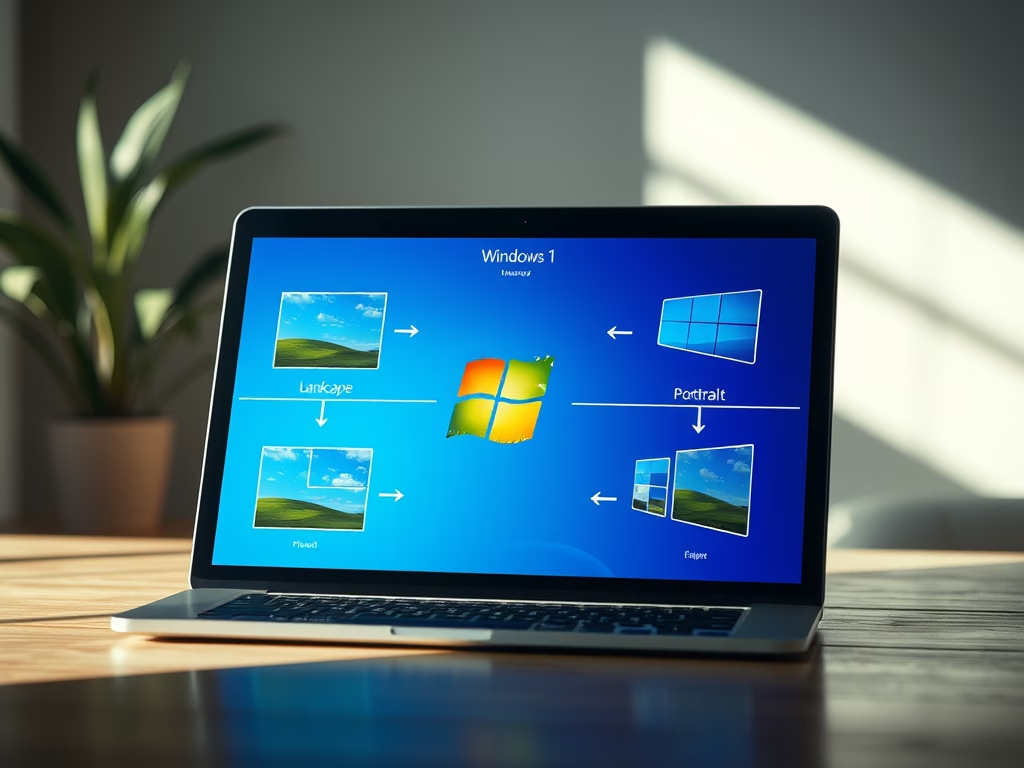
How to Change Display Orientation in Windows 11

This guide explains how to change screen orientation in Windows 11, offering four methods: physically rotating tablets, using keyboard shortcuts, adjusting settings in the Windows Settings app, or using the NVIDIA Control Panel for compatible graphics cards. Tablets and 2-in-1 devices can auto-rotate based on position changes.

Windows 3 min read
How to Turn On or Off Adaptive Brightness in Windows 11

This guide explains how to turn on or off the Adaptive Brightness feature in Windows 11, which adjusts screen brightness based on ambient light. It can be managed through several methods: Windows Settings, command scripts, Intel Graphics Control Panel, or AMD Radeon Settings, improving visibility and reducing eye strain.