How to Restrict Background App Notifications in Windows 11 Notification Settings
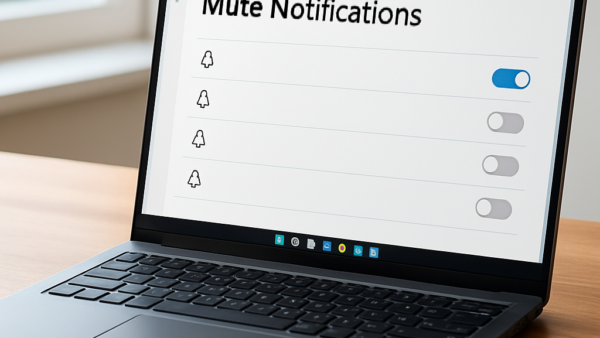
Restricting background app notifications in Windows 11 stops programs from sending constant pop-ups and alerts while you work. Background apps run tasks you don’t see, such as checking for new…
Updated Oct 2026
Read more →