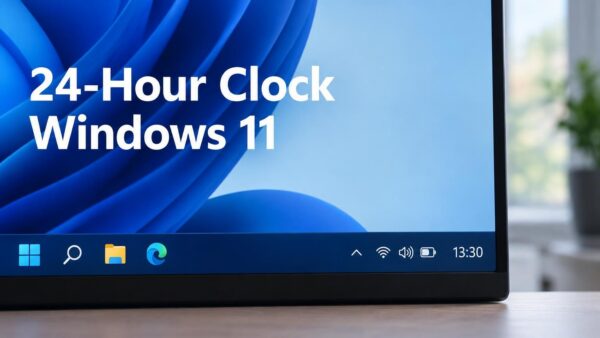
Network time synchronization in Windows 11 is a built-in feature that connects your PC to an online time server to keep your computer clock exact. Every 7 days by default,…
Windows
2,513 tutorials · page 8
Advanced network reset in Windows 11 clears out bad data and fixes stubborn internet problems by putting all your network settings back to their original factory defaults. Your computer uses…
Automatic time zone detection in Windows 11 and 10 uses your Wi-Fi network and nearby cell towers to figure out where you are and set your computer clock without help.…
File Explorer address bar history in Windows 11 saves a list of every folder path and search term you type into the top navigation bar. Anyone who shares your PC…
Turning off full-screen optimizations in Windows 11 Advanced App Properties stops Windows from running games in a clever hybrid windowed mode. Microsoft introduced this feature to give you the speed…
Full file path in Windows 11 Advanced File Explorer settings is an option that shows the exact location of your files and folders right at the top of your screen.…
The notification banner timeout duration in Windows 11 controls how many seconds a pop-up message stays on your screen before it fades away. By default, Windows shows these alerts in…
Removing a family member account in Windows 11 deletes their user profile, clears their local files, and removes all Microsoft Family safety controls from that PC. A Microsoft Family group…
Full folder path in File Explorer shows the exact route to your open folder right at the top of the window, instead of just the folder name. Windows 11 hides…
Manual time zone overrides in Windows 11 let you force your computer to use a specific time zone instead of guessing your location automatically. Travel, house moves, and virtual private…
Family safety controls and standard user accounts in Windows 11 are two built-in ways to protect your computer and manage what other people can do on it. Family safety features…
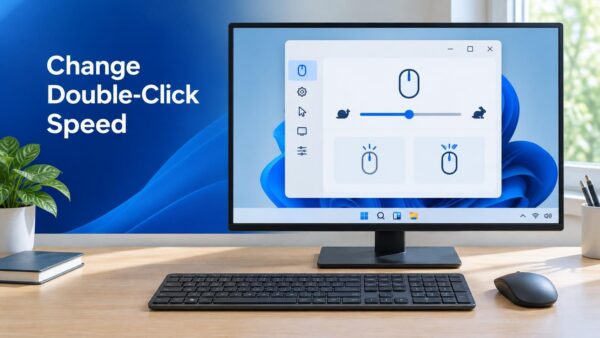
Enhanced pointer precision in Windows 11 mouse properties changes how fast your mouse cursor moves based on how quickly you physically move your mouse. When you move the mouse fast,…
Calendar formats in Windows 11 and Windows 10 keep resetting because the modern Settings app and the classic Control Panel often conflict with each other. A regional format controls how…
Controlled Folder Access in Windows Security is a built-in ransomware protection feature that stops unknown programs from changing or deleting files in your personal folders. By default, it guards standard…
Mobile device access in Windows 11 lets you connect your smartphone directly to your PC so you can view recent photos, check phone notifications, and run mobile apps on your…