Windows 11 updates happen automatically to keep your computer safe and fast. Sometimes, you might want to stay on a specific version to ensure your apps keep working perfectly. By…
Many Windows 11 users struggle with slow boot times that make their powerful PCs feel sluggish from the moment they hit the power button. The most common reason for this…
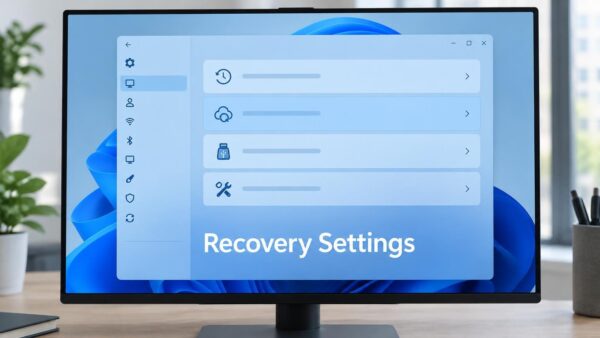
What is Point-in-time Restore? Point-in-time restore is a modern recovery tool for Windows 11. It lets you roll back your computer to a previous state if something goes wrong. It…
Point-in-time restore helps you fix your computer if something goes wrong. It takes a snapshot of your system files, apps, and settings. If your computer starts acting up after an…
Point-in-time restore is a powerful tool in Windows 11 that helps you recover your system to a previous state. It uses the Volume Shadow Copy Service (VSS) to save snapshots…
The Windows Share menu helps you send files or links to apps, email, or nearby devices. Recently, Microsoft added a feature that suggests apps you might want to install directly…
Many users find that their brand-new Windows 11 PC does not perform as well as expected when playing high-end titles. The reason is simple: Windows 11 comes with many background…
Wi-Fi problems usually happen because of a breakdown in communication between your computer’s software and your wireless hardware. This can be caused by outdated drivers, incorrect network settings, or a…
This guide explains how to check if your printer or scanner works with Windows Protected Print (WPP) mode on Windows 11. Windows Protected Print (WPP) mode is a security feature…
Is your web browser feeling slow, crashing, or showing weird ads? You are not alone. Over time, your browser collects junk files and bad settings that slow it down. Resetting…
Modern browsers are complex. Edge uses the Chromium engine, which is fast but demanding. When you have many tabs open, run heavy extensions, or visit poorly optimized websites, your CPU…
Windows 11 includes built-in privacy tools to help you monitor which programs are watching your screen. Knowing how to track this activity keeps your personal data safe. Why check this?…
As a developer or power user, you’ve probably hit a wall with default Windows 11 settings, finding yourself frustrated by hidden tools and restricted file access. Windows 11 is powerful,…
It is incredibly frustrating when you click your browser icon and nothing happens. You have work to do, but Microsoft Edge refuses to launch on your Windows 11 computer. This…
Managing your open windows is key to staying productive in Windows 11. Whether you are juggling research, writing, or design, knowing how to switch between tasks quickly saves time. Why…