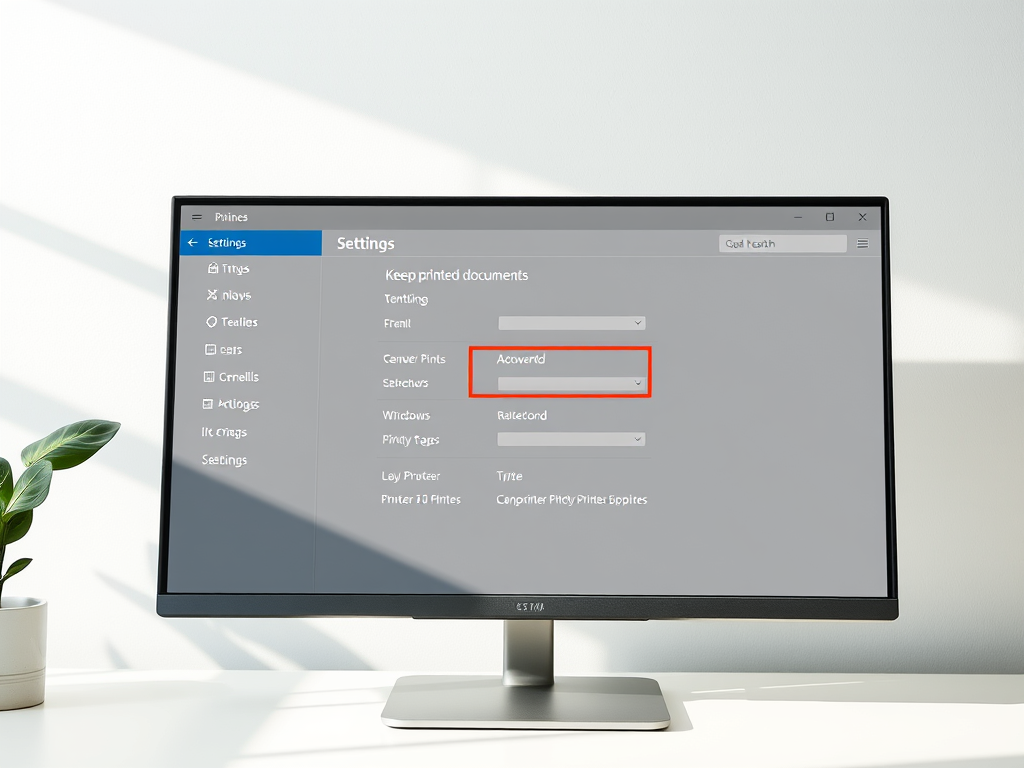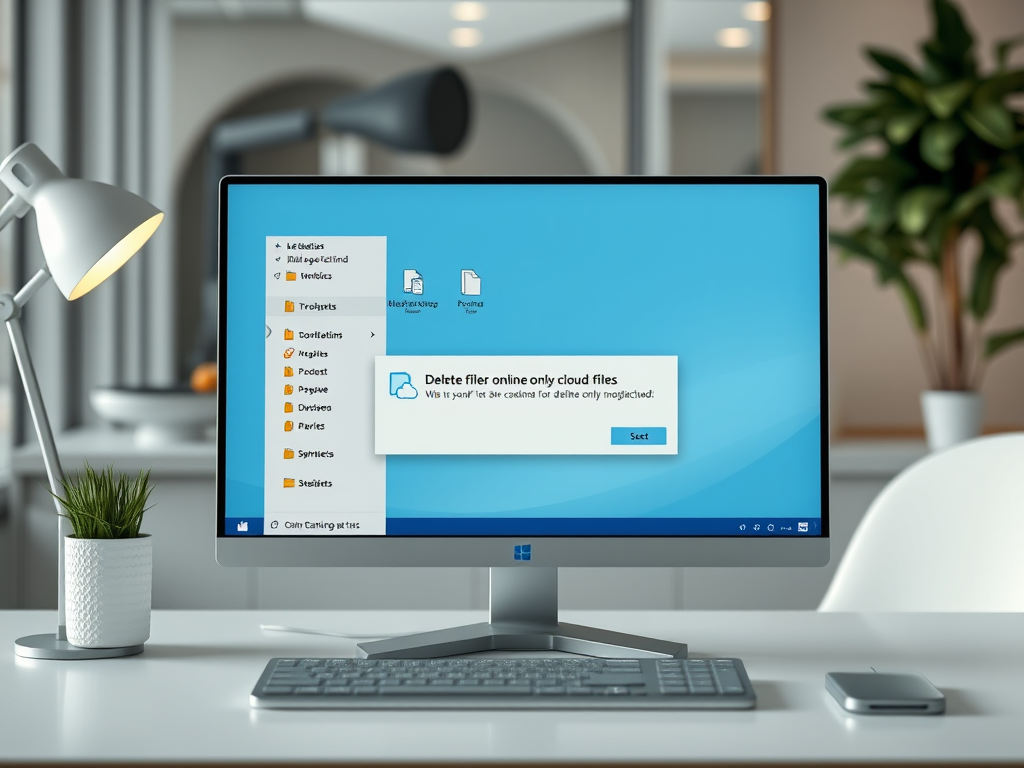
The post provides a guide for adjusting the maximum size of the Recycle Bin on Windows 11. Users may want to modify this if they regularly delete many files and wish to keep as many items as possible without automatic removal due to size limits. Instructions include accessing the Recycle Bin properties, selecting the desired volume, and entering a specific size in MB. Additional settings like delete confirmation dialog can also be adjusted.
Windows
The post guides students and new users on how to launch and use the Power User Tasks Menu on Windows 11, initially introduced in Windows 2008. This menu provides quick access to essential features unavailable on the standard Start menu, but it is hidden to avoid inexperienced users causing system instability. It can be accessed either via keyboard hotkeys or by right-clicking on the Start menu. Proper use of this menu requires careful handling as it involves advanced features that can lead to system instability or data loss if mishandled.
The article guides students and new users on how to transfer files from a USB flash drive to a Windows 11 computer. It elaborates on the support extended by Windows 11 to various USB drives, the procedure to connect a USB drive, and the methodology to copy and paste files or folders.
This post teaches how to install or remove custom fonts in Windows 11. Users can download free fonts online, extract the files, and add the fonts to their system via the Windows/Fonts folder. The guide also explains how to manage and delete installed fonts through the system settings of Windows 11.
This post provides a step-by-step guide for students and new users on how to transfer files from memory cards to a Windows 11 computer. The process involves connecting the memory card through an external reader, if the computer lacks a built-in one, and then using Windows 11's interface to move the files to the PC.
The post guides on opening and using the Control Panel app in Windows 11. It notes that, while the Control Panel has been sidelined in favor of the Windows Settings app, it remains key to adjusting specific settings. The post outlines the eight main categories within the Control Panel and provides a few methods on how to open it. Several examples of tasks that can still be performed via the Control Panel in Windows 11 are also shared.
This is a guide for students and new Windows 11 users on how to reset OneDrive sync connection when syncing issues occur. The reset disconnects existing sync connections but doesn't erase files. Resyncing large amounts of files may take time. The process involves inserting a command in the command line terminal or resetting the OneDrive app settings, after which, OneDrive should begin resyncing.
The post provides various methods to shut down a Windows 11 PC including via the Start menu, using keyboard shortcuts, command line, or the PC power button. It advises choosing the method best suited to individual needs, cautioning against using the power button in cases where ongoing processes and files may need preservation.
This content provides a guide on how to unpair or disconnect Bluetooth devices on Windows 11. Windows 11 allows users to stop Bluetooth pairing to prevent automatic connections. The unpairing process, which is simple and can be done via the System Settings pane, involves selecting the device and choosing the 'Remove device' option.
The article guides Windows 11 users on how to adjust hybrid Sleep, a low-power function that mixes hibernation and sleep, providing rapid resume from sleep while preserving data during power failures. This is enabled by default on desktops but is normally switched off on laptops, though the article provides steps for enabling it.
This text guides students and new users in engaging with closed captions on Windows 11. The instructions demonstrate how to activate or deactivate the feature on videos and explain the different styles and colors of text and background. Closed captions are useful for users with hearing disabilities or in quiet environments, and they are supported by Windows 11 by default.
This article provides a step-by-step guide for pairing, unpairing, and disconnecting Bluetooth devices in Windows 11. It covers the basic knowledge about Bluetooth, how to enable it in Windows, and how to connect a Bluetooth device, using System Settings. It also details how to unpair a device, highlighting its path under Windows settings.
The post outlines steps for adding or removing network locations on Windows 11. A network location is a shortcut to network services such as websites or FTP sites, which can be conveniently accessed via File Explorer. Despite being introduced as early as Windows XP, it remains an integral feature of Windows 11, beneficial for users connecting to sFTP or FTP servers. Detailed steps are provided for setup, along with instructions as to what to do in case of a change of mind.
The content guides students and new users on resizing the Touch keyboard on Windows 11, beneficial for touchscreen-equipped devices and in tablet mode. The process involves navigating to Windows 11's centralized System Settings, accessing 'Personalization', and choosing the 'Touch Keyboard'. Users can then augment or reduce the keyboard size based on preference using the 'Keyboard size slider'.
The article instructs Windows 11 users on switching between multiple computer accounts without signing out or closing applications using Windows Fast User Switching. Various methods are presented such as on the login screen, Start menu, via shutdown dialog windows, and CTRL + ALT + DEL commands. Consequences of remote connections and shutdowns without saving are also noted.