How to Turn On Administrator Protection Using Windows Security in Windows 11
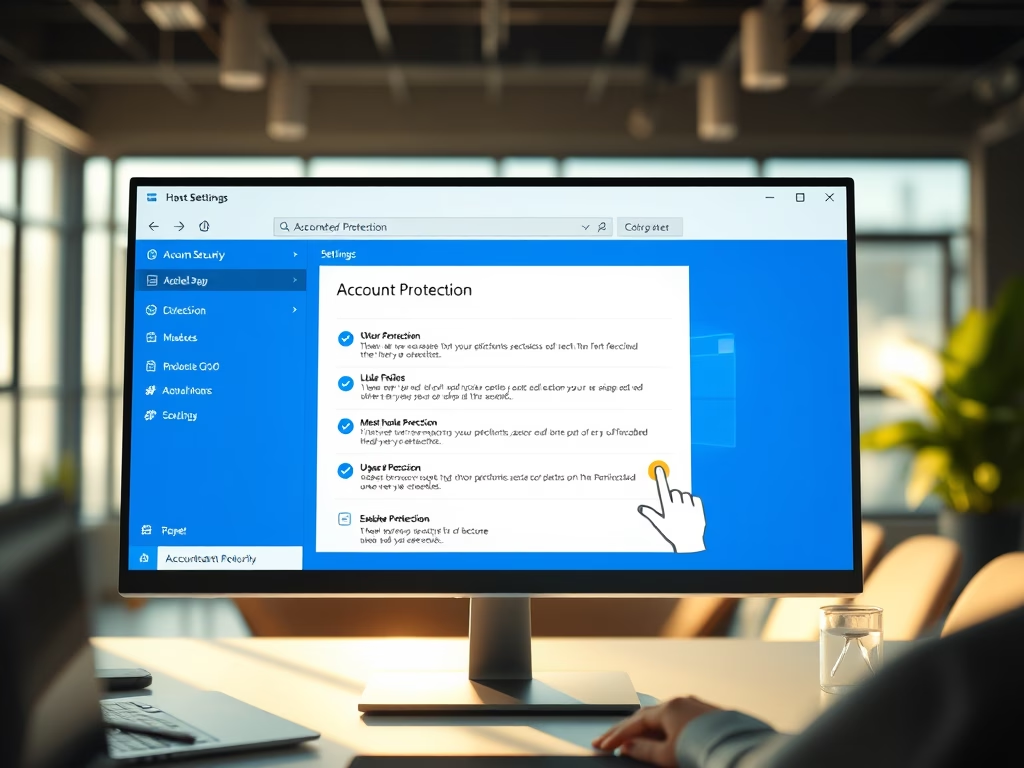
Windows 11 introduces Administrator Protection, enhancing security by replacing older User Account Control prompts with clearer, color-coded warnings when admin permissions are needed. Users can easily enable or disable this feature through the Windows Security app. It provides better protection, clear warnings, and simplifies managing permissions for software installations and system changes.
Updated Oct 2026
Read more →