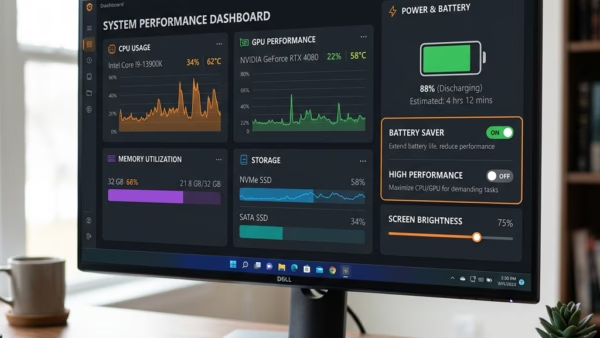
Energy saver in Microsoft Edge cuts power use and saves battery life on laptops. It limits background activity and visual effects, and in the default mode it starts when your…
Browsers
214 tutorials · page 6
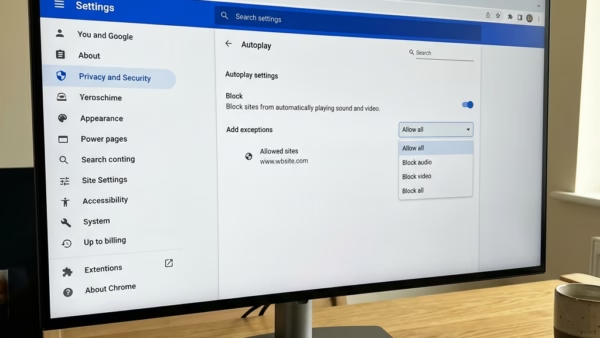
Disabling autoplay in Microsoft Edge on Windows 11 stops websites from playing unwanted videos and audio the moment you open a page. Edge allows media playback by default. A quick…
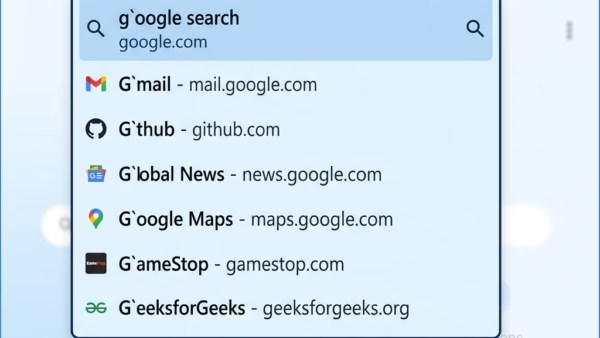
Microsoft Edge AutoSuggest is a browser feature that predicts search terms and website links in the address bar as you type. To guess what you want, it sends your keystrokes…
Graphics hardware acceleration in Microsoft Edge lets your graphics card (GPU) share the rendering workload with your main processor (CPU). Web pages and videos load and play more smoothly as…
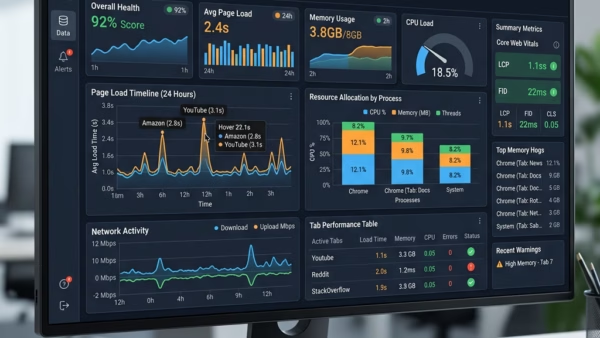
The Tab Performance detector in Microsoft Edge is a built-in tool that flags open tabs using too much memory or CPU power. It helps keep your PC responsive when you…
This tutorial shows you how to turn startup boost on or off in Microsoft Edge. You can do this for just your own account or for everyone who uses your…
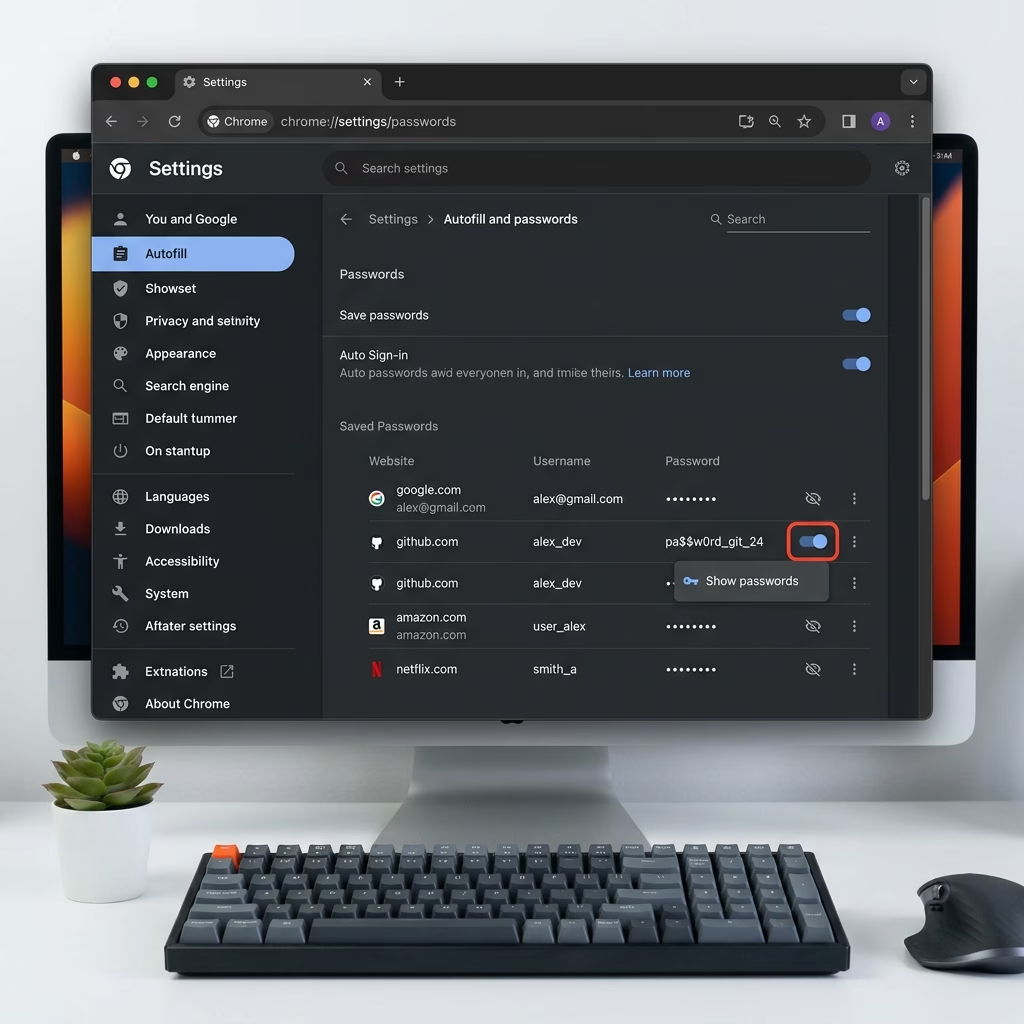
Saving passwords in Microsoft Edge on Windows 11 stores your login details inside the browser, so you do not have to type them every time you visit a site. Edge…
To turn on password autofill in Microsoft Edge on Windows 11, open Settings › Passwords and autofill > Microsoft Password Manager › More settings and switch on Autofill passwords and…
You can manage guest browsing in Microsoft Edge with registry tweaks on Windows 10 and Windows 11. This guide shows how to turn the Browse as guest option on or…
Microsoft Edge can store your usernames and passwords so you do not have to type them every time you sign in. If you share a PC, or you simply have…
This article explains how to enable or disable the Picture-in-Picture feature in Microsoft Edge, the default browser for Windows 11. Users can adjust settings via the browser or through the Windows Registry. Picture-in-Picture allows videos to be viewed while browsing other tabs, enhancing productivity.
This article outlines how to enable or disable Copilot mode in Microsoft Edge on Windows 11. Introduced in version 136.0.3240.92 and later, Copilot mode offers productivity prompts next to the search box. Users can manage this feature in settings or via the edge://flags/#edge-copilot-mode link if not visible.
This article outlines how to adjust the URL copy-paste format in Microsoft Edge, enhancing user control. Users can switch between copying URLs as hyperlinked titles or plain text via the browser’s settings. This feature improves functionality and workflow efficiency in both traditional and updated versions of Edge.
This article outlines how to configure Google Chrome to use the system's default printer by adjusting the PrintPreviewUseSystemDefaultPrinter setting in the Windows Registry. It emphasizes the importance of backing up the registry and provides guidance on creating and modifying registry keys. Rebooting may be necessary for changes to take effect.
This article explains how to manage website tracking in Microsoft Edge, the default browser for Windows 11. Users can enable or disable the "Tracking Prevention" feature to block different levels of trackers (Basic, Balanced, and Strict) and enhance their privacy. Advanced users can also adjust settings via the Windows Registry.