Change your Windows 11 PIN in a few quick steps to keep your account secure. The whole job takes about a minute, you don’t need to restart, and the new…
You can reset your Windows 11 PIN whether you forgot the current one or just want a new one. This guide covers both cases: resetting from Settings while you are…
A PIN (Personal Identification Number) lets you sign in to Windows 11 in seconds instead of typing a long password. It works through Windows Hello, a built-in security system that…
Removing a PIN in Windows 11 clears your current sign-in code. You can then sign in with a standard password, a security key, or a biometric option such as fingerprint,…
Shift Lock on the Windows 11 touch keyboard keeps capital letters active until you tap the Shift key again. It works like Caps Lock on a physical keyboard. If you…
The double-tap spacebar shortcut on the Windows 11 touch keyboard inserts a period and a space when you tap the Spacebar twice in a row. Smartphone keyboards work the same…
Clearing your default location in Windows 11 removes the fallback coordinates your PC uses when precise GPS or Wi-Fi data isn’t available. Windows keeps this backup location so apps like…
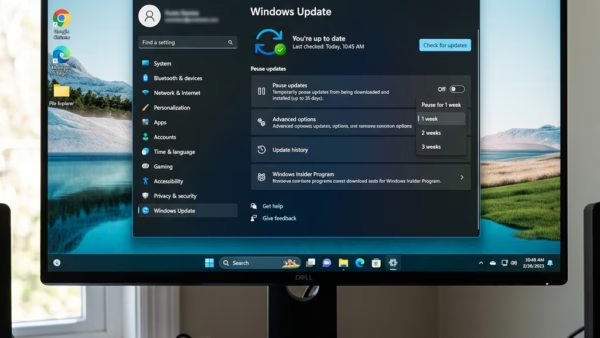
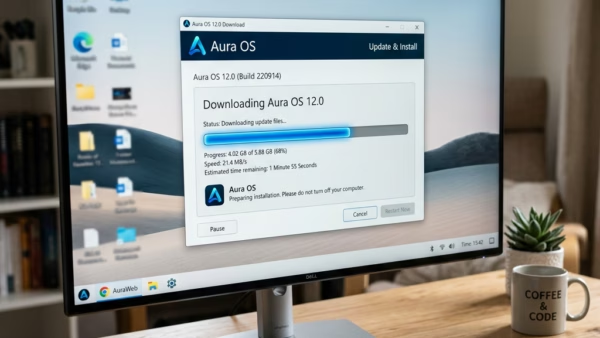
The Pause Updates feature in Windows 11 stops your PC from downloading and installing new updates for a set period. It gives you control over when updates happen, so you…
AutoPlay in Windows 11 opens folders or starts apps automatically the moment you plug in a USB drive, phone, or camera. It tells your PC what to do with new…
AutoPlay in Windows 11 opens a menu right after you plug in a camera, phone, or memory card, so you can pick what to do with your files. It can…
This guide shows you how to keep the Windows Terminal window above all other windows, and how to turn that off again when you no longer need it. The change…
Changing the key text size on the touch keyboard in Windows 11 lets you set the on-screen keys to Small, Medium, or Large so they are easier to read and…
The touch keyboard in Windows 11 plays a short click each time you tap a key on the on-screen keyboard. The click confirms that the PC registered your touch. In…
Extending runtime on a Windows 11 laptop or tablet away from an outlet comes down to managing power settings. This guide covers how to turn Battery Saver on and off,…
What is Battery Saver? Battery Saver helps laptops and tablets last longer by cutting back background activity and other resource use while the device runs on battery. By default it…