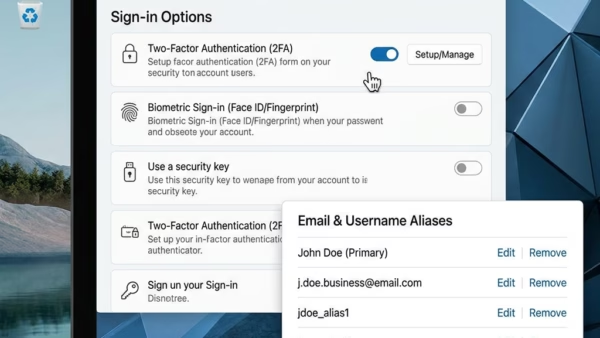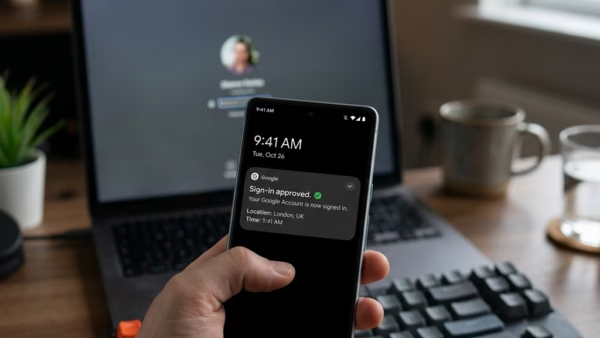
You can make your Microsoft account passwordless by enabling sign-in using Windows Hello or a Microsoft Authenticator app. This eliminates the need to remember and type traditional passwords for Windows…
You can stop unwanted emails from signing into your Microsoft account by removing them as aliases. An email alias is an additional email address, like [email protected], that can be used…
Microsoft Edge’s InPrivate mode lets you browse the web privately, preventing your browsing history, cookies, and site data from being saved on your device after you close all InPrivate windows.…
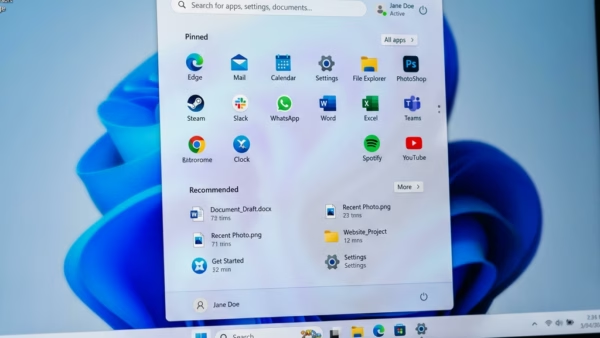
Microsoft is making your Windows 11 experience more personal. They are improving the Start menu and the taskbar. This means you can set them up just the way you like…
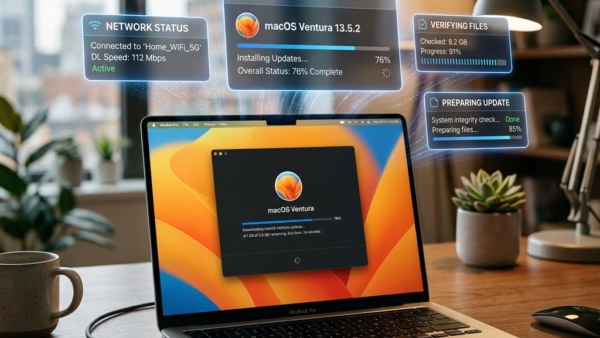
Your computer is only as good as the software that runs its hardware. Drivers are the bridge between Windows 11 and your devices—your printer, graphics card, network adapter, and more.…
Many people using Windows 11 find that Microsoft Edge runs slowly. This makes browsing the web annoying. Websites take a long time to load. Videos might freeze or skip. Some…
You turn on or off the “Align icons to grid” feature in Windows 11 to control how your desktop icons arrange themselves. This setting dictates whether your icons snap into…
You can turn auto arrange icons on or off in Windows 11 to control how your desktop icons display. Auto arrange icons is a Windows feature that automatically positions your…
This tutorial helps you change how files and folders look in Windows 11. You can choose from different layouts like icons, lists, or details. Why do this? It helps you…
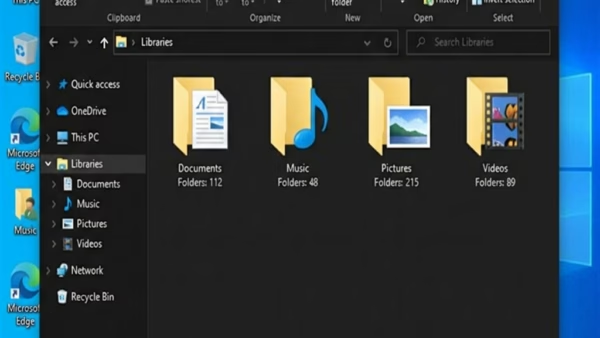
You restore Windows 11 library default settings by deleting and recreating the library folders. Libraries in Windows 11 act as virtual folders that consolidate files from various locations on your…
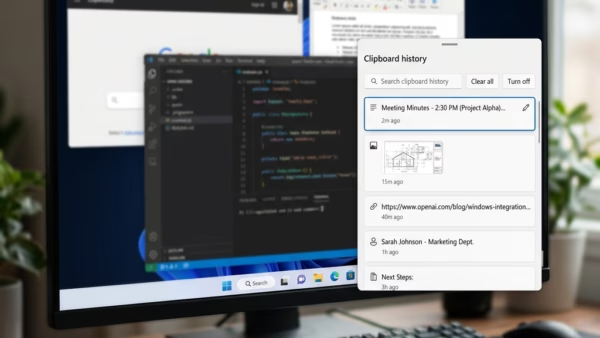
You can paste as plain text from Clipboard History in Windows 11 by using a simple keyboard shortcut, allowing you to bypass unwanted formatting. When you copy text, Windows 11’s…
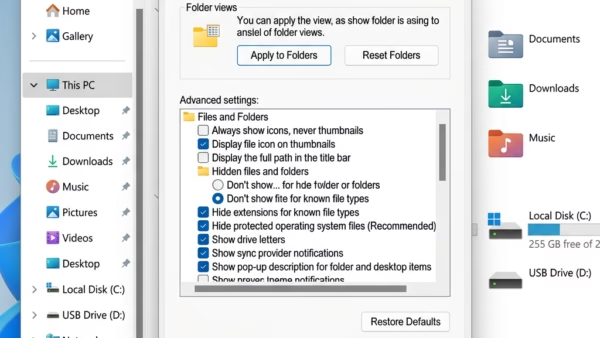
You can apply your custom folder view settings to all folders of the same template type in Windows 11. This feature ensures consistency across similar folders without needing to manually…
This tutorial explains how to set up your own keyboard shortcuts to open apps quickly in Windows 11. Why do this? Using keyboard shortcuts saves time by letting you launch…
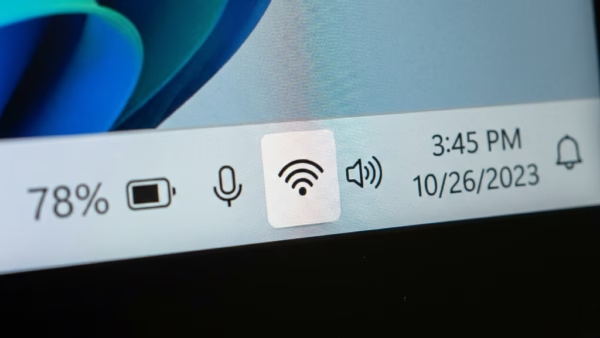
This guide explains how to check your Wi-Fi signal strength on Windows 11. Wi-Fi WLAN uses radio waves to connect your device to the internet. The quality of this connection…
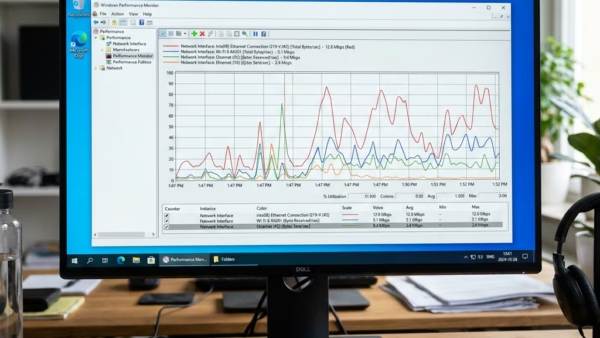
You check your network adapter connection speed in Windows 11 by looking at its properties in Network Connections. Link Speed tells you the maximum connection rate between your PC and…