Powered by
WordPress
  • How to Improve Facial Recognition Sign-in for Your Windows 11 Account

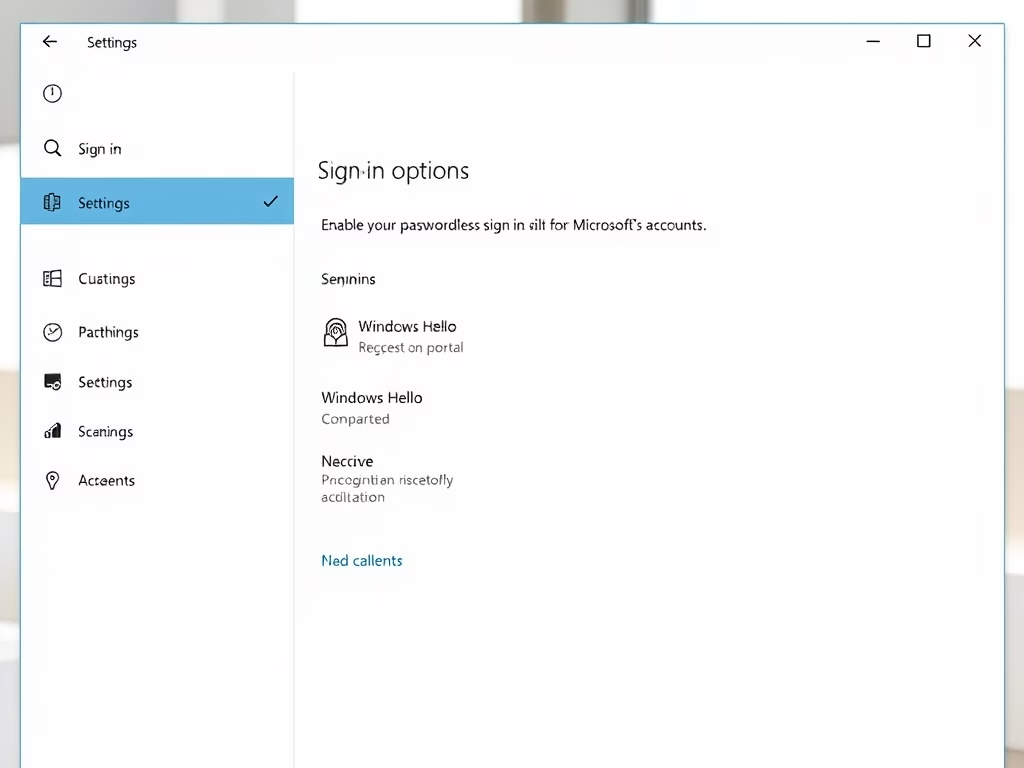
    This easy guide will help you make Windows Hello facial recognition work better when you sign in to your Windows 11 PC. What is Windows Hello? It’s a quick and safe way to unlock your computer using your face, a PIN, or your fingerprint. Before you use facial recognition, you need to set up a…

  • How to Set up Facial Recognition Sign-in for Your Account in Windows 11

    This guide will help you set up Windows Hello facial recognition to sign in to your Windows 11 computer quickly and securely using your face. Windows Hello lets you sign in with your face, a PIN, or fingerprint. Before setting up facial recognition, you need to create a PIN. You can still sign in with…

  • How to Turn On or Off Find My Device in Windows 11

    If you ever lose your Windows 11 laptop or tablet, Find My Device can help you find it by showing its last known location online. This guide will show you easy steps to turn this feature on or off. What is Find My Device? Find My Device is a tool that helps you locate your…

  • How to Turn On or Off Shared Experiences in Windows 11

    This simple guide will help you turn on or off Shared Experiences on your Windows 11 computer. Shared Experiences let your PC connect and share things like files or continue activities with other nearby Windows devices. What Are Shared Experiences? Shared Experiences let you do things like Nearby Sharing (quickly sharing files with nearby devices)…

  • How to Change Which Taskbar Shows Apps on Multiple Screens in Windows 11

    If you use more than one screen with your Windows 11 computer, you might want to decide where the taskbar shows your app icons. This guide will help you change which taskbar displays the apps when you have multiple screens. What is the Taskbar? The taskbar is the bar usually at the bottom of your…

  • How to Turn On or Off Mobile Hotspot Power Saving in Windows 11

    Did you know you can share your PC’s internet with other devices? You can turn your Windows 11 computer into a mobile hotspot. It works like Wi-Fi sharing — your PC becomes a mini Wi-Fi router! You can share internet from Wi-Fi, Ethernet (wired), or cellular data connections. But if you share cellular data, it…

  • How to Turn On or Off Mobile Hotspot in Windows 11

    Want to share your Windows 11 PC’s Internet with other devices like phones or tablets? You can turn your PC into a mobile hotspot. This lets you share your Internet connection over Wi-Fi with other devices nearby. What Can You Share? You can share Internet from: Why this matters: When you share cellular data, it…

  • How to Turn On or Off Compact OS in Windows 11

    Does your computer feel cramped? Windows has a helpful feature called Compact OS that can save you storage space. In this guide, we’ll show you how to check if it’s on, turn it on, or turn it off. What is Compact OS? Compact OS squeezes your Windows system files smaller. Think of it like vacuum-sealing…

  • How to Turn On or Off Capitalizing the First Letter of Each Sentence on the Touch Keyboard in Windows 11

    Windows 11 has a touch keyboard that pops up on your screen when you need to type but don’t have a physical keyboard, like on tablets or touchscreen laptops. By default, this touch keyboard automatically makes the first letter of each sentence a capital letter. This helps make your writing look neat. Note: This capitalization…

  • How to Enable or Disable Mobile Hotspot in Windows 11

    This guide will help you turn the mobile hotspot feature on or off on your Windows 11 PC. A mobile hotspot lets you share your PC’s internet connection with other devices like phones, tablets, or other computers using Wi-Fi. You can share your internet whether your PC is connected through Wi-Fi, Ethernet (a cable), or…