Notifications for USB connection issues in Windows 11 are pop-up alerts that appear in the bottom-right corner of your screen when a connected device fails to work properly. These warnings…
Every guide we’ve published, newest first. Filter by topic, or use search if you already know what broke.
3,256 tutorials · page 90 of 272
Notifications for USB connection issues in Windows 11 are pop-up alerts that appear in the bottom-right corner of your screen when a connected device fails to work properly. These warnings…
Windows 11 alerts you if a connected charger supplies power too slowly. Why This Matters Windows 11 includes a handy alert that lets you know if your computer is pulling…
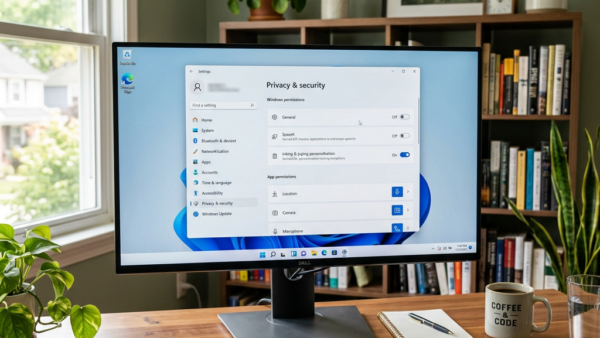
Improve Inking and Typing is a Windows 11 privacy setting that sends your handwriting samples and typed words to Microsoft to help the operating system learn your personal writing style.…
Pressing the lower right corner of a Windows 11 touchpad triggers a right-click action on laptops that use a Precision touchpad. This feature lets you open menus just like you…
Tap twice and drag on your Windows 11 touchpad is a shortcut that lets you highlight text or grab multiple files without holding down a click. You activate this gesture…
Two-finger tap on a Windows 11 touchpad lets you open right-click menus on your screen without pressing physical mouse buttons. This gesture works on laptops with precision touchpads, which come…
Single-finger tap on Windows 11 lets you click items on your screen by tapping your laptop touchpad lightly instead of pressing down hard. This feature works on any laptop that…
The “Choose where to get apps” setting in Windows 11 controls whether your computer lets you download programs from any website or restricts installations to the Microsoft Store. This built-in…
Show pointer location when press CTRL key in Windows 11 creates a quick circle animation around your mouse cursor whenever you press the Ctrl key. This built-in accessibility option helps…
Turning off your laptop touchpad stops the mouse cursor from jumping around when your palms brush the pad while you type. You can manage this built-in pointing device in Windows…
This tutorial will show you how to enable or disable an account in Windows 11. Why You Might Want to Do This Disabling a user account in Windows 11 stops…
Mouse pointer speed in Windows 11 controls how fast the on-screen arrow moves across your screen when you slide your physical mouse. You can set the speed from a scale…
One email when we publish a guide worth your time — new Windows features, the fixes that actually work, and a heads-up when Microsoft breaks something. Unsubscribe in one click.