The “Reset account lockout counter after” setting in Windows 11 controls how long your PC stays locked after you type the wrong password too many times. By default, Windows makes…
Every guide we’ve published, newest first. Filter by topic, or use search if you already know what broke.
3,256 tutorials · page 89 of 272
The “Reset account lockout counter after” setting in Windows 11 controls how long your PC stays locked after you type the wrong password too many times. By default, Windows makes…
Account lockout duration in Windows 11 sets how many minutes your PC stays locked after you type the wrong password too many times. Windows uses this feature to stop automated…
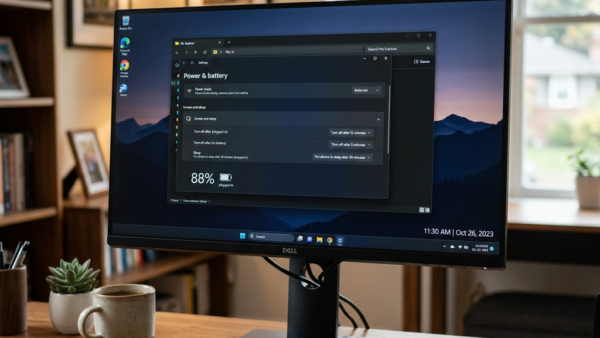
This tutorial explains how to manage HDR settings when your Windows 11 computer runs on battery power. What is HDR? HDR (High Dynamic Range) offers brighter colors and more detail…
HDR (high dynamic range) video streaming lets your Windows 11 display show brighter highlights and deeper shadows at the same time. What is HDR Video? HDR content offers better brightness…
Four-finger swipe gestures on Windows 11 let you switch between open apps, show your desktop, or change audio volume using quick finger movements on your laptop trackpad. These built-in shortcuts…
The three-finger tap gesture in Windows 11 lets you open apps or run shortcuts by tapping three fingers on your laptop touchpad. You can change this action in the Settings…
Three-finger swipe gestures in Windows 11 let you switch between open apps, show your desktop, or change audio volume by sliding your fingers across your laptop touchpad. Most modern Windows…
Touchpad scrolling direction in Windows 11 controls whether swiping down on your laptop pad moves the page up or down. Natural scrolling makes the screen follow your fingers like a…
Pinch to zoom in Windows 11 lets you view photos, web pages, and documents closer up by spreading or pinching two fingers on your laptop trackpad. Most laptops built in…
Dragging two fingers to scroll on a Windows 11 touchpad moves you up and down long pages without a mouse or scroll bars. This built-in gesture works on nearly all…
Touchpad cursor speed controls how fast your pointer moves across the screen when you slide your finger across your laptop trackpad. Windows 11 includes a dedicated speed slider inside the…
Let Windows manage default printer in Windows 11 is an operating system feature that automatically switches your active printer based on your current physical location and network. Turning this setting…
One email when we publish a guide worth your time — new Windows features, the fixes that actually work, and a heads-up when Microsoft breaks something. Unsubscribe in one click.