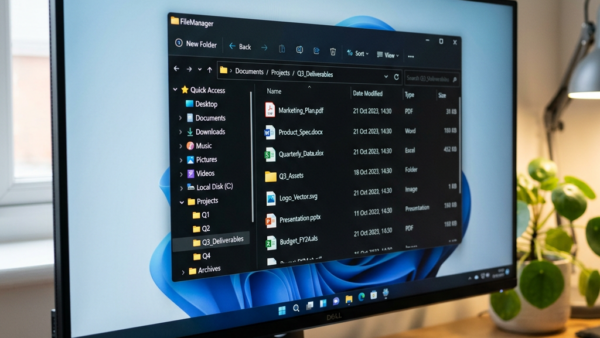
Restoring deleted files or folders from OneDrive online brings back data you removed from your cloud storage within the last 30 days. OneDrive keeps its own online Recycle Bin, separate…
3,007 tutorials · page 89 of 251
Restoring deleted files or folders from OneDrive online brings back data you removed from your cloud storage within the last 30 days. OneDrive keeps its own online Recycle Bin, separate…
System File Checker (SFC) is a built-in Windows 11 tool. It scans your computer for missing or damaged system files and replaces them automatically. You run it with the sfc…
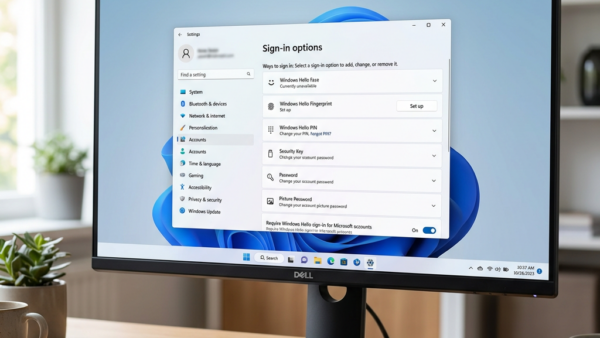
A new way to verify your sign-in with a Microsoft account lets you add an extra proof method, such as a smartphone app, security key, or alternate email, so you…
Enhanced Sign-in Security adds hardware-level protection to Windows Hello face scan and fingerprint logins. It locks down biometric data to block theft and fake sign-in attempts. This Windows 11 feature…
Adjust your taskbar size in Windows 11 to reclaim screen space. There are two ways to do it: the Settings app, and the Registry Editor for builds where the Settings…
System Restore points save snapshots of your files and settings in Windows 11 so you can roll your PC back to a working state if a bad update breaks something.…
Your Microsoft account display name is the name friends, family, and coworkers see across services like Outlook and Windows. You can change it in less than 5 minutes on your…
Automatically move pointer to the default button is a Windows 11 mouse setting that jumps your cursor straight to the main option in dialog boxes, such as Yes or OK.…
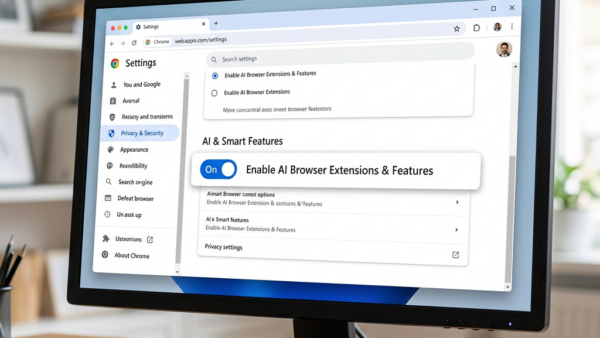
Gemini Nano is a built-in AI system in Google Chrome. It runs writing help and page summaries locally on your Windows 11 PC, so your data is not sent to…
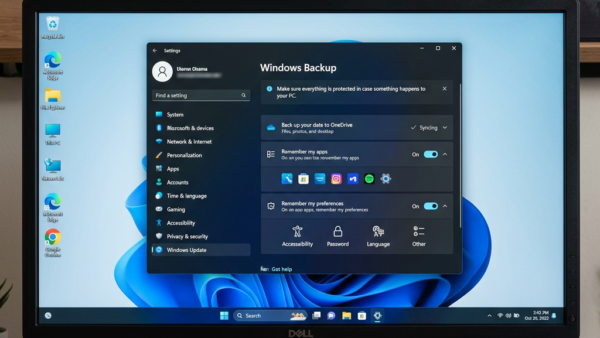
Clearing Windows Backup stored settings from your Microsoft account deletes your saved Wi-Fi passwords, app lists, and system preferences from Microsoft’s cloud servers. Windows Backup links up to 10 of…
Restoring a Windows backup on Windows 11 brings your personal files, app settings, and saved passwords back to your computer after a system reset or hard drive crash. The built-in…
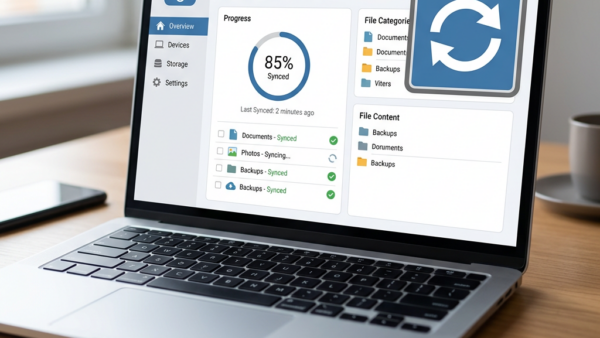
Windows Backup is a built-in tool in Windows 11 that saves your personal files, folders, and system settings to your OneDrive cloud storage account. Changing your backup configuration lets you…
One email when we publish a guide worth your time — new Windows features, the fixes that actually work, and a heads-up when Microsoft breaks something. Unsubscribe in one click.