Windows Backup is a built-in tool in Windows 11 that saves your personal files, app settings, and Wi-Fi networks to your OneDrive account. It protects your photos, documents, and credentials…
3,007 tutorials · page 90 of 251
Windows Backup is a built-in tool in Windows 11 that saves your personal files, app settings, and Wi-Fi networks to your OneDrive account. It protects your photos, documents, and credentials…
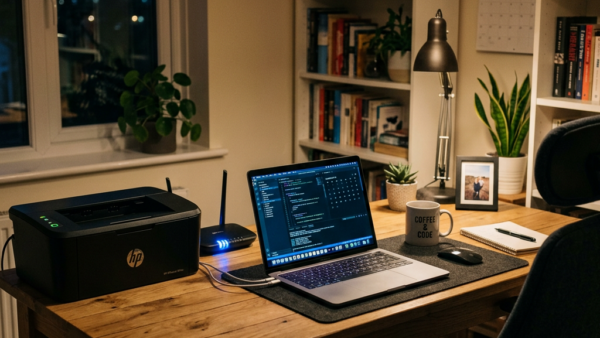
Connecting a Bluetooth printer or scanner to Windows 11 lets you print and scan wirelessly over short-range radio instead of a USB cable. The device links directly to your computer,…
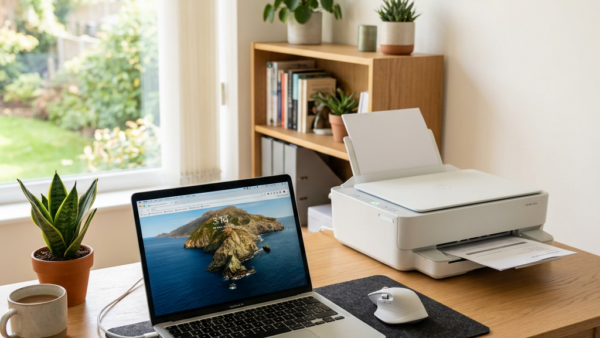
Installing a wireless printer on Windows 11 lets you print documents and photos from any room on your home Wi-Fi network without plugging in a cable. Most modern printers connect…
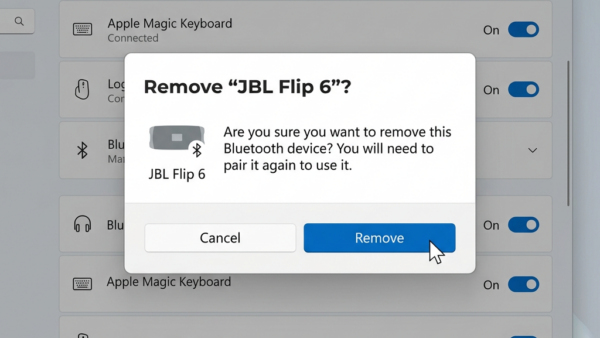
Removing old hardware such as Bluetooth mice, printers, and USB drives in Windows 11 takes less than 60 seconds through the main system menus. Leftover device links often stay in…
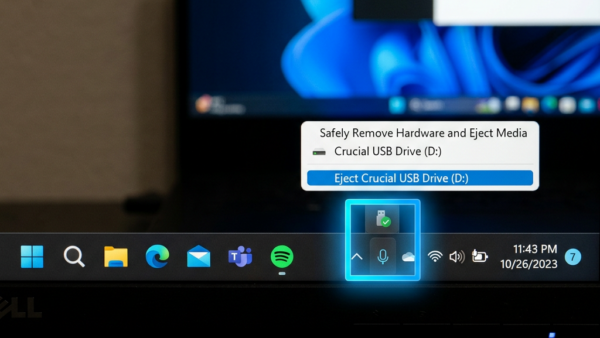
These steps turn on the safely remove hardware icon in the Windows 11 system tray, so you can eject a USB or external drive before unplugging it. Do them in…
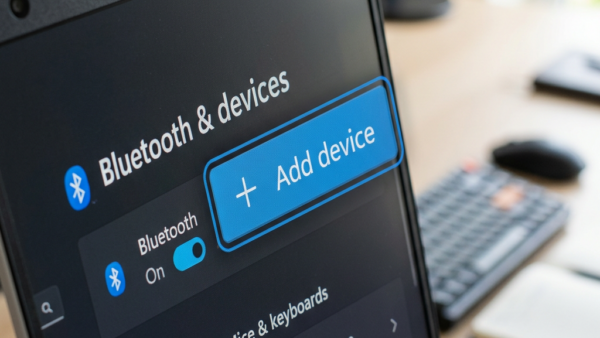
Adding a hardware device to a Windows 11 PC lets you connect physical gear like a printer, webcam, or mouse so your computer can use it. The setup takes under…
To switch from a Microsoft account to a local account in Windows 11, open Settings › Accounts › Your info and select Sign in with a local account instead. To…
To switch from local to Microsoft account in Windows 11, open Settings › Accounts › Your info and select Sign in with a Microsoft account instead. Windows then asks for…
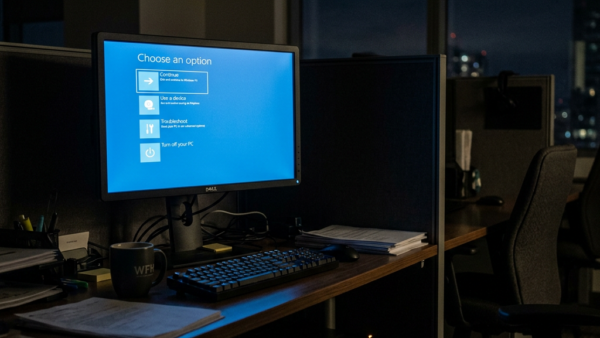
Windows startup settings live in the Windows Recovery Environment, which you open by holding Shift while you click Restart, then going to Troubleshoot › Advanced options › Startup Settings. It…
AI-powered autofill suggestions in Microsoft Edge version 120 and newer are smart predictions that fill out online forms faster. Edge matches the boxes on a webpage with your saved names,…
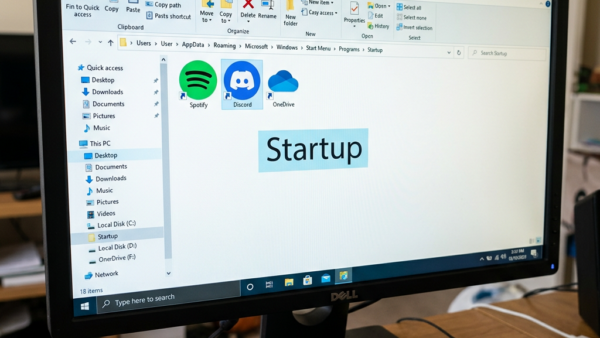
Startup applications in Windows 11 are programs that open automatically the moment you sign in to your PC. You can manage them from File Explorer by putting shortcut files into…
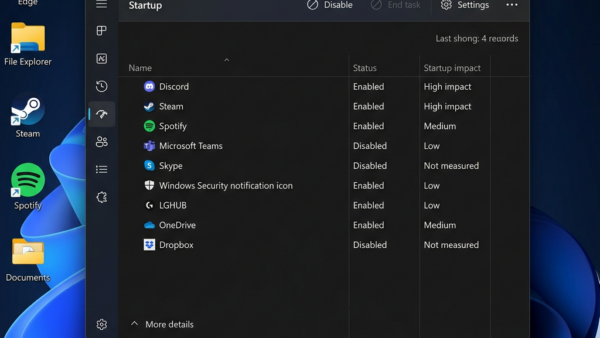
Startup applications are programs that run automatically every time Windows 11 turns on your PC. Too many of these background tasks slow down your boot time and waste memory. Task…
One email when we publish a guide worth your time — new Windows features, the fixes that actually work, and a heads-up when Microsoft breaks something. Unsubscribe in one click.