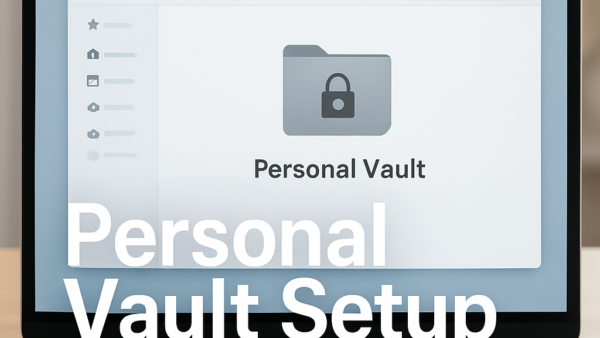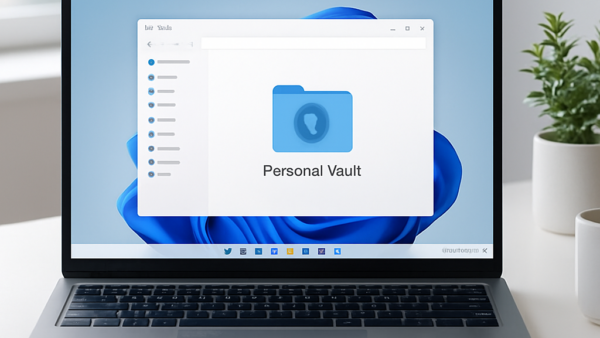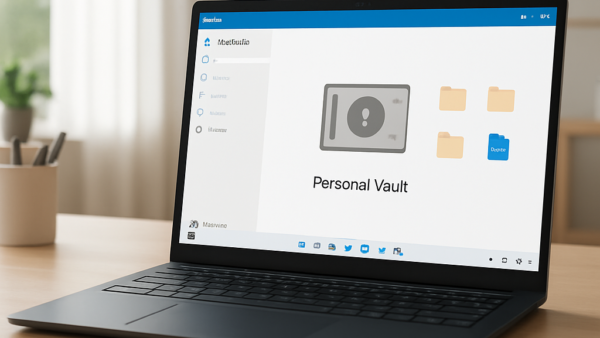
Personal Vault is a protected folder in OneDrive. Opening it takes extra verification, such as a fingerprint, a face scan, a PIN or a security code sent to you. Locking…
3,007 tutorials · page 86 of 251
Personal Vault is a protected folder in OneDrive. Opening it takes extra verification, such as a fingerprint, a face scan, a PIN or a security code sent to you. Locking…
Unlocking your OneDrive Personal Vault (a protected folder inside your OneDrive that needs a second identity check before it opens) adds an extra layer of protection for sensitive documents like…
Uploading files or folders to your OneDrive Personal Vault lets you protect sensitive items like tax forms, passport scans, and private photos in Windows 11 and Windows 10. The vault…
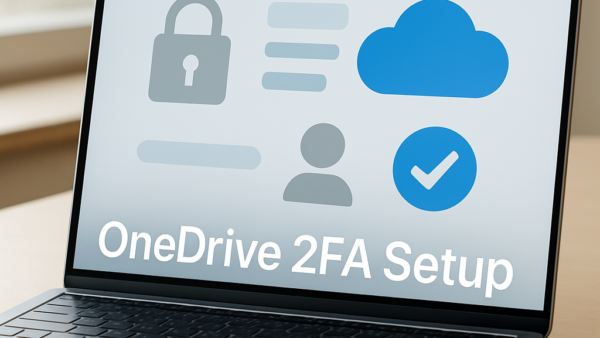
Two-factor authentication (2FA) for your OneDrive Personal Vault adds a required code to the sign-in process. The code arrives by text message, alternate email, or an authenticator app. Even if…
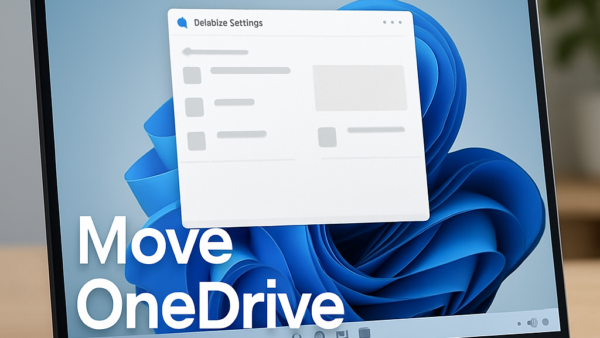
To change the OneDrive folder location on Windows, unlink your PC from OneDrive, move the folder in File Explorer, then sign back in and pick the moved folder during setup.…
When you share your screen in a Teams meeting, other people should be able to hear the audio and video you play. Two things usually break this. The Include computer…
The Windows.old folder stores your previous operating system files on your main drive. After a major upgrade it can take up 20 GB or more of disk space. Windows keeps…
Drive optimization in Windows 11 is a built-in maintenance task. On traditional hard drives (HDDs) it defragments files. On solid-state drives (SSDs) it sends a retrim (TRIM) command, which tells…
Deleting files in Microsoft Teams removes them permanently from both your Teams channels and your connected OneDrive storage account after a short recovery window. Teams stores shared documents in cloud…
Deleting your activity data in Microsoft Teams (a workspace app for team chat and meetings) clears out old chat messages, call logs, and shared files to protect your privacy. Microsoft…
Requesting a copy of your Microsoft Teams data gives you a downloadable archive of your chat history, shared files, and pictures. It works as an offline backup, so you keep…
Call management in Microsoft Teams controls who can reach you by call and lets you set quiet hours for your time off. It cuts down on work interruptions by sending…
One email when we publish a guide worth your time — new Windows features, the fixes that actually work, and a heads-up when Microsoft breaks something. Unsubscribe in one click.