The Bing homepage image is the daily photo or video that shows up in the background when you open Bing.com. Turning it off hides the daily backdrop and gives you…
3,007 tutorials · page 85 of 251
The Bing homepage image is the daily photo or video that shows up in the background when you open Bing.com. Turning it off hides the daily backdrop and gives you…
Cloud Rebuild in Windows 11 lets you reinstall your operating system using fresh files downloaded straight from the internet. This built-in recovery tool gives your computer a clean start without…
Microsoft Copilot model training is a background process. It can use your chat data from Copilot on Windows 11 and Windows 10 to help train the AI assistant and improve…
Disabling personalization and memory in Microsoft Copilot stops the AI assistant from saving your past chats, habits, and preferences across sessions. Copilot uses these features to shape future answers based…
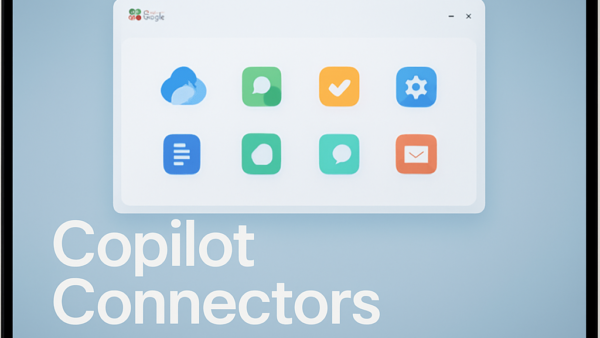
Microsoft Copilot connectors link your AI assistant to over 30 external apps, including Google Drive, Gmail, and SharePoint. Once a connector is on, Copilot can search your files and emails…
Unlinking a Windows 11 PC from the Link to Windows app on your phone removes old computers from your device list, so you only see the hardware you currently use.…
Microsoft Copilot connectors link the AI assistant to outside apps such as Outlook and OneDrive. Once linked, Copilot can pull in data from your personal files and calendar. Setting up…
Connected service settings in Microsoft Teams control optional cloud features like web link previews, GIPHY GIF suggestions, and OneDrive file recommendations in your chats. Turning them off stops Teams from…
OneDrive file details and metadata show facts about your documents, such as when you last changed a file, its size, and who can see it. This metadata acts like a…
OneDrive viewing options let you switch between List, Compact list, and Grid (Tiles) layouts to change how your files and folders look on screen. Grid view shows large picture previews.…
Moving your Dropbox files to Microsoft OneDrive puts all your photos and documents in one spot on your PC and stops you from running two cloud apps at once. OneDrive…
Importing photos and files from Google Drive and Google Photos to OneDrive copies your files into Microsoft’s cloud storage. It does not delete or change anything in your Google account,…
One email when we publish a guide worth your time — new Windows features, the fixes that actually work, and a heads-up when Microsoft breaks something. Unsubscribe in one click.