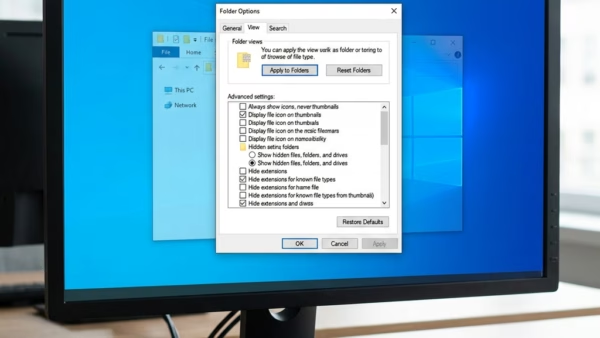
Sync provider notifications in Windows 11 are the pop-up tips and ads that appear near the address bar in File Explorer. They promote features such as OneDrive storage plans and…
3,007 tutorials · page 110 of 251
Sync provider notifications in Windows 11 are the pop-up tips and ads that appear near the address bar in File Explorer. They promote features such as OneDrive storage plans and…
Window preloading in File Explorer keeps a background process active so folders open instantly. Microsoft added this feature in build 26220.7271 to speed up file browsing, especially after your computer…
BitLocker Drive Encryption in Windows 11 scrambles the files on your drive so your data stays unreadable if your computer is lost or stolen. You can add a startup PIN…
Specifying a target feature update version pins a Windows 11 PC to a release you choose, such as 25H2, so it does not move to a newer major version on…
Startup apps in Windows 11 are programs that launch automatically in the background as soon as you sign in. Each one uses CPU time, disk activity and memory (RAM) while…
What is Point-in-time Restore? Windows 11 includes a feature called Point-in-time restore, which acts as a safety net for your computer. It rolls the system back to an earlier working…
System Restore in Windows 11 lets you roll your PC back to an earlier working state. It does this by saving snapshots of your system files, apps, and settings. Point-in-time…
Point-in-time restore in Windows 11 lets you roll your system files and settings back to an earlier date when something goes wrong. It relies on the Volume Shadow Copy Service…
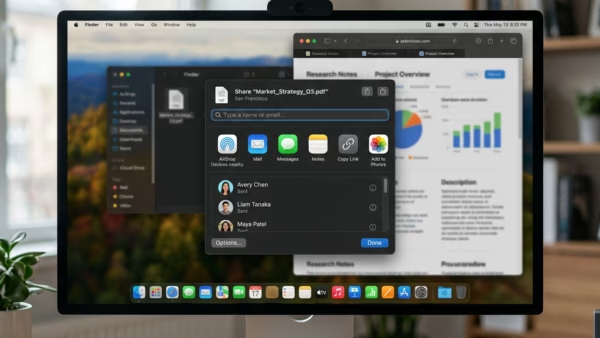
Suggested apps in the Windows 11 Share dialog are extra program recommendations that appear when you share a file or link. You can turn them off in Windows 11 Build…
Optimizing Windows 11 for gaming means cutting back the background work and visual extras that compete with your game for memory and processor time. Windows 11 runs a lot of…
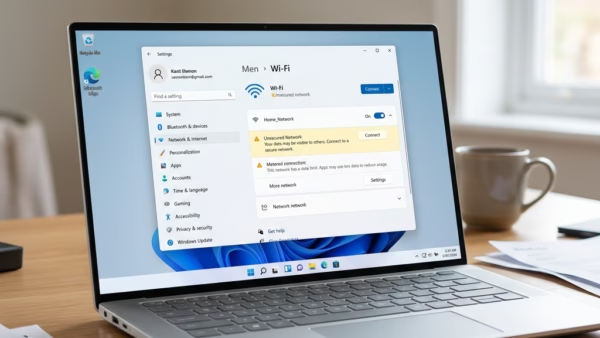
Windows 11 Wi-Fi connection issues happen when your wireless card, your network settings, or your router stop communicating properly. Over 60% of these dropped signals stem from old network drivers…
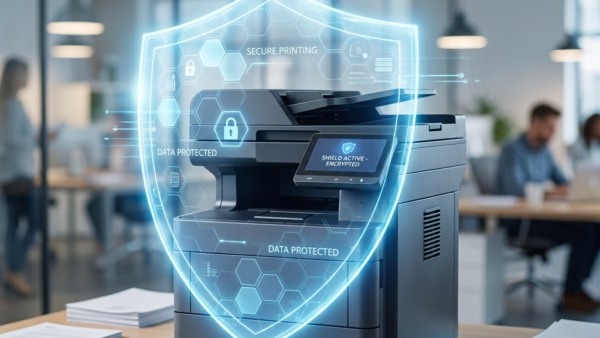
Windows Protected Print mode (WPP) is a Windows 11 security setting. When it is on, Windows stops loading old third-party printer drivers and talks to the printer directly with its…
One email when we publish a guide worth your time — new Windows features, the fixes that actually work, and a heads-up when Microsoft breaks something. Unsubscribe in one click.