Resetting Microsoft Edge to default settings on Windows 11 returns the browser to its original factory state. It is a good first move when Edge misbehaves and you don’t know…
3,007 tutorials · page 111 of 251
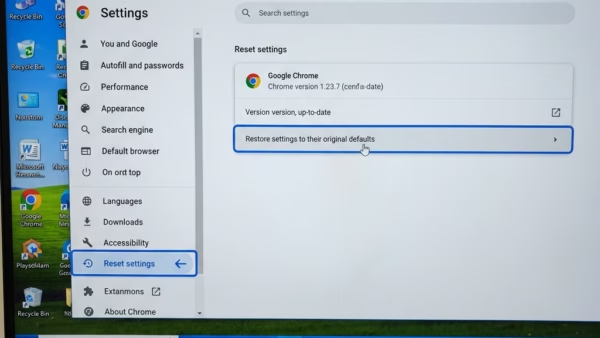
Resetting Microsoft Edge to default settings on Windows 11 returns the browser to its original factory state. It is a good first move when Edge misbehaves and you don’t know…
Microsoft Edge high CPU usage means the browser is using too much processor power on Windows 11. The whole PC gets slow, and the fans often get loud. It usually…
Windows 11 keeps a history of which apps recently captured your screen, either as a screenshot or a screen recording. You can read this log in Settings. It is a…
Developer Mode in Windows 11 lets you test apps, install software from outside the Microsoft Store (sideloading), and run scripts without the normal security blocks. This built-in feature also turns…
Microsoft Edge usually fails to open on Windows 11 for one of three reasons: background tasks that are stuck, damaged app or system files, or other software blocking the launch.…
Switching between open windows in Windows 11 lets you move across up to 20 or more running apps without closing or minimizing your work. Built-in keyboard shortcuts like Alt+Tab, taskbar…
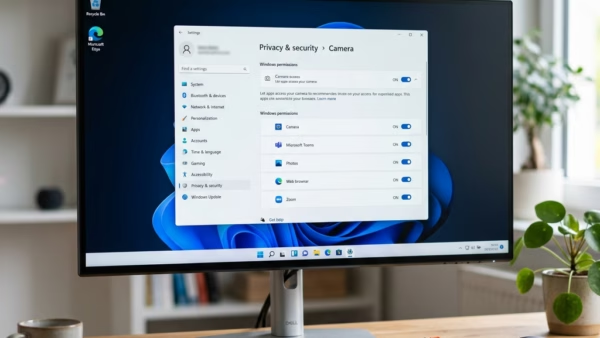
Screen capture permissions in Windows 11 control which programs can take screenshots or record video of your display. This privacy setting keeps a per-app list, so you can block or…
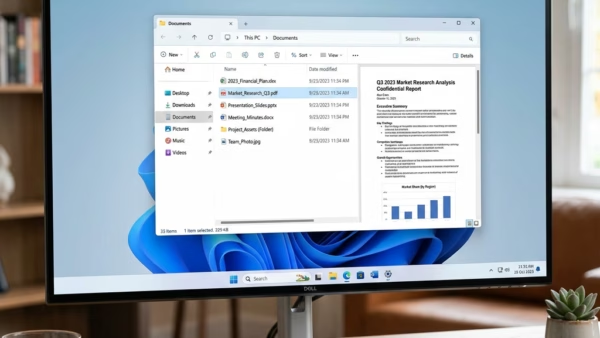
The preview pane in File Explorer shows a live look at a file on the right side of the window, without opening it in a separate app. Click a photo,…
Repairing Windows image component store corruption fixes deep operating system errors by restoring damaged system files with the Deployment Image Servicing and Management (DISM) tool. The Windows image component store…
Screen tint in Windows 11 puts a colored filter over your monitor to soften harsh blue light and reduce eye strain during long sessions. Warm yellow and orange shades are…
Screen tint in Windows 11 is in Settings › Accessibility, and pressing Win+U opens that page. It places a color overlay over your display and lets you adjust its strength.…
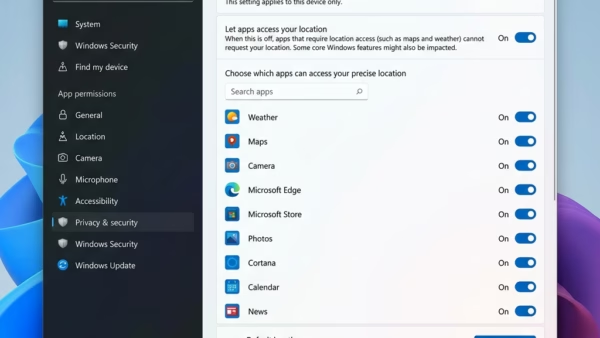
Location services in Windows 11 work out where your PC is by using GPS, nearby Wi-Fi networks, and cell towers. Apps like Maps and Weather use that position. Turning the…
One email when we publish a guide worth your time — new Windows features, the fixes that actually work, and a heads-up when Microsoft breaks something. Unsubscribe in one click.