Skip to content
Follow
#

Microsoft Edge

174 tutorials · page 6

Browsers 2 min read
How to Enable Picture-in-Picture in Microsoft Edge

This article explains how to enable or disable the Picture-in-Picture feature in Microsoft Edge, the default browser for Windows 11. Users can adjust settings via the browser or through the Windows Registry. Picture-in-Picture allows videos to be viewed while browsing other tabs, enhancing productivity.

Updated Jul 2026 Read more →
Browsers 1 min read
How to Enable Copilot Mode in Microsoft Edge on Windows 11

This article outlines how to enable or disable Copilot mode in Microsoft Edge on Windows 11. Introduced in version 136.0.3240.92 and later, Copilot mode offers productivity prompts next to the search box. Users can manage this feature in settings or via the edge://flags/#edge-copilot-mode link if not visible.

Updated Aug 2026 Read more →
Browsers 2 min read
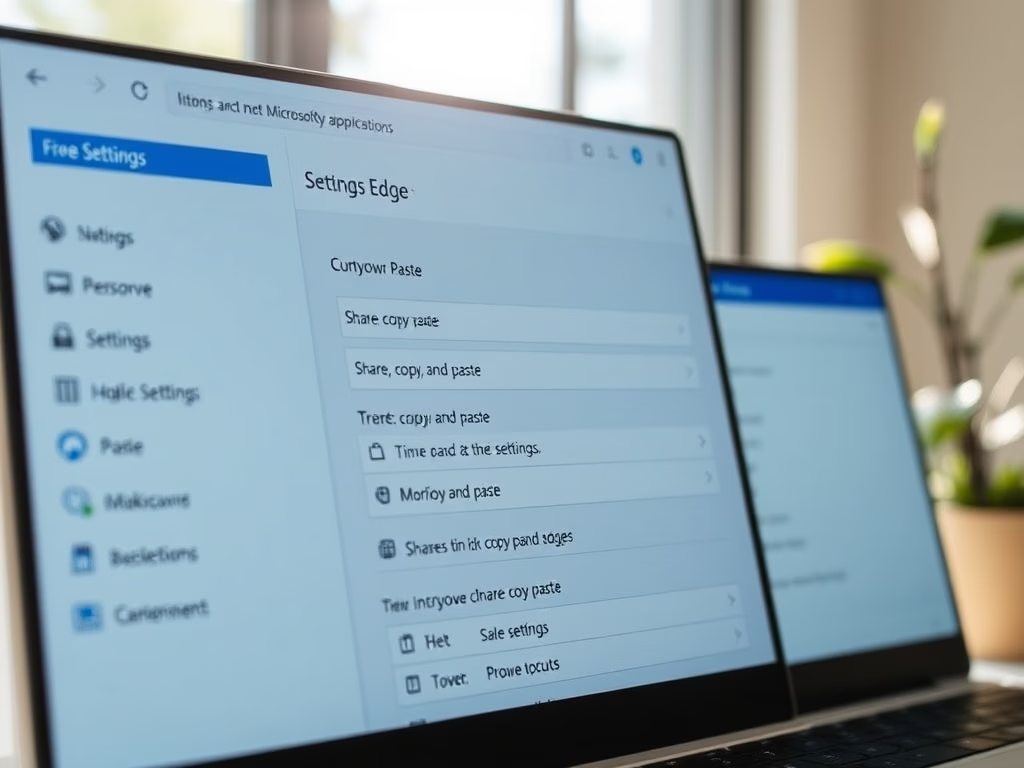
How to Change Copy-Paste Settings in Microsoft Edge

This article outlines how to adjust the URL copy-paste format in Microsoft Edge, enhancing user control. Users can switch between copying URLs as hyperlinked titles or plain text via the browser’s settings. This feature improves functionality and workflow efficiency in both traditional and updated versions of Edge.

Updated Aug 2026 Read more →
Browsers 4 min read
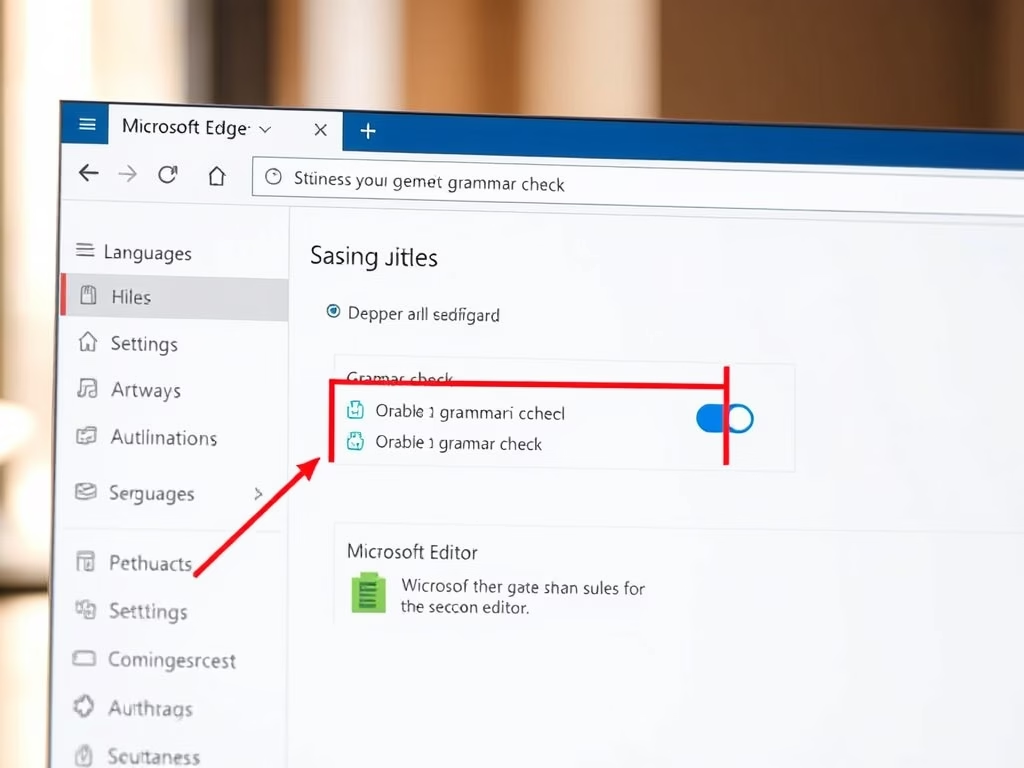
Enable or Disable Spellcheck Assistance in Microsoft Edge

This article explains how to manage website tracking in Microsoft Edge, the default browser for Windows 11. Users can enable or disable the "Tracking Prevention" feature to block different levels of trackers (Basic, Balanced, and Strict) and enhance their privacy. Advanced users can also adjust settings via the Windows Registry.

Updated Aug 2026 Read more →
Browsers 12 min read
How to Enable or Disable Tracking Prevention in Microsoft Edge

This article explains how to manage website tracking in Microsoft Edge, the default browser for Windows 11. Users can enable or disable the "Tracking Prevention" feature to block different levels of trackers (Basic, Balanced, and Strict) and enhance their privacy. Advanced users can also adjust settings via the Windows Registry.

Updated Aug 2026 Read more →
Browsers 3 min read
How to Block Third-Party Cookies in Microsoft Edge

This article provides guidance on allowing or blocking third-party cookies in Microsoft Edge, the default browser for Windows 11. Users can adjust settings via the browser or Windows Registry to enhance privacy. However, blocking cookies may hinder website functionality or layout, so it's crucial to find a balance that suits individual browsing needs.

Updated Jul 2026 Read more →
Browsers 7 min read
How to Enable Preload Pages in Edge for Faster Browsing

The article explains how to enable or disable the "Preload pages for faster browsing and searching" feature in Microsoft Edge, the default browser in Windows 11. Users can adjust this setting in the browser's settings or through the Windows Registry, enhancing browsing speed by preloading pages in the background. Always back up the registry before modifications.

Updated Aug 2026 Read more →
Browsers 2 min read
Enable or Disable Text Prediction in Microsoft Edge

The article explains how to enable or disable the text prediction feature in Microsoft Edge, which helps streamline writing. Users can adjust this feature easily through the settings or by using the Windows Registry Editor. Precautions such as backing up the registry and rebooting the system are advised for safety.

Updated Aug 2026 Read more →
Browsers 3 min read
How to Enable the Download Menu in Microsoft Edge

This article explains how to enable or disable the download menu in Microsoft Edge, the default browser in Windows 11. Users can adjust this setting via the browser's Settings menu to enhance their download experience. It involves a simple toggle in the Downloads section to manage menu visibility.

Updated Aug 2026 Read more →
Browsers 1 min read
Enable or Disable Password Export in Microsoft Edge

This article details how to enable or disable the password export feature in Microsoft Edge on Windows 11. Users can export saved passwords to a CSV file for backup, but administrators can disable this feature using the PasswordExportEnabled policy in the Windows Registry. Necessary steps for modification are provided.

Updated Aug 2026 Read more →