Swipe between pages in Microsoft Edge lets you navigate back and forth through your browsing history with simple gestures. This feature is built into the Edge browser, which first launched…
#Microsoft Edge
Microsoft Edge Secure Network VPN adds a layer of security to your internet connection when you’re on public Wi-Fi. This built-in VPN service encrypts your online activity, making it harder…
Service-based extraction for Reading Mode in Microsoft Edge lets you choose if the browser sends page text to Microsoft’s online service to improve how Reading Mode works. Reading Mode makes…
Copilot Cowork in Microsoft Edge lets AI assistants take actions directly inside your browser. This feature allows AI to open tabs and interact with websites, using your current logins and…
Microsoft Edge can suggest content from your clipboard in the address bar, making searches faster. This feature lets the Edge browser show you things you’ve recently copied, like links or…
The Copilot button in Microsoft Edge is a new toolbar icon that acts as a smart assistant, helping you understand web pages and draft content directly in your browser. If…
Microsoft Edge lets you control sign-in using non-Microsoft accounts, like Google or Apple, on Windows 11. The Microsoft Edge sign-in setting controls whether users can connect Google or Apple accounts…
AI autofill suggestions in Microsoft Edge use artificial intelligence to help you fill out online forms faster. These suggestions learn from your past entries and the type of information a…
Microsoft Edge users can block the browser from sharing location data with websites by adjusting privacy settings within the browser. This action prevents websites from knowing a user's physical whereabouts,…
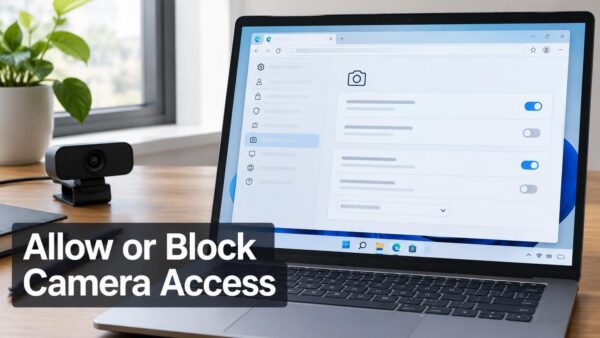
Stopping websites from using your camera and microphone in Microsoft Edge means changing what websites are allowed to see and hear through your PC. Microsoft Edge privacy settings let you…
Allowing a website to use your mic and camera in Microsoft Edge is simple and happens when a site asks for permission. Microsoft Edge asks you for permission each time…
Adding a website to your favorites in Microsoft Edge saves that page so you can easily find it again later. Microsoft Edge Favorites are like digital bookmarks. They let you…
Personalized advertising in Microsoft Edge uses your browsing habits to show you ads it thinks you’ll like. Microsoft Edge tailors ads based on your online activity, like websites you visit…
Device-based authentication in Microsoft Edge uses your Windows login, like a PIN or Windows Hello, to protect your saved passwords. This means you no longer need a separate password just…
Arranging your Microsoft Edge Favorites alphabetically automatically sorts your saved websites for easier access. Favorites, which work like bookmarks, help you quickly revisit your favorite web pages. When your list…