

Turn On Word Wrap in Notepad on Windows 11
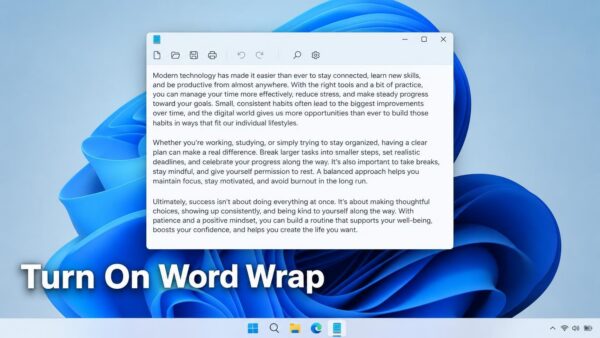
Word wrap in Notepad on Windows 11 breaks long lines at the right edge of the window, so you read a paragraph without scrolling…
Step-by-step guides for Windows, Linux, networking and everything tech — written by experts, verified for accuracy.
Most recently published
Word wrap in Notepad on Windows 11 breaks long lines at the right edge of the window, so you read a paragraph without scrolling…

Energy saver in Windows 11 switches on by itself when your battery drops to a set percentage, and one setting controls that. To block…
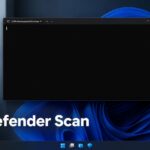
Microsoft Defender can scan your PC from Command Prompt with MpCmdRun.exe, a command-line tool that is part of Windows 11 and drives the same…

A battery limiter in Windows 11 is a laptop setting that stops charging at 80 percent instead of 100, which slows battery wear. Settings…

Photos you import from a camera in Windows 11 go to the Pictures folder by default, usually inside a subfolder named after the import…
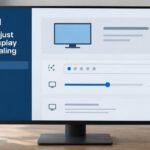
Adjusting display scaling settings in Windows 11 changes how large text, apps and icons look without changing your screen's resolution. Open Settings > System…
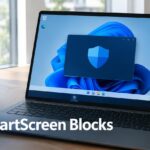
What to do when SmartScreen blocks an app you trust in Windows 11 comes down to three moves: select More info, check the Publisher…
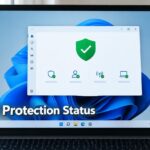
Windows Security in Windows 11 reports the state of your antivirus on its Virus & threat protection page. To check your virus protection, open…
One email when we publish a guide worth your time — new Windows features, the fixes that actually work, and a heads-up when Microsoft breaks something. Unsubscribe in one click.