

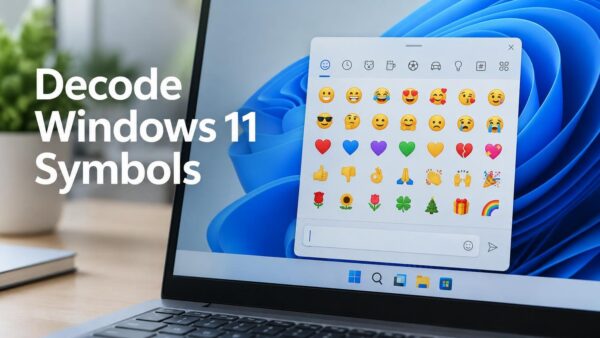



Start Registry Editor (Regedit) in Windows 11
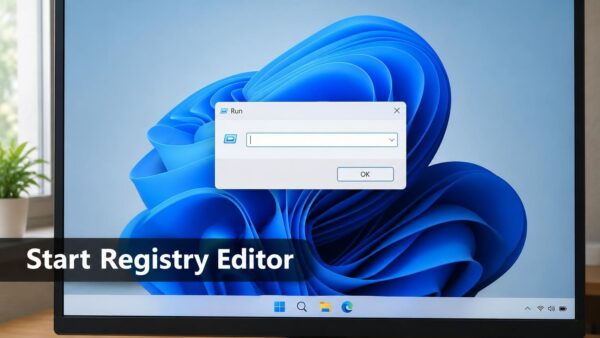
Registry Editor (regedit) opens fastest when you press Windows + R, type regedit, and press Enter. Windows 11 then asks for administrator approval through…
Step-by-step guides for Windows, Linux, networking and everything tech — written by experts, verified for accuracy.
Most recently published
Registry Editor (regedit) opens fastest when you press Windows + R, type regedit, and press Enter. Windows 11 then asks for administrator approval through…
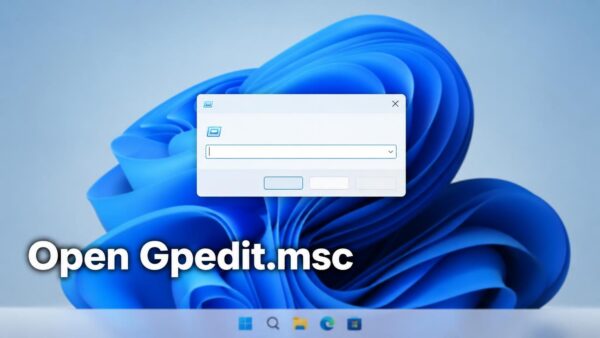
The gpedit.msc command opens the Local Group Policy Editor in Windows 11, the console where you change system and user policies. To open it,…

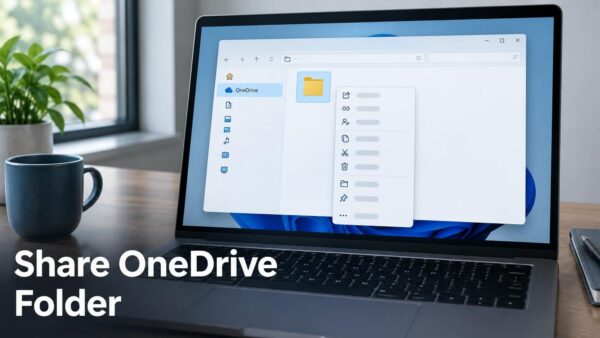
To share a OneDrive folder in Windows 11, right-click the folder in File Explorer, select Share, choose who can open it, and send the…

A hard disk drive (HDD) stores Windows and your files on spinning platters. Here is how to check whether yours is failing, and which…

The Windows Insider Program settings page in Windows 11 can now filter feature flags by enablement state, which is whether each flag is turned…

To test internet speed in Windows 11, use the Speed test Quick Setting if your build has it. If it does not, use a…

Phone controls in Quick Settings let you change common phone settings from the Windows 11 taskbar panel. Examples include turning on Do Not Disturb…
Permanently deleting files without the Recycle Bin in Windows 11 removes them in one step, with no second trip to empty the bin. The…
One email when we publish a guide worth your time — new Windows features, the fixes that actually work, and a heads-up when Microsoft breaks something. Unsubscribe in one click.