







Silence Notification Sounds in Windows 11
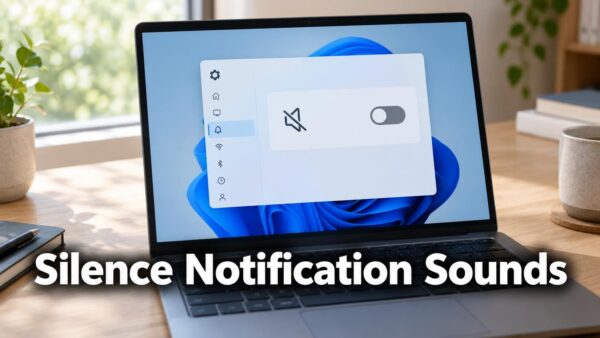
To silence every notification chime, clear Allow notifications to play sounds in Settings > System > Notifications. The change applies immediately and needs no…
Step-by-step guides for Windows, Linux, networking and everything tech — written by experts, verified for accuracy.
Most recently published
To silence every notification chime, clear Allow notifications to play sounds in Settings > System > Notifications. The change applies immediately and needs no…

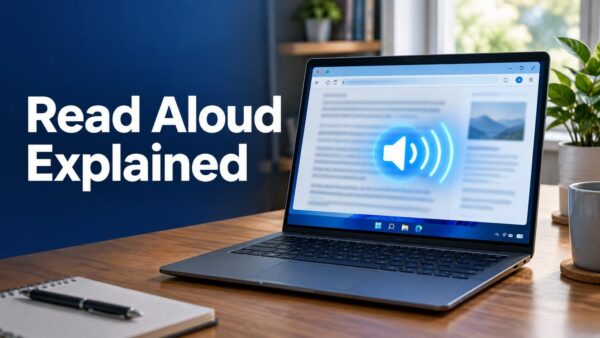
Read Aloud in Windows 11 is a text-to-speech tool (software that turns written text into spoken audio). It reads the text on your screen…

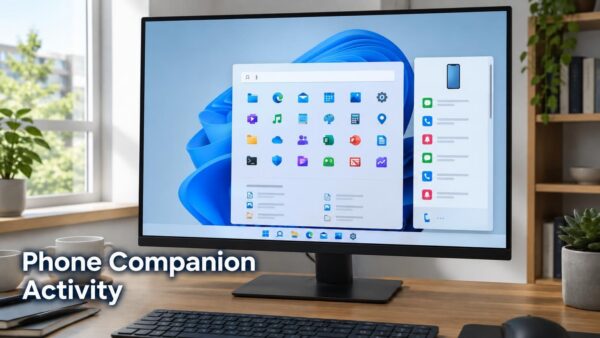
Phone companion activity in the Windows 11 Start menu is a preview feature that shows your recent phone activity in a scrollable side pane,…

Energy Recommendations in Quick Settings only appear on Windows Insider preview builds. Open Quick Settings from the right side of the taskbar, or press…

The Battery Status widget in Windows 11 shows battery levels for your PC and your peripheral devices (connected accessories such as wireless mice or…

Advanced haptics in Windows 11 adds subtle tactile cues, small touches you feel through the hardware, so that on-screen interactions feel more natural and…

The new Windows Search experience in Windows 11 is a rebuilt search window that Microsoft announced on 7 October 2026. It uses WinUI 3,…

Sending a text from Windows 11 search with Phone Link means typing a request into Windows Search and having your connected phone send the…
One email when we publish a guide worth your time — new Windows features, the fixes that actually work, and a heads-up when Microsoft breaks something. Unsubscribe in one click.