

How to Use Energy Recommendations in Quick Settings in Windows 11
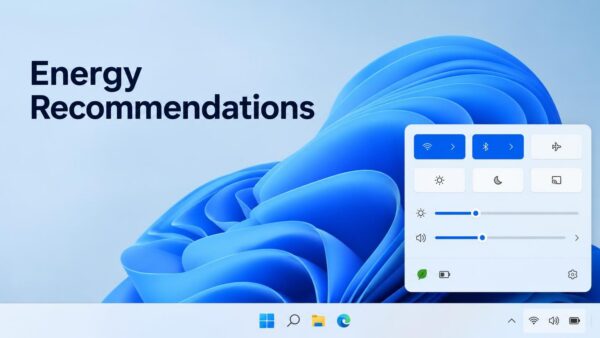
Energy Recommendations in Quick Settings only appear on Windows Insider preview builds. Open Quick Settings from the right side of the taskbar, or press…
Step-by-step guides for Windows, Linux, networking and everything tech — written by experts, verified for accuracy.
Most recently published
Energy Recommendations in Quick Settings only appear on Windows Insider preview builds. Open Quick Settings from the right side of the taskbar, or press…
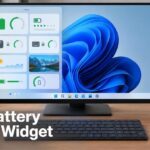
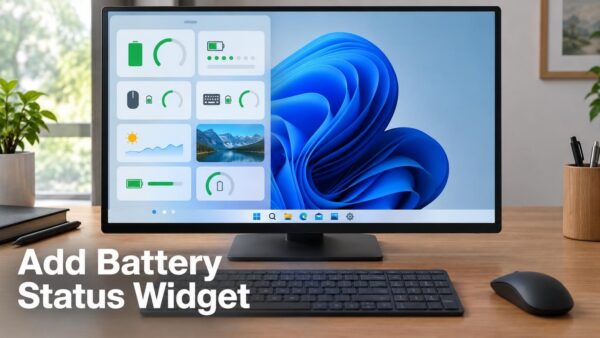
The Battery Status widget in Windows 11 shows battery levels for your PC and your peripheral devices (connected accessories such as wireless mice or…

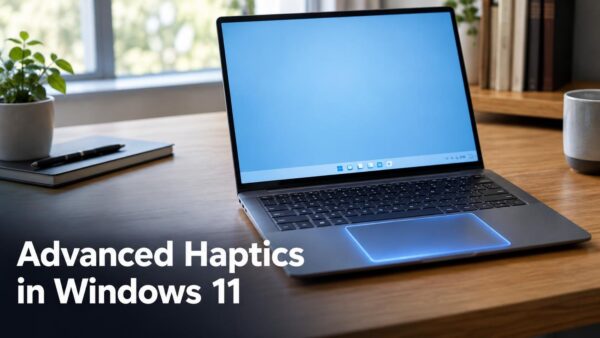
Advanced haptics in Windows 11 adds subtle tactile cues, small touches you feel through the hardware, so that on-screen interactions feel more natural and…
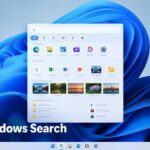
The new Windows Search experience in Windows 11 is a rebuilt search window that Microsoft announced on 7 October 2026. It uses WinUI 3,…

Sending a text from Windows 11 search with Phone Link means typing a request into Windows Search and having your connected phone send the…
Pairing AirPods with Windows 11 takes about a minute. Open Settings > Bluetooth & devices, select Add device, and put the AirPods in pairing…

Phone Link messages appear on the Messages tab of the Phone Link app in Windows 11. To reply, open a conversation there, type in…
The Windows 11 26H2 new features that Microsoft names are features that shipped switched off in version 25H2 and now start turned on. Microsoft…
One email when we publish a guide worth your time — new Windows features, the fixes that actually work, and a heads-up when Microsoft breaks something. Unsubscribe in one click.