How to Access the Handwriting Panel in Windows 11
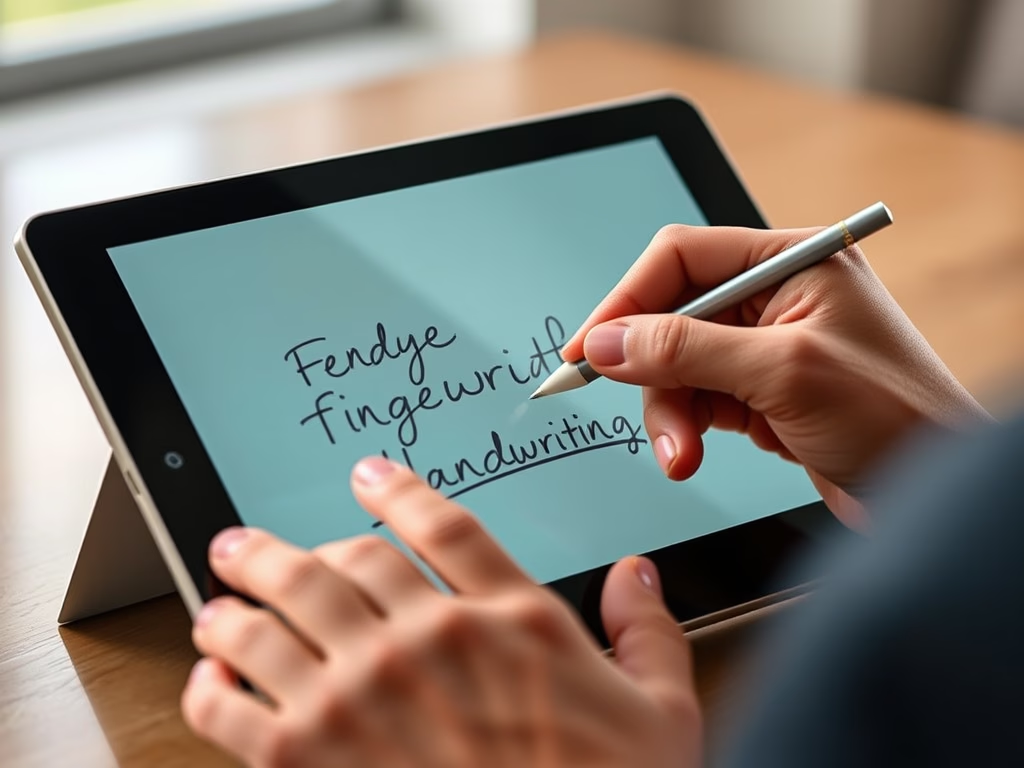
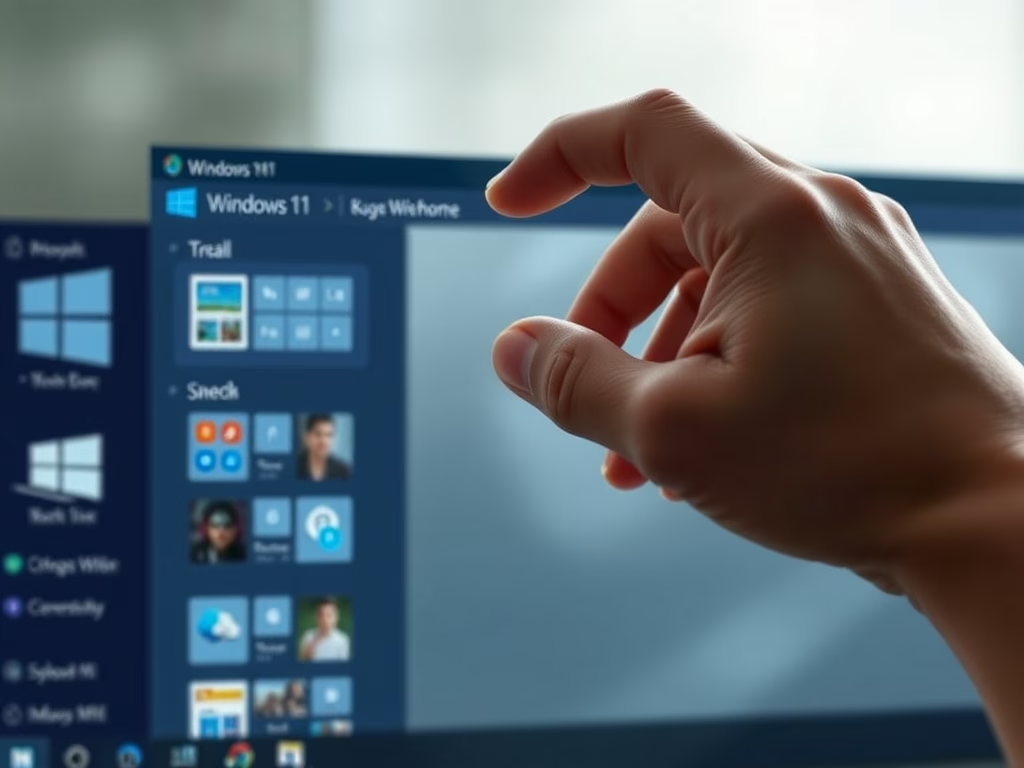
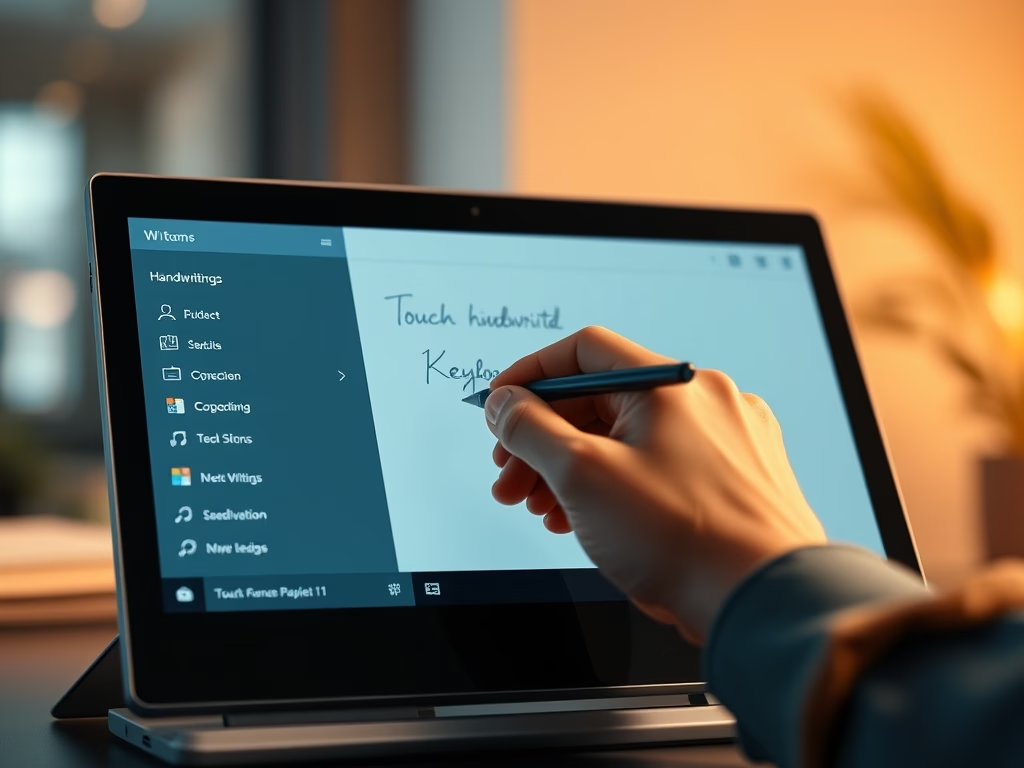
Windows 11 allows touchscreen device users to type using an on-screen keyboard and a handwriting panel. To enable it, activate the touch keyboard in the taskbar settings and select handwriting mode. This lets users write text with a finger or pen, which Windows converts into typed text.
Updated Oct 2026
Read more →